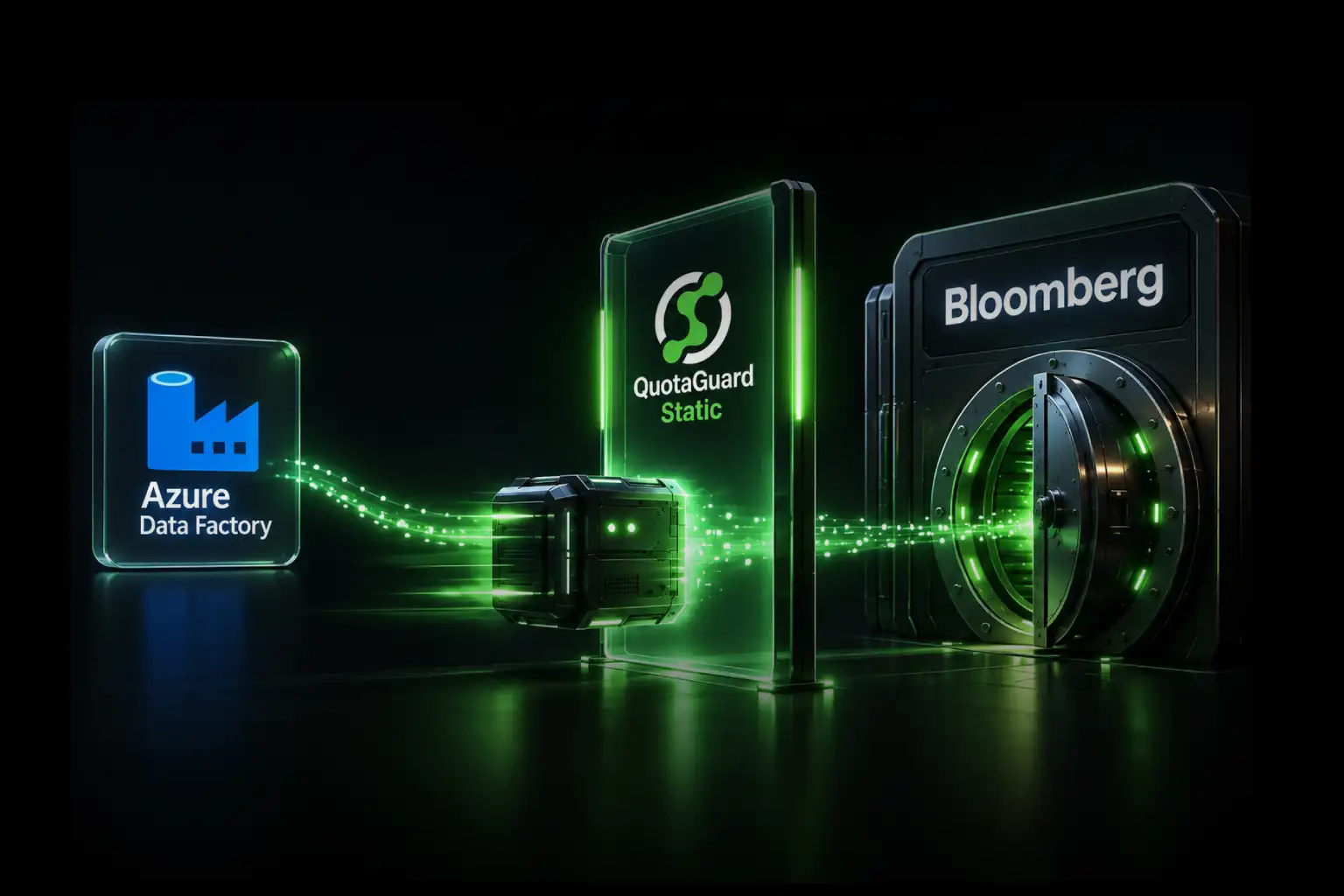
Render officially documents QuotaGuard as a supported static-outbound-IP integration. If an API, database, payment provider, or trading partner needs a small stable allowlist, route that connection through QuotaGuard and give the destination the two static addresses shown in your subscription.
That gives your Render application a stable outbound identity without asking a client to approve broad regional ranges and without turning static egress into infrastructure your team has to build, monitor, and repair. QuotaGuard operates the proxy capacity, health checks, load balancing, failover, monitoring, and incident response.
The route is also selective. Your application can send only the protected API, database, or partner connection through QuotaGuard while unrelated traffic continues to use Render normally. If the application later moves away from Render, the same QuotaGuard identity and downstream allowlist can move with it.
Why QuotaGuard Is the Normal Fit for a Small Stable Allowlist
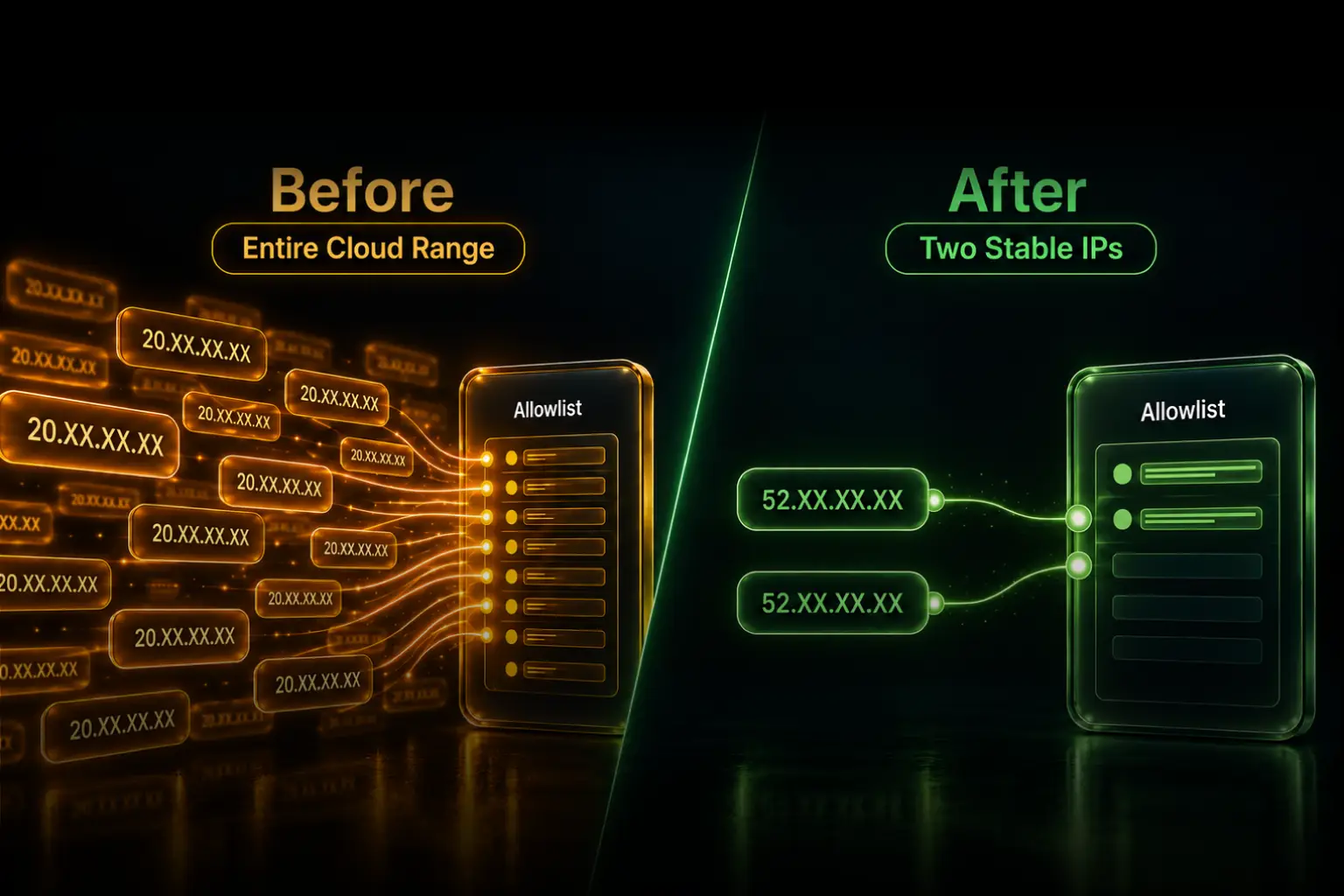
Render's standard outbound traffic comes from shared regional ranges. Those ranges work for destinations willing to authorize the complete current list. They become a problem when a security team will approve only one or two stable addresses, rejects broad CIDR entries, or requires every firewall change to go through a review process.
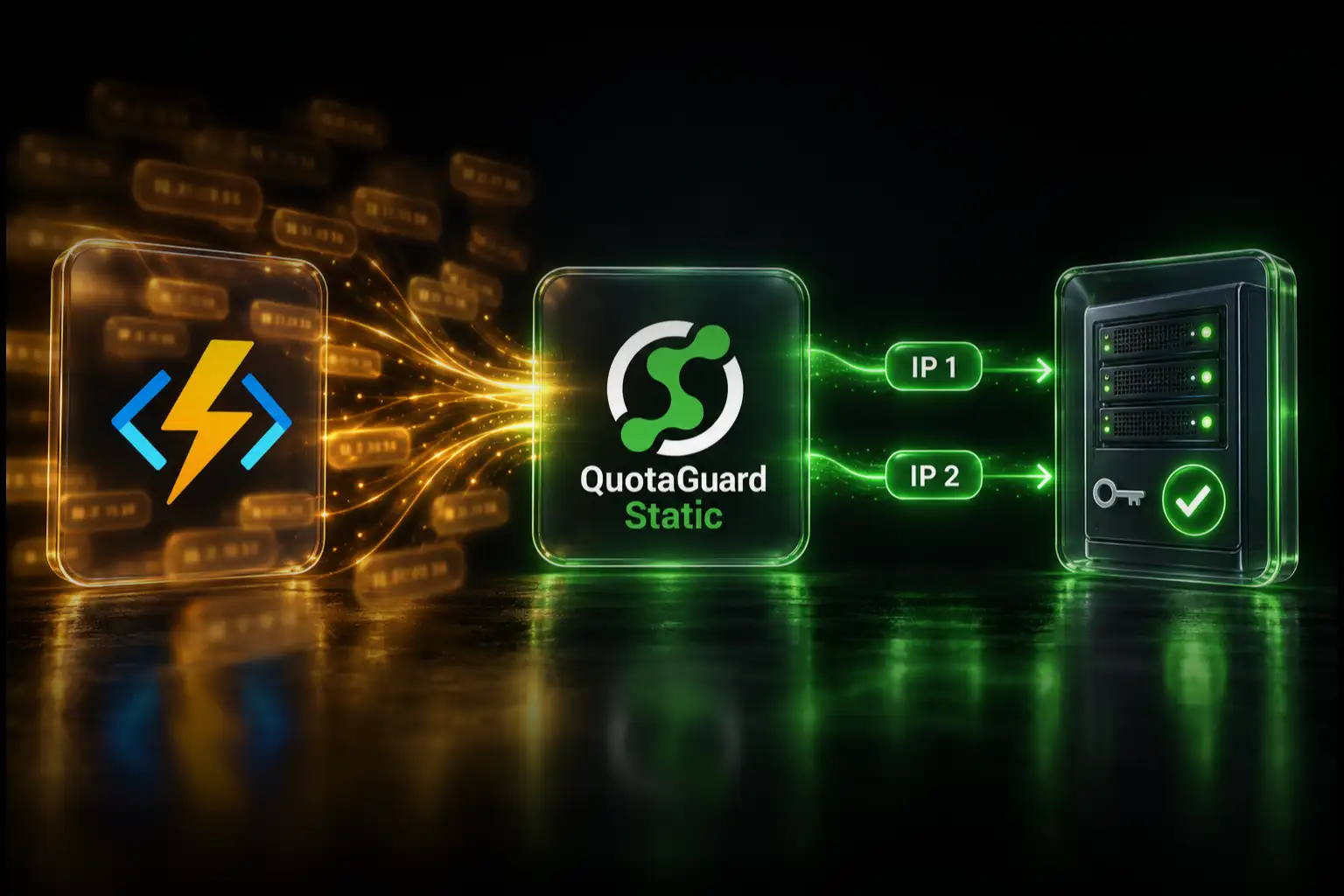
QuotaGuard replaces that moving platform dependency with a stable application-level route:
Render service → QuotaGuard → allowlisted destination
- Two stable addresses: provide both subscription IPs to the destination so the managed failover path remains approved.
- Selective routing: send only the connections that require static egress through QuotaGuard.
- Managed operations: QuotaGuard operates the proxy service, capacity, health checks, monitoring, and incident response.
- Cross-platform portability: keep the same egress identity if the workload later moves to another supported hosting platform.
- Protocol coverage: use the HTTP or HTTPS proxy for compatible clients and SOCKS5 or QGTunnel for supported TCP connections.
- Direct support: work with engineers who operate the egress service instead of owning another production network component yourself.
QuotaGuard Static starts at $19 per month. The price matters, but the larger advantage is operational ownership: your team consumes a managed egress service rather than creating a proxy or NAT system that it must keep available.
One Short Disclosure About Render Dedicated IPs
Render also sells a native dedicated-IP feature. It requires a Pro workspace or higher, costs $100 per IP set each month, provides three exclusive IPv4 addresses in one Render region, and applies broadly to a workspace or selected environments. The identity remains tied to Render, and a multi-region deployment needs a set in each applicable region.
That option is relevant when a policy specifically requires customer-exclusive addresses and transparent platform-level routing for all supported traffic in scope. For the more common case where one API, database, payment provider, or partner needs a small stable allowlist, QuotaGuard provides the targeted managed route. QuotaGuard Enterprise is available when the QuotaGuard deployment itself must use exclusive IPs and proxy resources.
Address ownership: QuotaGuard Starter, Production, and Business plans provide a stable pair on managed shared proxy infrastructure. The addresses are stable for allowlisting but are not customer-exclusive. Do not describe a standard QuotaGuard subscription as dedicated.
Configure QuotaGuard on Render
- Create a QuotaGuard subscription in the region nearest your Render workload.
- Copy the proxy connection URL and both assigned outbound IPs from the QuotaGuard dashboard.
- Add
QUOTAGUARDSTATIC_URLto the Render service's secret environment variables or attach an environment group containing it. - Configure the application client that connects to the protected destination.
- Ask the destination to allowlist both QuotaGuard addresses.
- Verify the route against
https://ip.quotaguard.com.
For a Blueprint, do not commit the proxy credentials. Define the key with sync: false during initial creation, or add the value manually in the Render Dashboard for an existing service. Render notes that sync: false values are not copied automatically into preview environments.
services:
  - type: web
    name: my-render-service
    runtime: node
    envVars:
      - key: QUOTAGUARDSTATIC_URL
        sync: false
Adding the environment variable does not redirect traffic by itself. The HTTP client, database driver, SOCKS5 client, or tunnel must be configured to use the QuotaGuard connection.
Node.js HTTP and HTTPS Example
Install undici, then use its own fetch and ProxyAgent. Node's built-in fetch does not use the older agent option shown in some examples.
const { fetch, ProxyAgent } = require('undici');

const dispatcher = new ProxyAgent(process.env.QUOTAGUARDSTATIC_URL);

const response = await fetch('https://ip.quotaguard.com', {
  dispatcher
});

if (!response.ok) {
  throw new Error(`Proxy test failed: ${response.status}`);
}

console.log(await response.text());
Python HTTP and HTTPS Example
import os
import requests

proxy_url = os.environ["QUOTAGUARDSTATIC_URL"]

response = requests.get(
    "https://ip.quotaguard.com",
    proxies={"http": proxy_url, "https": proxy_url},
    timeout=30,
)
response.raise_for_status()
print(response.text)
The returned address should match one of the two IPs displayed in the QuotaGuard dashboard. A short test may show only one because of connection reuse and load balancing. The destination should still allowlist both so the managed failover route remains available.
Database, SFTP, and Other TCP Connections
An HTTP proxy setting does not automatically route PostgreSQL, MySQL, MongoDB, SFTP, or another raw TCP protocol. Use a compatible SOCKS5 client or QGTunnel for those connections.
Keep the destination hostname and application authentication unchanged. Configure the tunnel or client, add both QuotaGuard addresses to the destination allowlist, and test the exact production connection before removing any previous source addresses. If you need help mapping a Render runtime or client library to the correct path, contact QuotaGuard support.
QuotaGuard Static or Shield?
QuotaGuard Static and Shield both forward HTTPS through a blind CONNECT tunnel and do not decrypt the destination payload. With Static, the client-to-proxy hop uses the plaintext HTTP proxy protocol while the HTTPS payload inside the tunnel remains encrypted to the destination.
QuotaGuard Shield starts at $29 per month and adds TLS around the client-to-proxy hop. Choose Shield when your network policy, security review, or supported regulated-data configuration requires that protected first hop. Neither product makes an application compliant by itself.
Give the Destination a Stable Identity Without Owning the Infrastructure
The immediate result is simple: the destination sees one of two stable addresses instead of Render's changing shared ranges. The operational result matters just as much. Your team does not have to deploy proxy servers, build failover, monitor capacity, respond to network incidents, or repeat the work when the application changes hosting platforms.
Render has maintained first-party QuotaGuard setup documentation because this is a supported integration pattern, not an unsupported workaround. Create the subscription, store the connection URL as a secret, route the protected client through it, and provide both addresses to the destination.
View QuotaGuard plans or talk directly to a QuotaGuard engineer about the destination and protocol you need to route.