Static IP for Binance Futures API: Stop 403 Errors and Withdrawal Lockouts

QuotaGuard Engineering
May 20, 2026
5 min read
Pattern

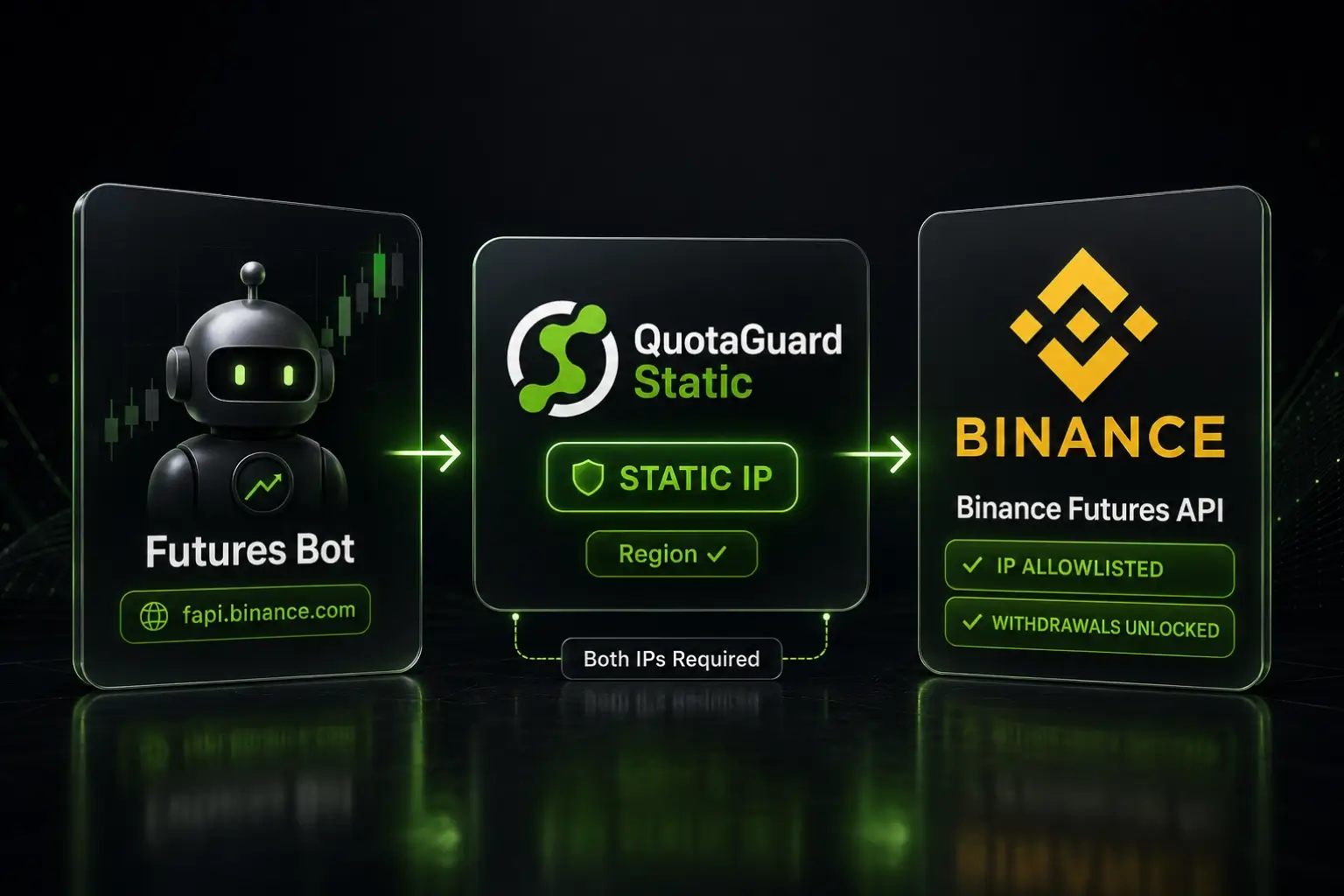
A static IP proxy gives your Binance Futures bot a fixed outbound identity that satisfies fapi.binance.com IP allowlist requirements and unlocks withdrawal permissions on your Futures API keys.

Binance Futures runs on a separate API endpoint from Binance Spot. USD-M Futures egress to fapi.binance.com. COIN-M Futures egress to dapi.binance.com. Both endpoints have their own rate limits, their own enforcement quirks, and their own account-level toggles. When your Futures bot runs on a cloud platform with rotating outbound IPs, the same problems that hit Spot bots hit Futures bots harder, because Futures positions are leveraged and a blocked margin call is more expensive than a blocked spot order.

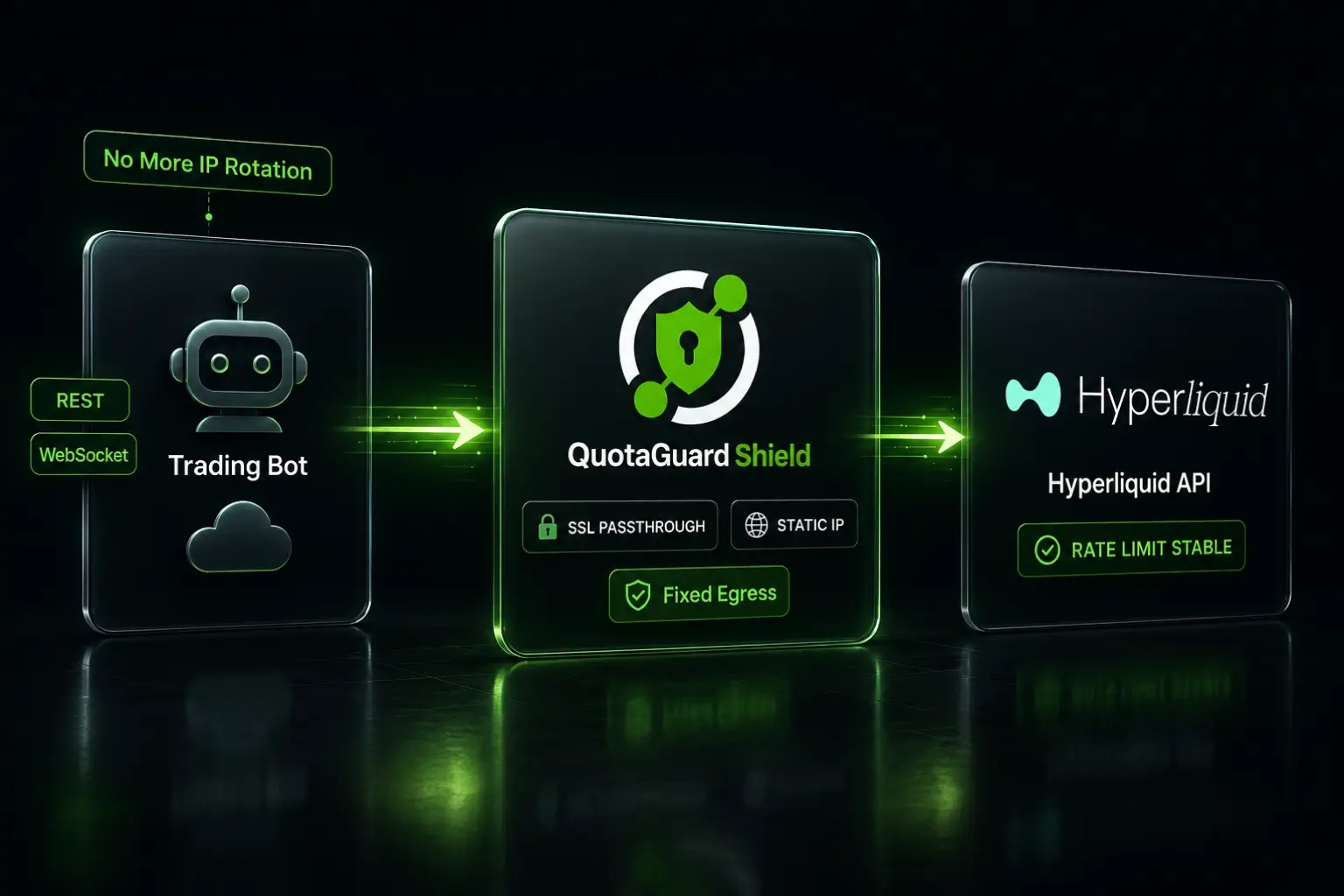
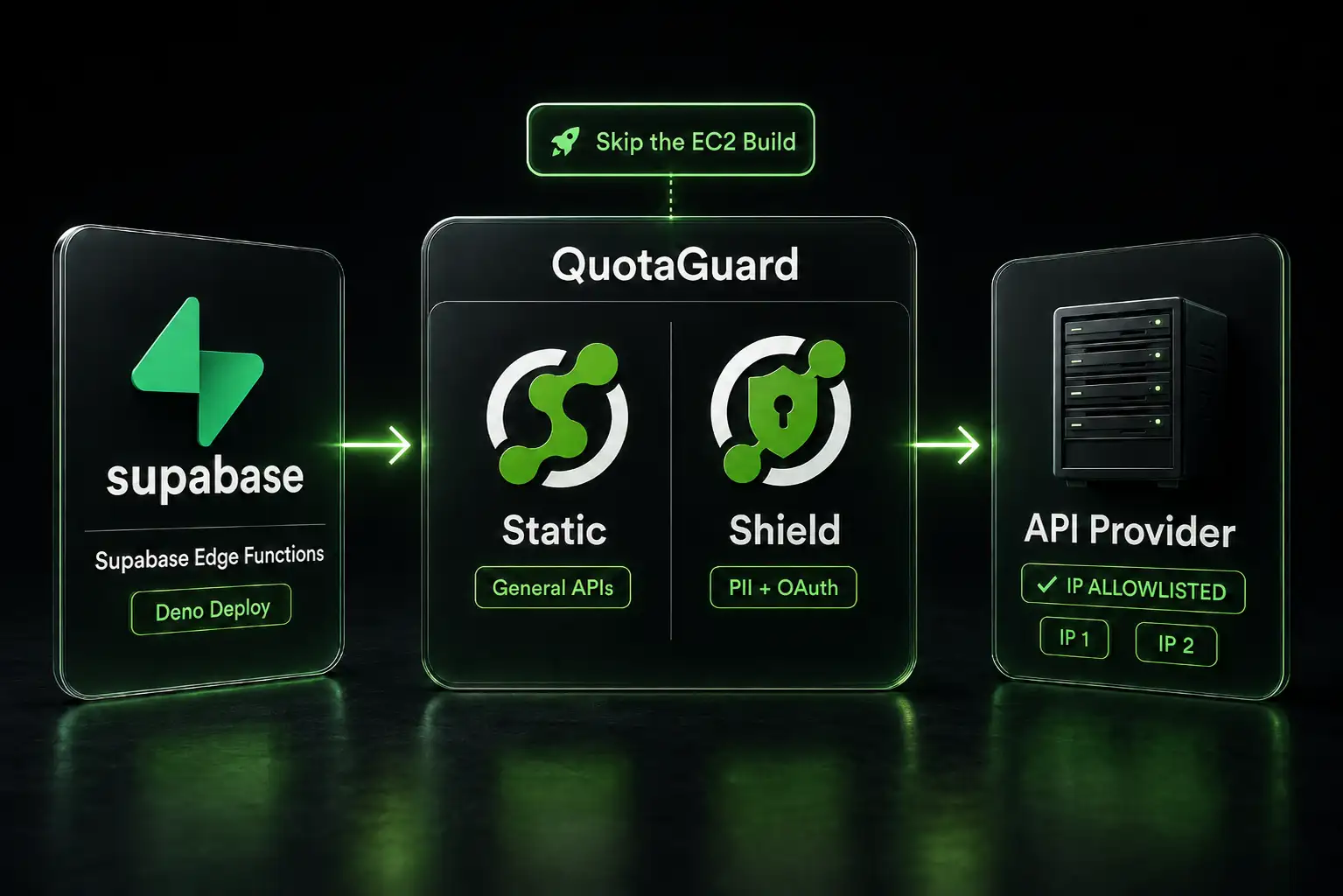
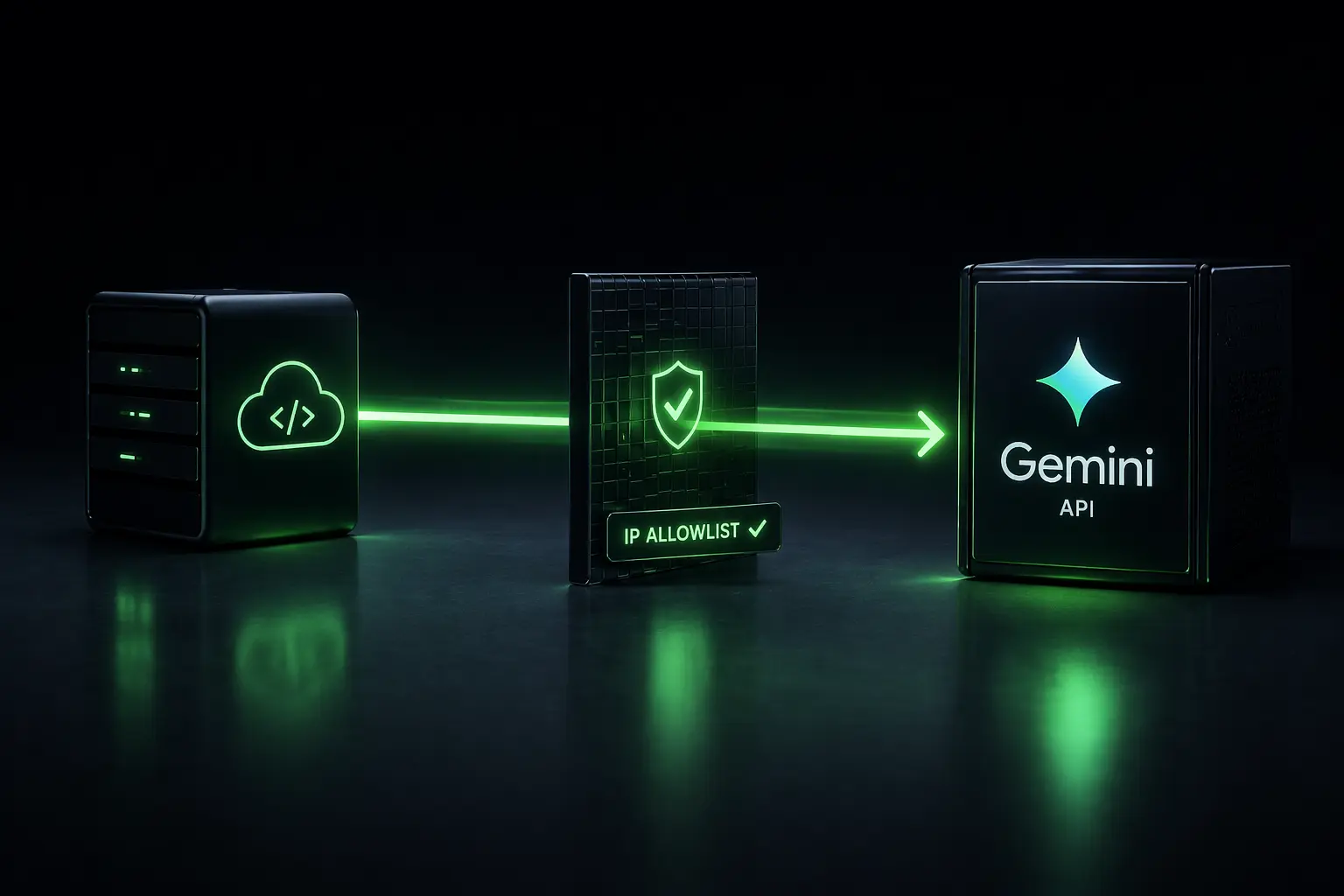
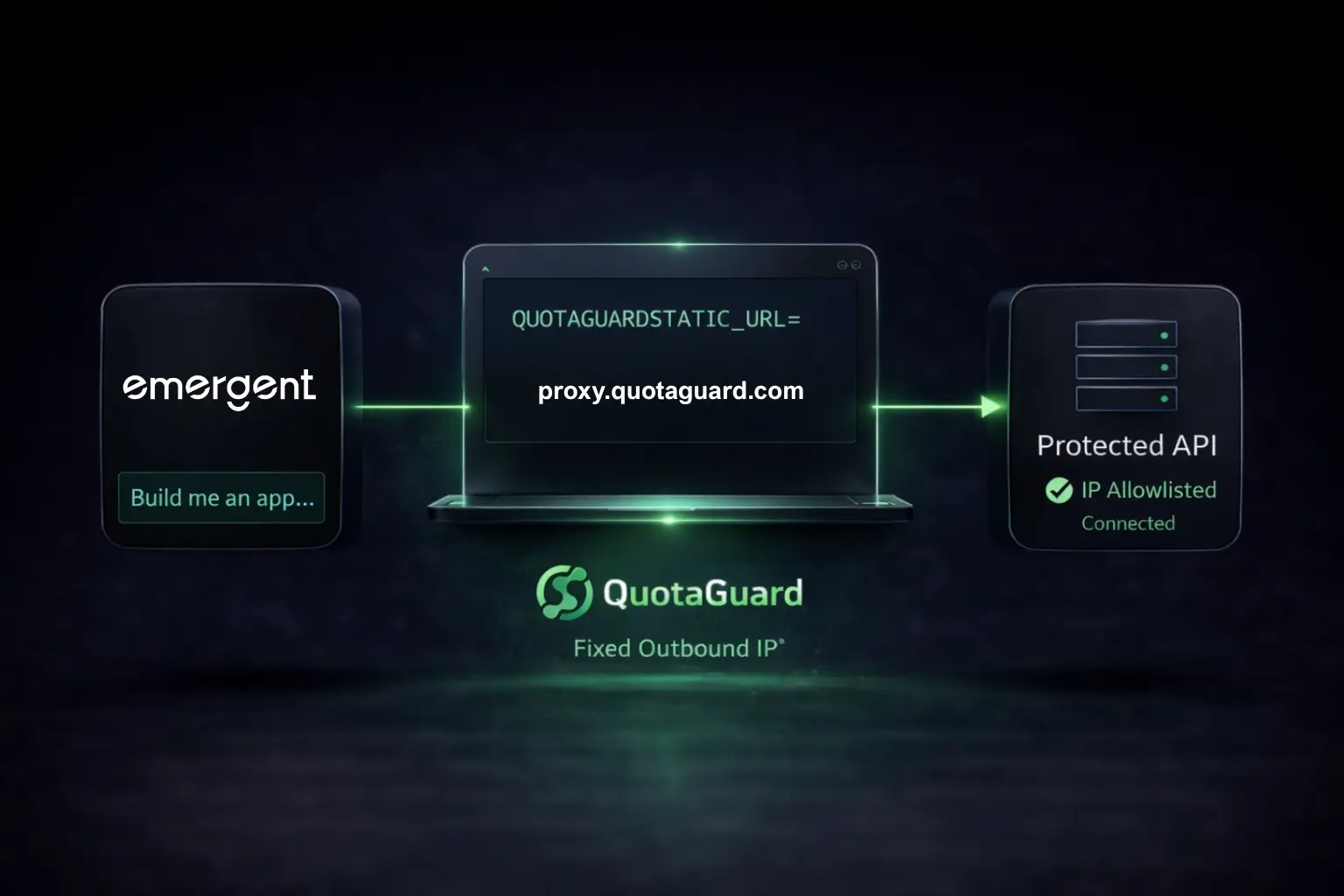
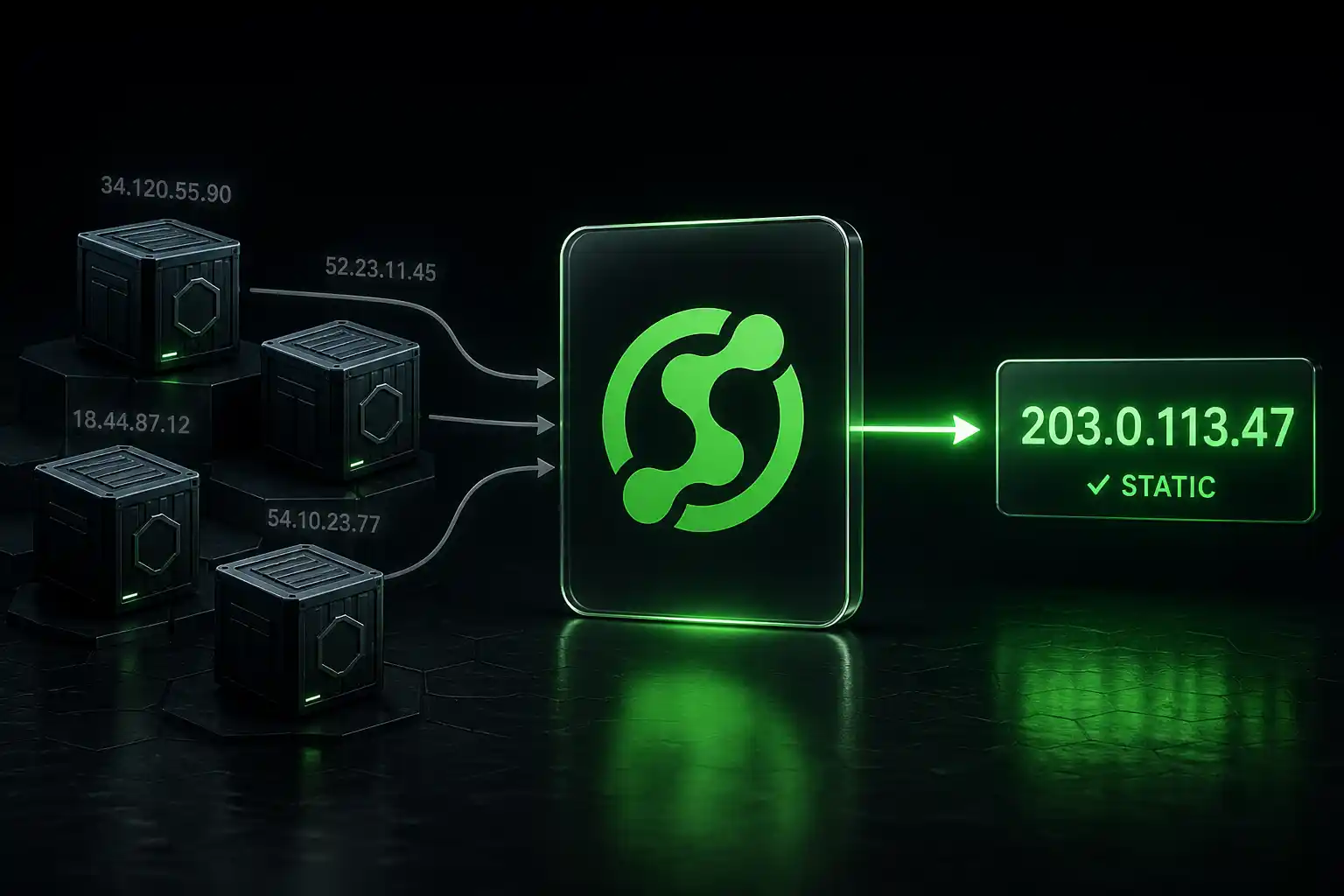
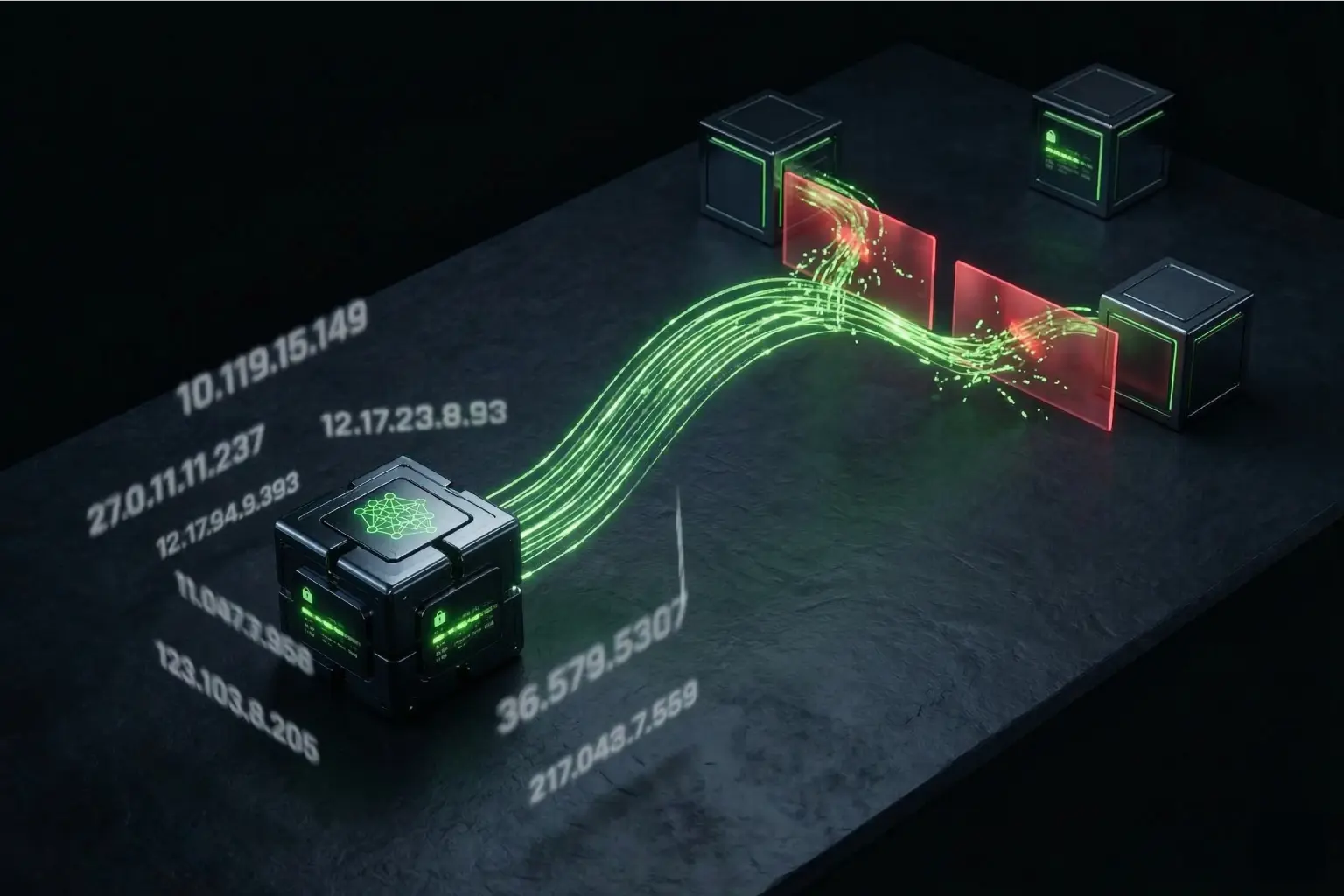
A static IP proxy solves the network-layer problem cleanly. Your bot keeps running on whatever platform you're already paying for. The proxy routes outbound calls to fapi.binance.com and dapi.binance.com through a fixed IP, and that IP becomes the identity Binance sees on every request.

Binance Futures Uses Different Endpoints Than Spot

This is the first thing to verify before configuring anything else. Binance Spot API calls go to api.binance.com. Binance USD-M Futures (where most retail Futures traders operate) goes to fapi.binance.com. Binance COIN-M Futures (inverse Futures, denominated in the underlying coin) goes to dapi.binance.com. These are three separate base URLs with three separate rate limit pools and three separate sets of enforcement rules.

If your bot is configured for Spot endpoints and you point it at a Futures-only API key, the calls fail before they reach the rate limiter. If your IP allowlist is set on the Spot API key and your bot is calling Futures endpoints with a separate key, the allowlist doesn't apply. Endpoint separation, account separation, and key separation all need to line up.

Futures Requires a Separately Enabled Account and Separate Permissions

Binance accounts don't trade Futures by default. The account holder has to explicitly enable Futures, which usually involves accepting a risk disclosure and (for COIN-M Futures) opting in separately from USD-M. Sub-accounts can be configured with Futures enabled or disabled at the parent-account level.

Beyond account-level enablement, API key permissions are also gated. When you create a Binance API key, you can independently enable:

  • Spot and Margin Trading
  • Futures (USD-M)
  • Withdrawals

An API key with only Spot enabled cannot place Futures orders, even if Futures is active on the account. Per Binance's API key documentation, withdrawal permission requires an IP allowlist to be configured before it can be enabled at all. This is a hard requirement, not a recommendation.

Withdrawal Permissions Require IP Allowlisting on Futures Keys

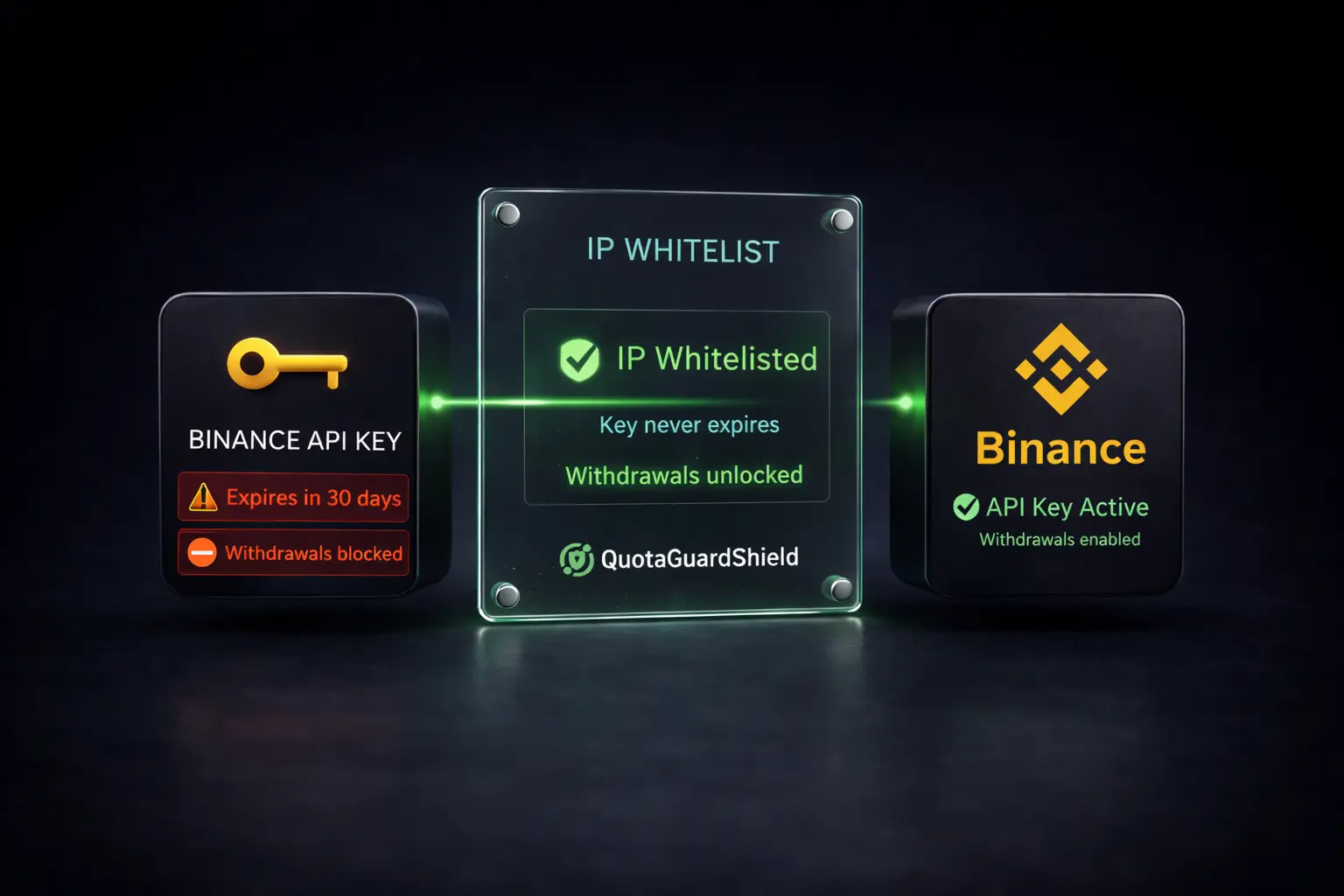
Per Binance's documentation, an API key cannot have withdrawal permission unless an IP allowlist is configured. This applies to both Spot and Futures keys. The mechanic is the same: configure an IP allowlist on the key, then withdrawal permission becomes available to enable. Without the allowlist, the withdrawal toggle stays disabled and withdrawal API calls return an error.

For Futures bot operators, this matters at two moments. First, when you fund the Futures wallet from Spot via API (an internal transfer that may use the withdrawal endpoint depending on your implementation). Second, when you cash out profits from Futures back to Spot or to an external wallet. If either path uses an API call that touches withdrawal scope, the allowlist requirement applies.

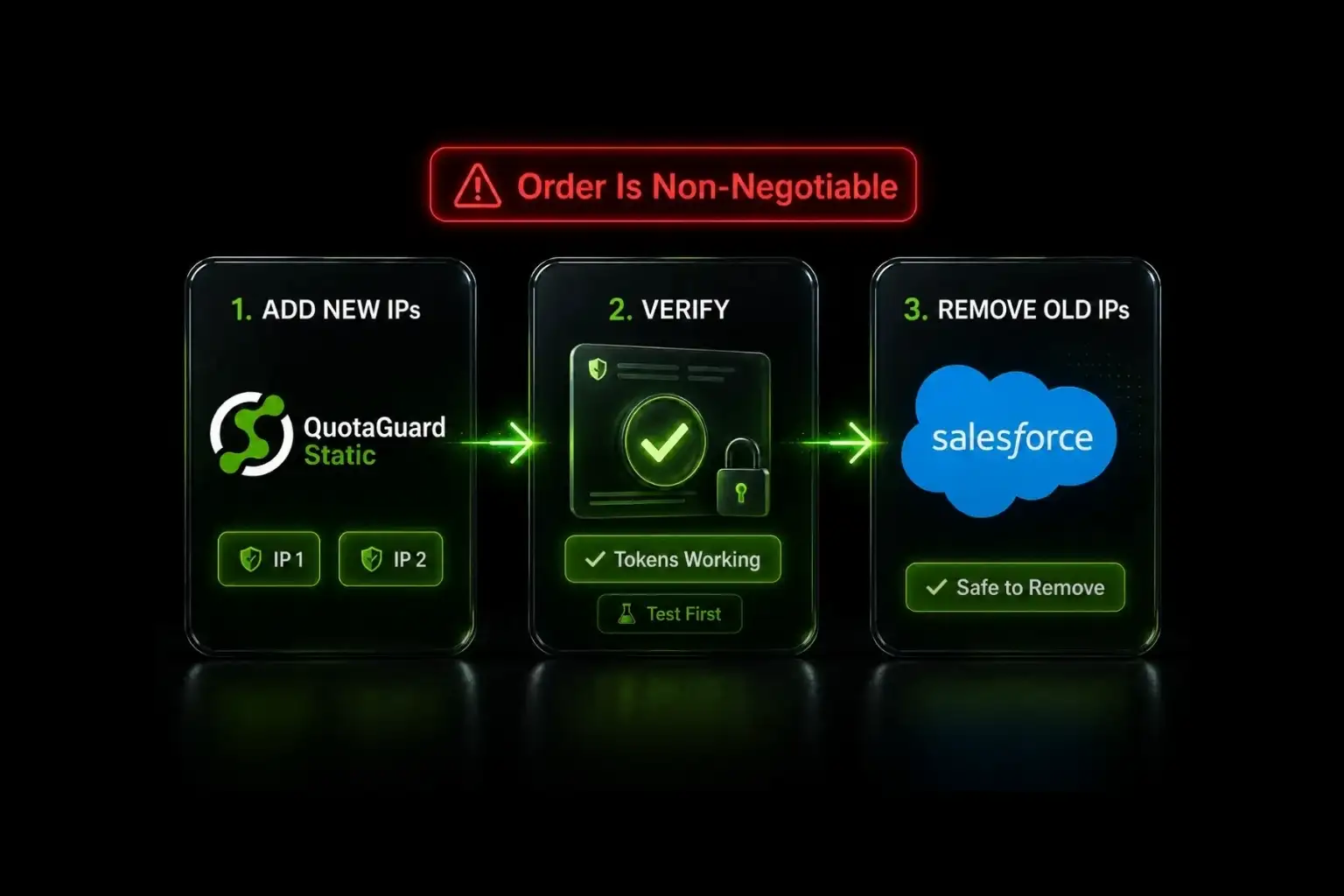
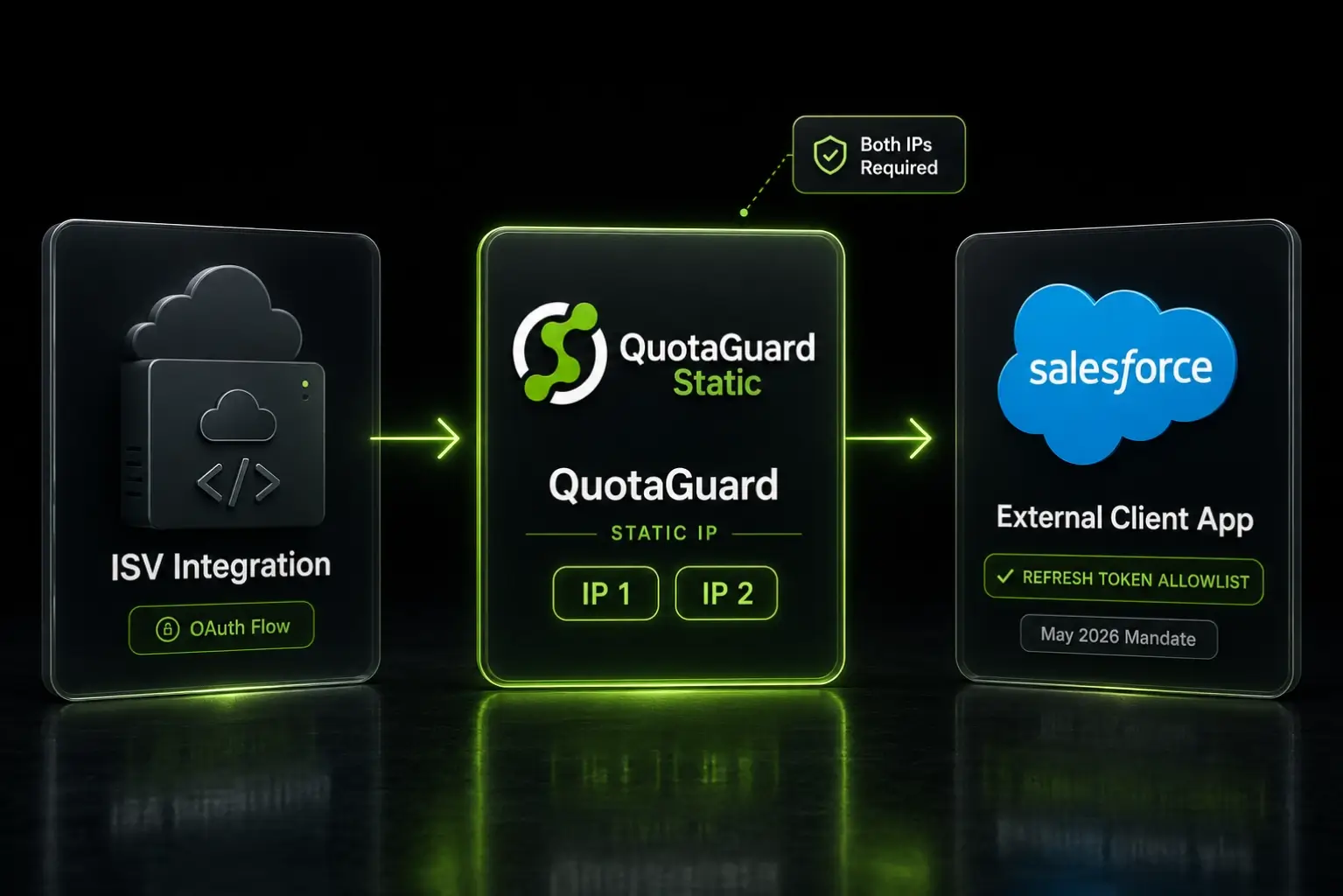
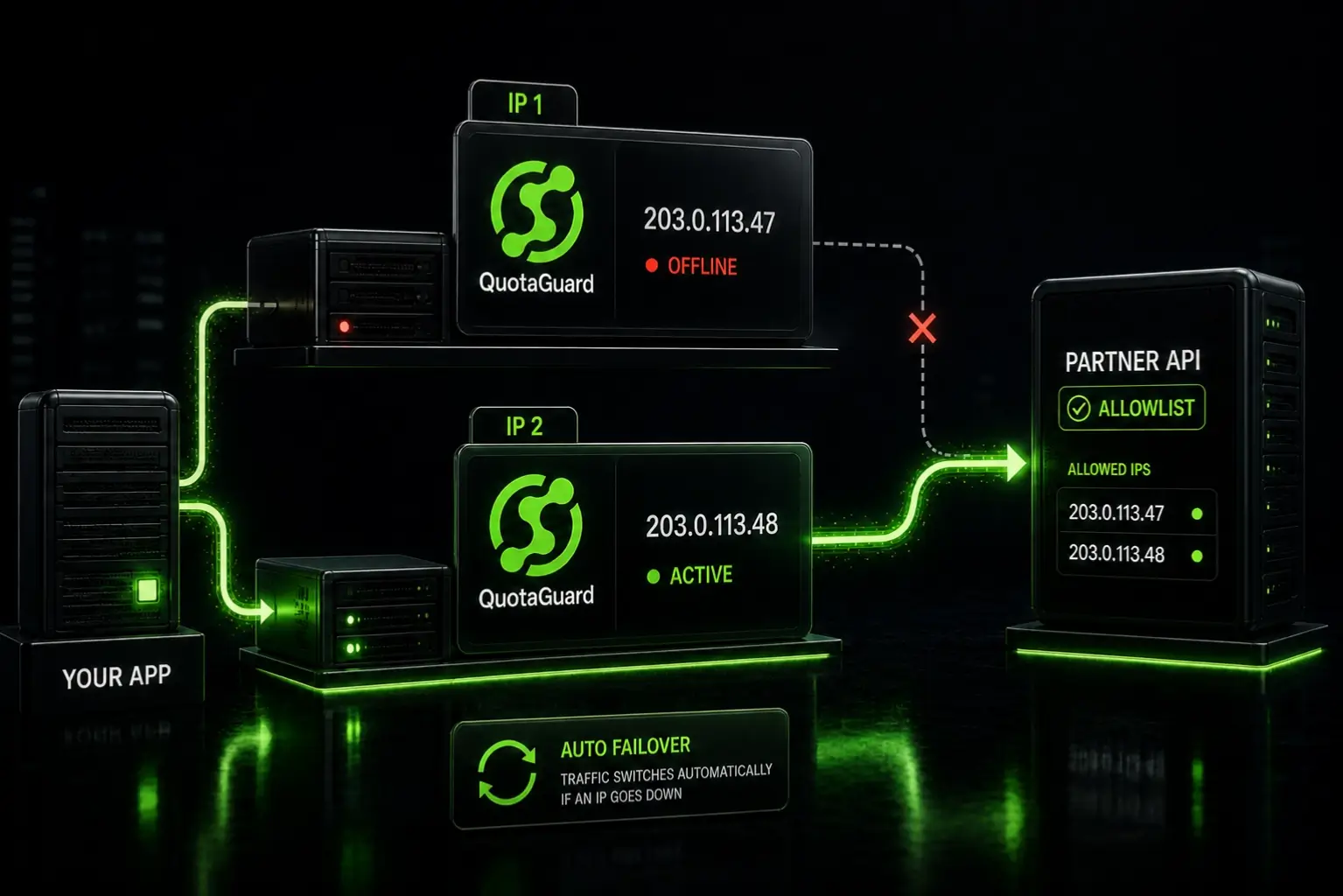
A static IP proxy gives you a stable IP to add to that allowlist. From your QuotaGuard dashboard, you get a load-balanced pair of static IPs. Both go on the Binance API key's allowlist field. Binance accepts up to 30 IPs per allowlist (verify the current limit in Binance's API key UI; the documented limits have shifted over the years).

Trade-Only Keys Can Skip the Allowlist, But It's Recommended

If your Futures API key has trade permission but not withdrawal permission, the IP allowlist is technically optional. Per Binance's documentation, the API still responds from any IP when the key is trade-only and no allowlist is configured. The key isn't blocked by the absence of an allowlist.

That said, Binance has a documented policy that API keys without an IP allowlist are deleted after a period of inactivity. Per Binance's December 2022 announcement, the period was 30 days. Per a Binance announcement on 2023-10-24, the previous permission rules "are no longer applicable," but Binance hasn't published a clear replacement policy as of this writing. The conservative read: configure an IP allowlist on any production Futures key, regardless of whether withdrawal permission is needed. The allowlist removes the deletion risk and tightens the attack surface.

QuotaGuard tip: Across our customer base running Futures bots, the most common operational mistake is treating Spot and Futures as one workflow. Many traders configure an IP allowlist on the Spot API key (because withdrawals are required for funding flows) but skip it on the Futures-only trading key. Then their Futures key gets deleted during a slow trading period and the bot silently stops working. Configure the allowlist on every key you use in production, even trade-only Futures keys.

Binance Futures Rate Limits Are Per-IP, Not Just Per-Key

Binance documents separate rate limits for fapi.binance.com and api.binance.com. The Futures REQUEST_WEIGHT limit is 2400 per minute by default. The ORDER limit on Futures is 1200 orders per minute. These limits apply per IP address, not just per API key.

That distinction matters when multiple bots share infrastructure. If you run two Futures bots on the same cloud platform with the same outbound IP (because both share a NAT Gateway), they're competing for the same per-IP rate limit pool. A static IP proxy doesn't change that math, but it makes the math predictable. You know the IP, you know the rate limit, and you can plan capacity instead of guessing.

For high-frequency strategies, dedicated IPs (available on QuotaGuard Enterprise) give each bot its own IP and its own rate limit pool. Most Futures strategies don't need this, but market-makers and arbitrage bots with sub-second execution windows often do.

HTTP 451 Errors Indicate a Geolocation Block, Not a Configuration Issue

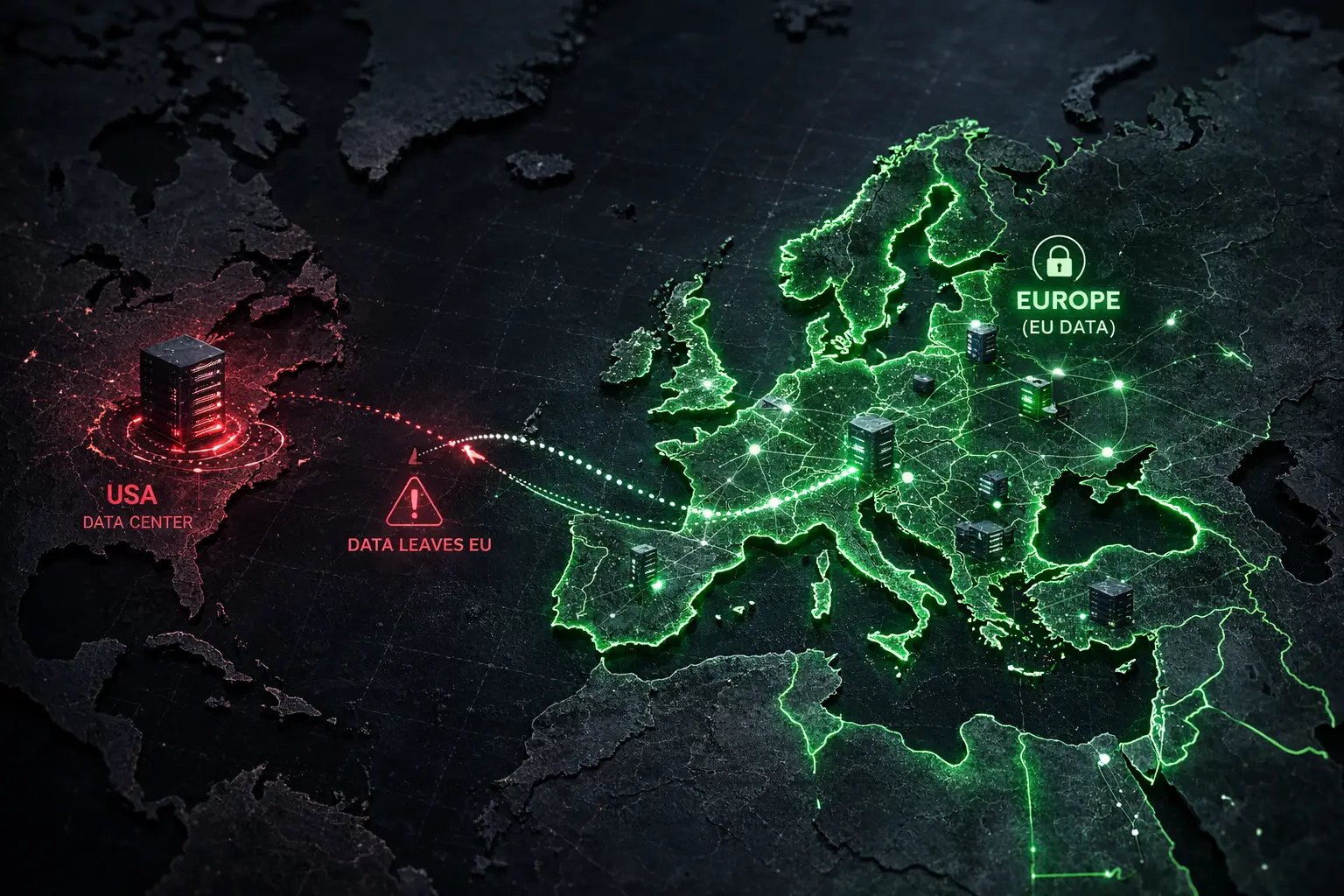
Binance enforces geolocation restrictions on Futures access for users in certain regions, including the United States and others. The enforcement happens at the API layer based on the source IP, not just at the account-level KYC check. If your bot egresses from a cloud region where Binance restricts Futures access, the API returns HTTP 451 ("Unavailable For Legal Reasons") with the message "Service unavailable from a restricted location according to 'b. Eligibility' in https://www.binance.com/en/terms".

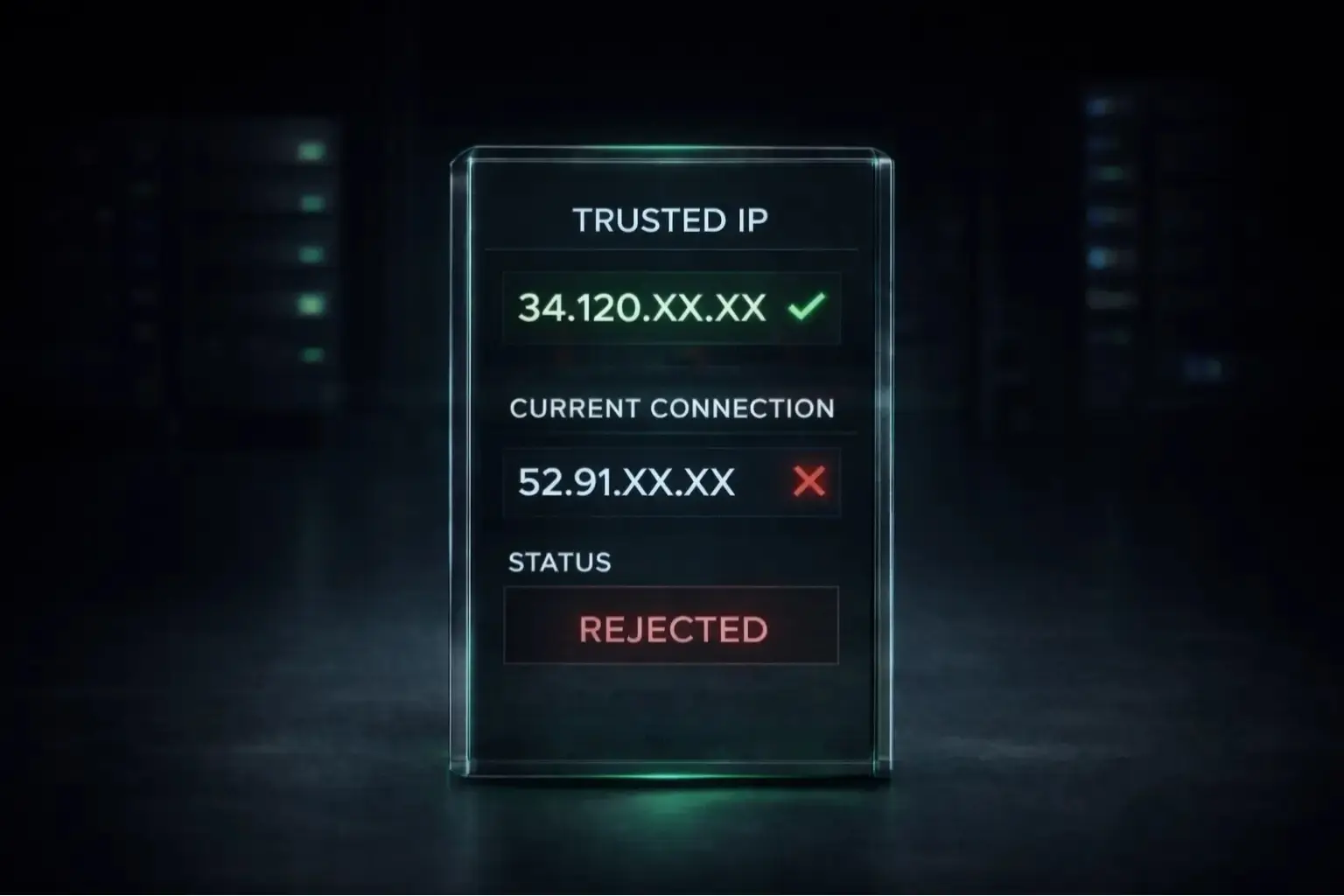
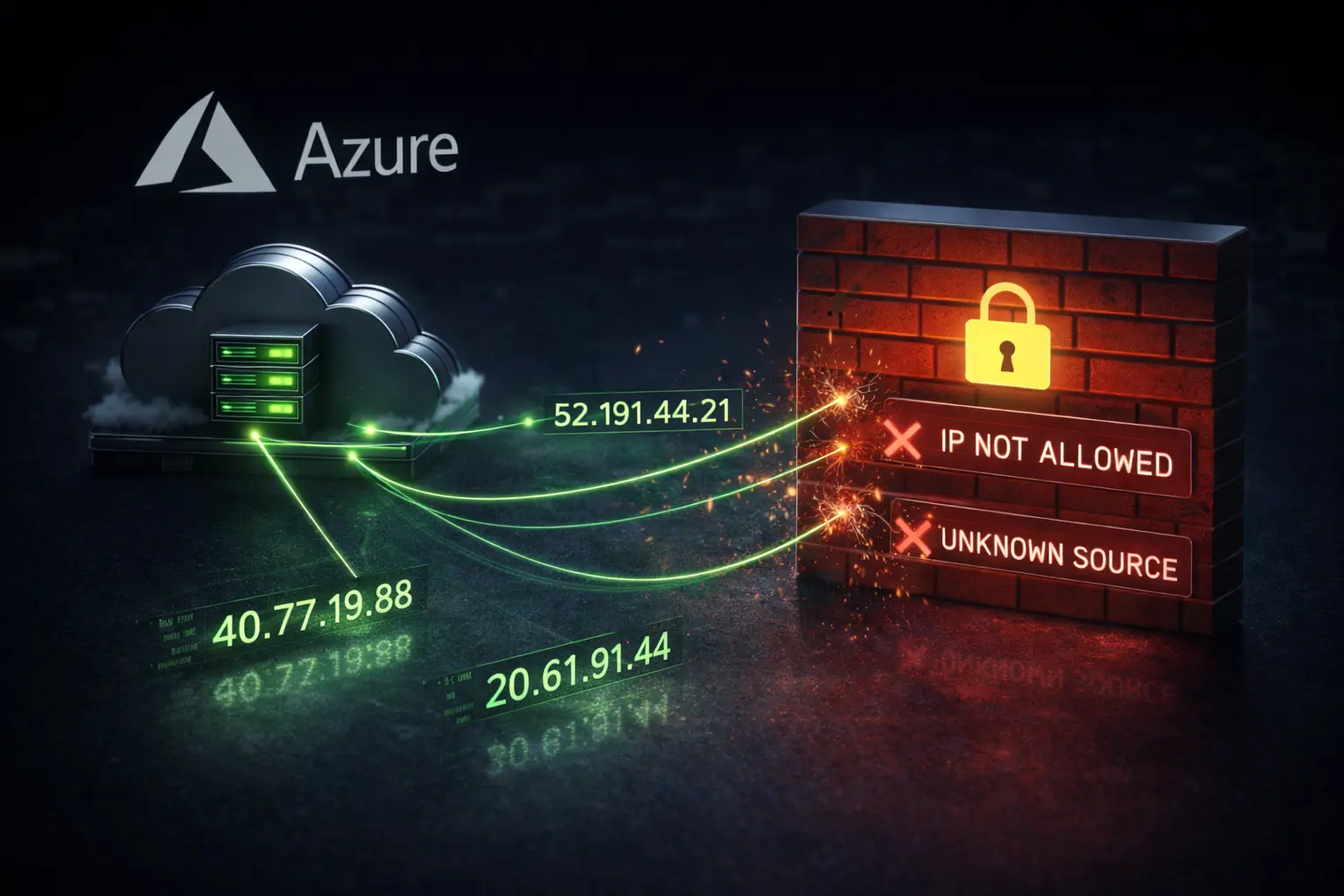
This is different from a 403 Forbidden (which usually indicates an IP allowlist mismatch) or a 401 Unauthorized (invalid API key). HTTP 451 means Binance has flagged the source IP's region. The fix isn't a new API key or a new allowlist configuration. The fix is egressing from a region where Binance permits Futures access.

When you provision QuotaGuard Static, you select an AWS region at sign-up. For Binance Futures users outside the US, the EU regions (Ireland, Frankfurt) and Asia-Pacific regions (Singapore, Tokyo) are the safer choices. If you're unsure which region your traffic should egress from, contact QuotaGuard support at quotaguard.com/contact and we'll match the region to your trading geography.

Configure ccxt.binanceusdm or ccxt.binancecoinm With Your QuotaGuard URL

The ccxt library has dedicated exchange classes for Binance Futures. Use ccxt.binanceusdm for USD-M Futures (fapi.binance.com) and ccxt.binancecoinm for COIN-M Futures (dapi.binance.com). Both honor the standard ccxt proxy configuration.

import os
import ccxt
 
proxy_url = os.environ.get("QUOTAGUARDSTATIC_URL")
 
client = ccxt.binanceusdm({
    "apiKey": os.environ.get("BINANCE_API_KEY"),
    "secret": os.environ.get("BINANCE_API_SECRET"),
    "proxies": {
        "http": proxy_url,
        "https": proxy_url,
    },
    "enableRateLimit": True,
})
 
# Verify the proxy is routing correctly before placing orders.
markets = client.load_markets()
balance = client.fetch_balance()
 
# Place a Futures order.
# order = client.create_market_buy_order("BTC/USDT", 0.001)

The enableRateLimit: True setting lets ccxt throttle requests to stay within Binance's documented rate limits, which is useful when your bot makes frequent calls. For high-frequency strategies, you may want to manage rate limiting at the application layer instead.

Use the Official binance-futures-connector for Production Workloads

The official Binance Futures connector library (binance-futures-connector) is a thinner wrapper around the Binance API than ccxt. It's more predictable for production deployments because it doesn't try to unify quirks across multiple exchanges.

import os
from binance.um_futures import UMFutures
 
proxy_url = os.environ.get("QUOTAGUARDSTATIC_URL")
 
proxies = {
    "http": proxy_url,
    "https": proxy_url,
}
 
client = UMFutures(
    key=os.environ.get("BINANCE_API_KEY"),
    secret=os.environ.get("BINANCE_API_SECRET"),
    proxies=proxies,
)
 
account = client.account()
positions = client.get_position_risk()
 
# Place a Futures order.
# order = client.new_order(symbol="BTCUSDT", side="BUY", type="MARKET", quantity=0.001)

For COIN-M Futures, swap UMFutures for CMFutures and import from binance.cm_futures. The proxy configuration is identical.

Both libraries work. ccxt gives you portability across exchanges if your strategy needs to read prices from multiple venues. The official connector gives you tighter alignment with Binance's documented behavior. Most production Futures bots end up using the official connector for Binance and ccxt for everything else.

Running Multiple Bots on the Same QuotaGuard Account

A single QuotaGuard account works across multiple bot deployments. The same connection URL goes into the QUOTAGUARDSTATIC_URL environment variable on each instance, and all of them egress from the same load-balanced IP pair. Add both IPs to your Binance API key's allowlist once, and every bot routing through QuotaGuard satisfies the allowlist.

For traders running both Spot and Futures bots simultaneously, this consolidation matters. Same QuotaGuard account, same IP pair, separate Binance API keys with allowlist configured on each. Adds up to one shared infrastructure cost across all your bots.

If you're running Freqtrade specifically for Futures, see Static IP for Freqtrade Trading Bots, which covers the ccxt_config proxy configuration that works for both Spot and Futures within Freqtrade.

Get Started With QuotaGuard Static for Binance Futures

QuotaGuard Static plans start at $19 per month for the Starter tier with 10 GB of bandwidth. Most Binance Futures bots fit within Starter or Production ($49 per month, 50 GB) depending on how much WebSocket order book data the strategy consumes. For high-frequency bots with sub-second execution windows, the Business tier ($89 per month, 200 GB) or Enterprise ($219 per month with dedicated IPs) gives you more headroom and the option of dedicated IPs for predictable per-IP rate limit allocation.

For Spot trading on Binance, see Static IP for Binance API. For multi-exchange strategies that span Binance, OKX, Bybit, and Kraken, see Static IP for Crypto Trading Bots. Plans and pricing are at quotaguard.com/products/pricing. Setup takes 2 minutes once you've signed up. Add both QuotaGuard IPs to your Binance API key's allowlist, and your Futures bot is ready for production.

QuotaGuard Static IP Blog

Practical notes on routing cloud and AI traffic through Static IPs.

Reliability Engineered for the Modern Cloud

For over a decade, QuotaGuard has provided reliable, high-performance static IP and proxy solutions for cloud environments like Heroku, Kubernetes, and AWS.

Get the fixed identity and security your application needs today.