Static IP Failover: How QuotaGuard Handles Redundancy So You Don't Have To

QuotaGuard Engineering
May 9, 2026
5 min read
Pattern

When you whitelist an IP address with a partner, you're creating a dependency. If that IP becomes unreachable, your integration stops working. So the natural question is: what happens if the proxy goes down?

QuotaGuard gives you two static IP addresses per subscription, not one. Here's how they work together and why that matters.

Two IPs, Load-Balanced

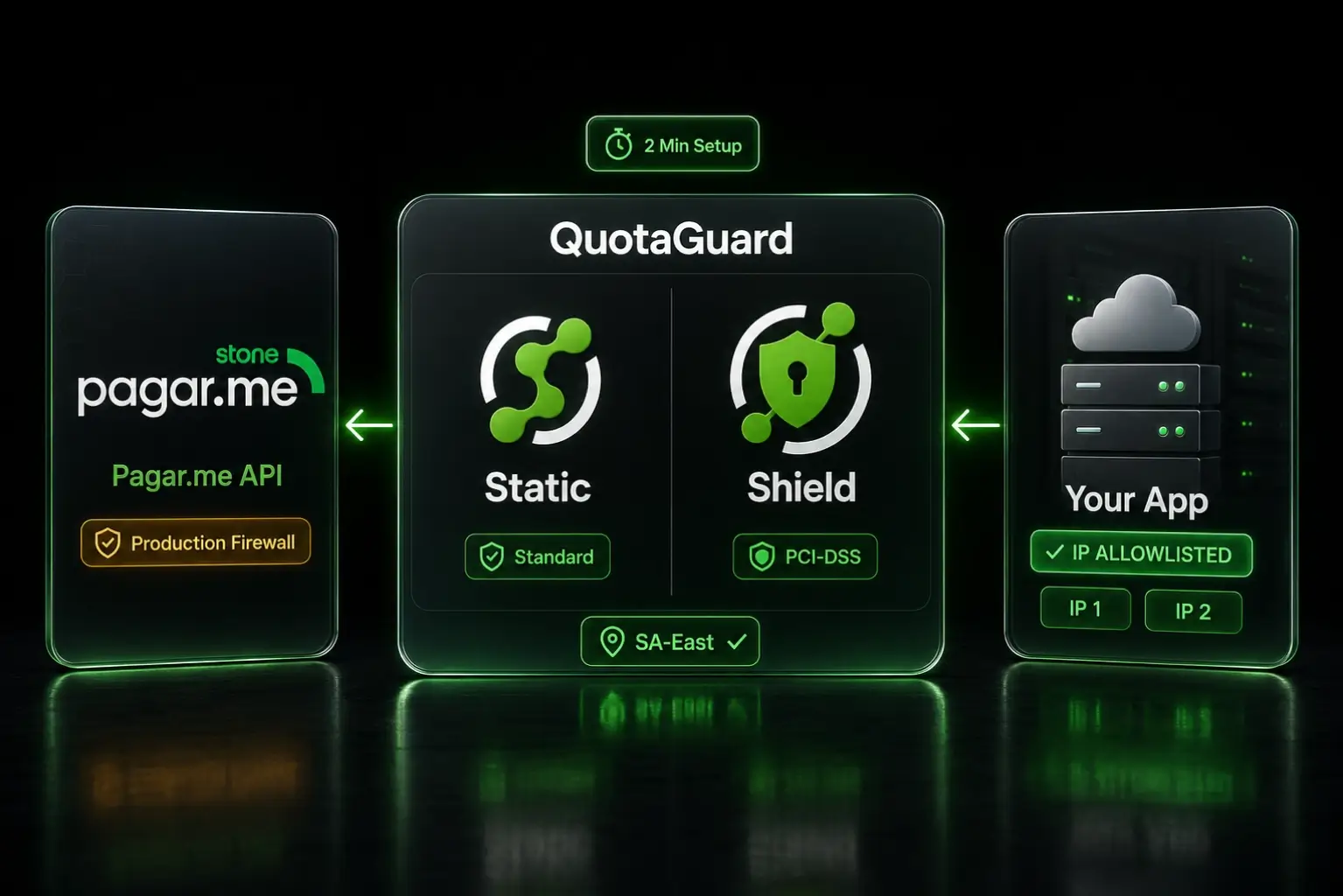
Every QuotaGuard subscription includes two dedicated static IPs. Traffic is load-balanced across both. When your application makes a request through the proxy, it exits from one of the two IPs. The next request might exit from the other. Both are always active.

You give both IPs to your partner to whitelist. They add two entries to their firewall allow list. From their perspective, either IP is valid.

Automatic Failover

If one of the two proxy endpoints becomes unavailable, traffic automatically routes through the other. Your application doesn't need to detect the failure or switch endpoints. The proxy infrastructure handles it.

From your application's perspective, nothing changes. You connect to the same proxy URL. The proxy routes traffic through whichever endpoint is healthy. The partner sees traffic from one of the two whitelisted IPs. No manual intervention required.

What This Means for Your Partners

When you send your static IPs to a partner for whitelisting, tell them both IPs are active and both should be whitelisted. Some partners might ask "which one is primary?" The answer is neither. Both are primary. Both carry traffic. Both need to be in the allow list.

If a partner can only whitelist one IP (rare, but it happens), QuotaGuard will still work. Traffic will route through the one whitelisted IP. But you lose the failover benefit. If that single IP's endpoint has an issue, your traffic can't fail over to the second IP because the partner's firewall would block it.

Always push for both IPs to be whitelisted. That's the whole point of having two.

How This Compares to DIY Redundancy

If you're managing your own static IP setup (say, a NAT Gateway on AWS), redundancy is your responsibility.

A single NAT Gateway in one availability zone gives you one static IP. If that AZ has an issue, your NAT Gateway goes down and all egress traffic through it stops. AWS recommends deploying a NAT Gateway in each AZ for high availability. That means multiple NAT Gateways, multiple Elastic IPs, and routing table configuration to direct traffic from each AZ's subnet to its local NAT Gateway.

For two AZs, you're looking at two NAT Gateways (~$64/month) plus data processing charges, plus the routing table configuration, plus monitoring to ensure both gateways are healthy. For three AZs, it's three gateways (~$96/month).

And you need to whitelist every Elastic IP with your partners. If you add or change AZs, you need to update the partner's whitelist.

QuotaGuard handles all of this. Two IPs, load-balanced, automatic failover. The IPs don't change when you scale, redeploy, or change infrastructure. $19/month.

Monitoring and Visibility

The QuotaGuard dashboard shows traffic volume, request counts, and which IPs your traffic is using. You can see if traffic is flowing through both IPs or if one is handling more than the other.

If you want to verify your setup is working correctly, make a request to https://ip.quotaguard.com through the proxy. It returns the IP address of the incoming request. You should see one of your two static IPs.

Regional Deployment

QuotaGuard operates proxy infrastructure in multiple regions: US East, US West, and EU West. When you sign up, you choose a region. Your two static IPs are in that region.

For latency-sensitive integrations, pick the region closest to your application and the services you're connecting to. Same-region proxy adds single-digit milliseconds of latency. Cross-region adds more, depending on the distance.

If you need traffic to stay within a specific geographic region for compliance (GDPR data residency, for example), the data regionality add-on at $899/month ensures your proxy traffic routes through region-locked infrastructure.

Uptime

QuotaGuard's proxy infrastructure is designed for high availability. The two-IP load-balanced setup means a failure of one endpoint doesn't take down your proxy traffic. The infrastructure runs on redundant systems with automated health checks and traffic rerouting.

For teams with strict uptime requirements, this is the same pattern you'd build yourself with multiple NAT Gateways. The difference is you don't have to build or maintain it.

Getting Started

Sign up for QuotaGuard Static. You get two static IPs immediately. Whitelist both with your partners. Route your traffic through the proxy URL. Failover is automatic.

QuotaGuard Static starts at $19/month. QuotaGuard Shield starts at $29/month with SSL passthrough for compliance requirements.

QuotaGuard Static IP Blog

Practical notes on routing cloud and AI traffic through Static IPs.

Reliability Engineered for the Modern Cloud

For over a decade, QuotaGuard has provided reliable, high-performance static IP and proxy solutions for cloud environments like Heroku, Kubernetes, and AWS.

Get the fixed identity and security your application needs today.