Give Your MCP Server a Static Egress IP for Enterprise Allowlisting

QuotaGuard Engineering
April 12, 2026
5 min read
Pattern

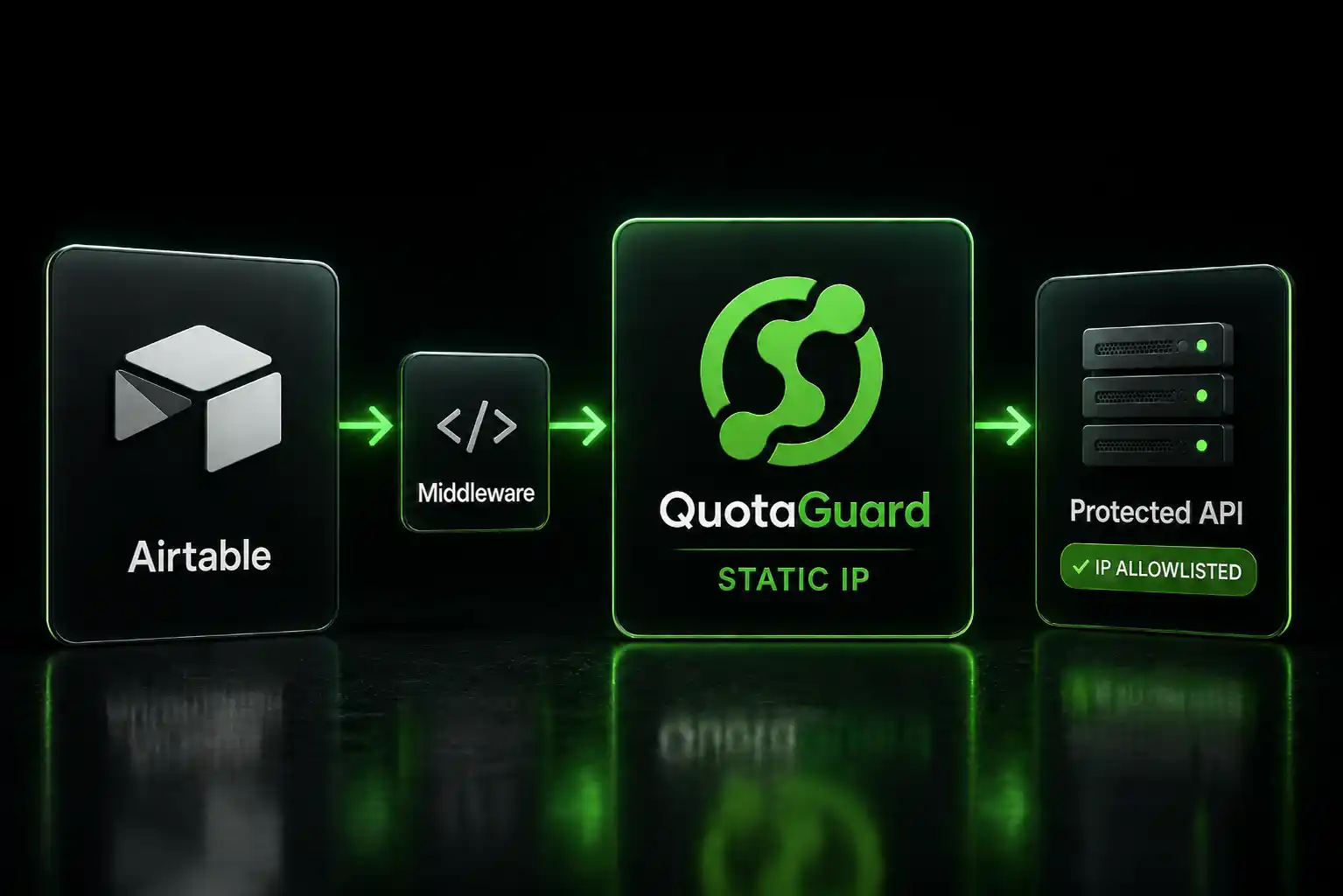
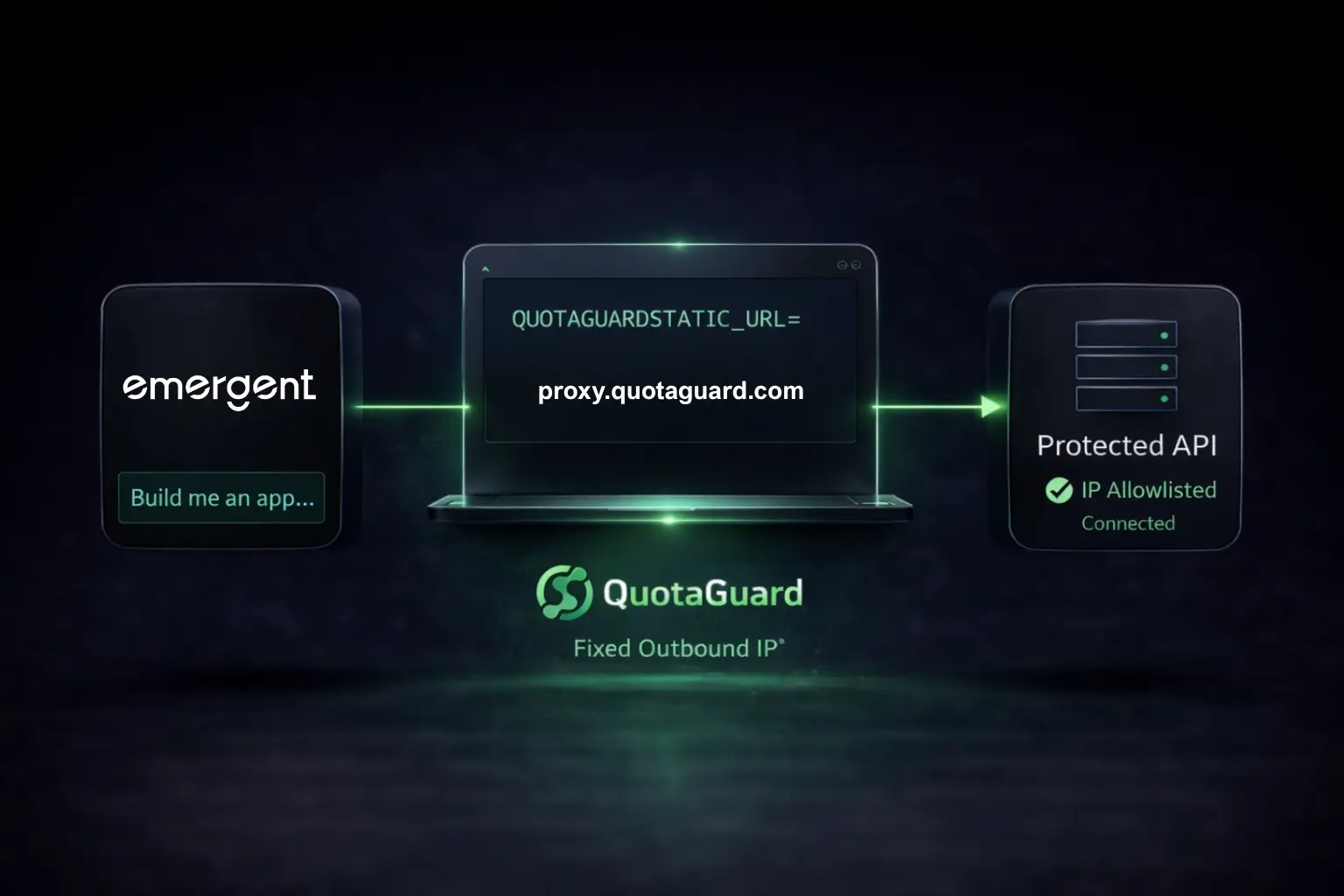
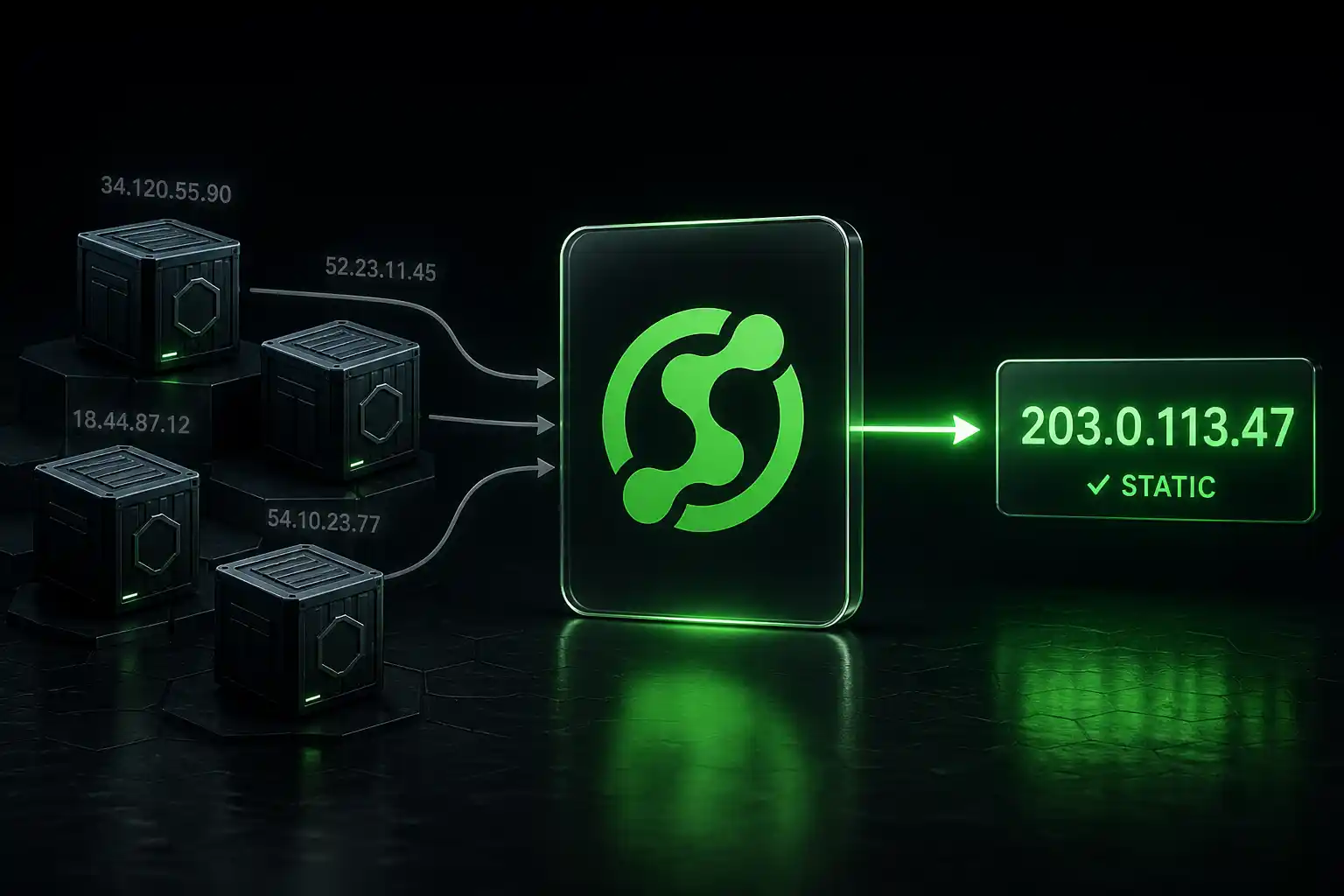
Route your MCP server's outbound traffic through a static IP proxy, set one environment variable, and enterprise allowlist checks pass every time.

When I went looking for production MCP deployments hitting this problem, I found the same 403 error documented in multiple places. GitHub's own MCP server repo. Atlassian's public bug tracker. Atlassian's official admin checklist for the Rovo MCP Server GA release. The credentials are always valid. The IP address is always the problem.

QuotaGuard tip: you don't need to route all of your MCP server's outbound traffic through the proxy. Only the calls going to IP-allowlisted enterprise systems need it. If your HTTP client supports per-host proxy configuration, use it. Your other outbound traffic goes direct. It's faster and easier to debug when something breaks.

Dynamic Cloud IPs Are Why Enterprise Systems Block MCP Servers

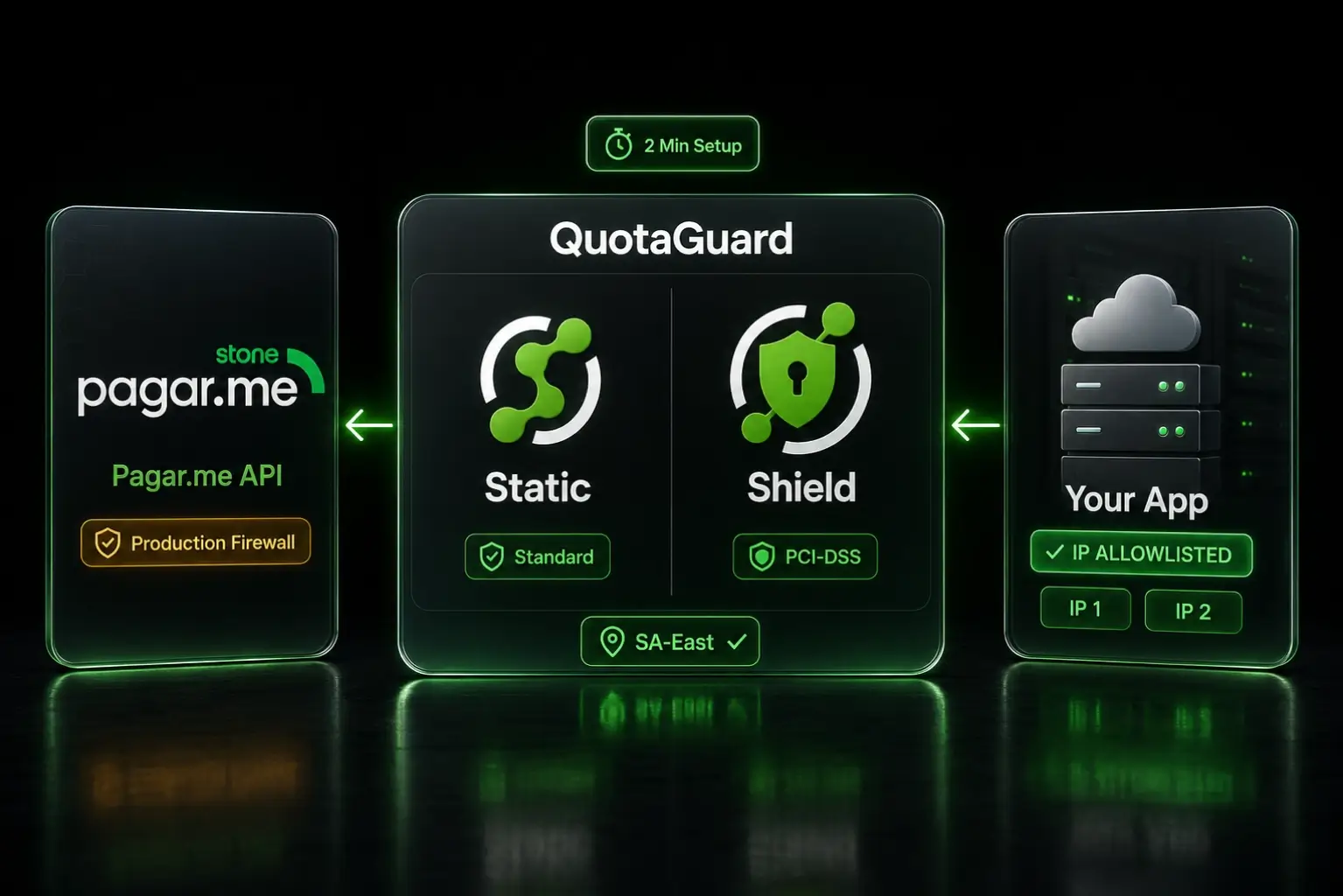
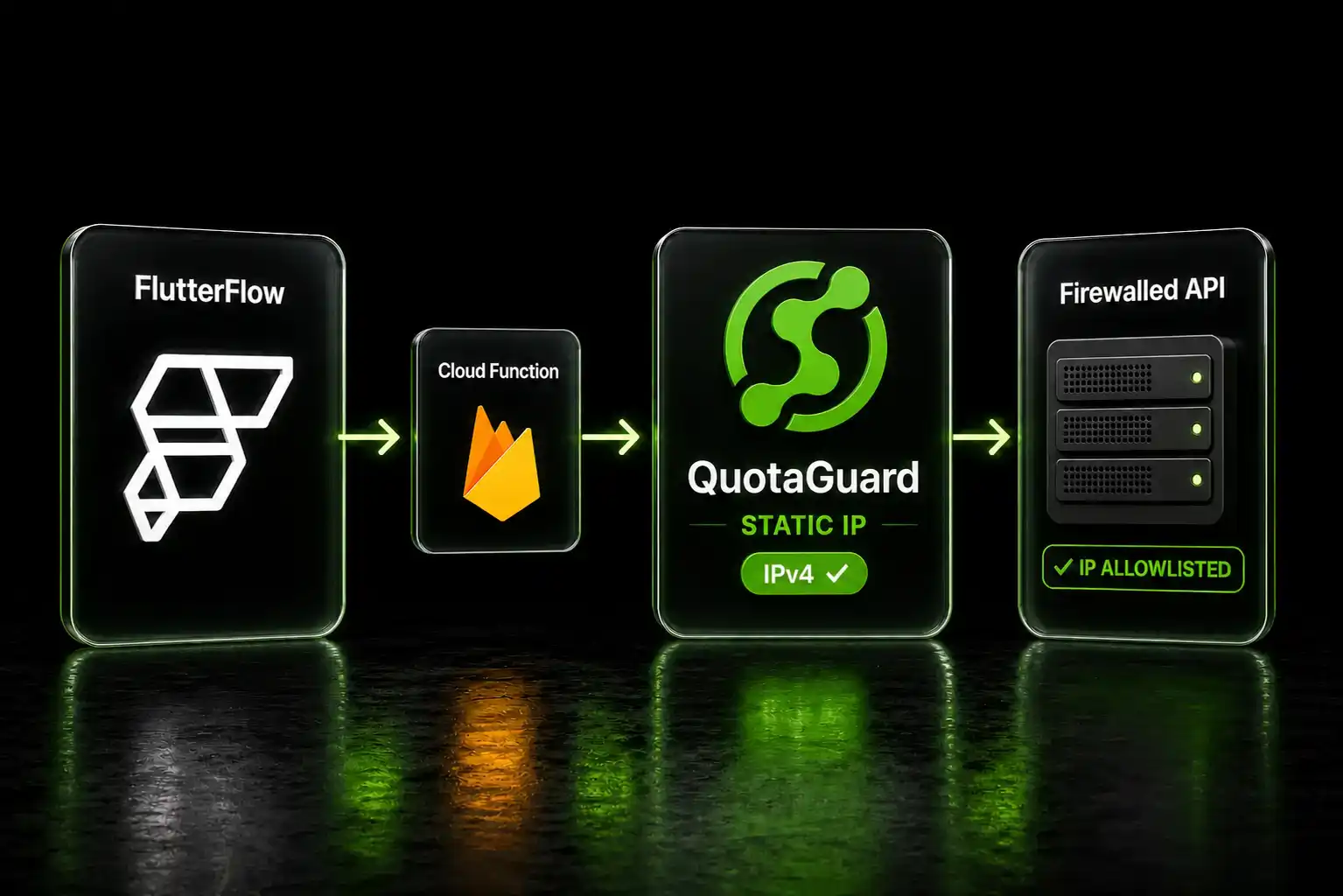
MCP servers connect AI agents to enterprise tools. The architecture has two hops. First, the agent calls your MCP server. Second, the MCP server calls the enterprise API. The IP allowlist problem lives on that second hop.

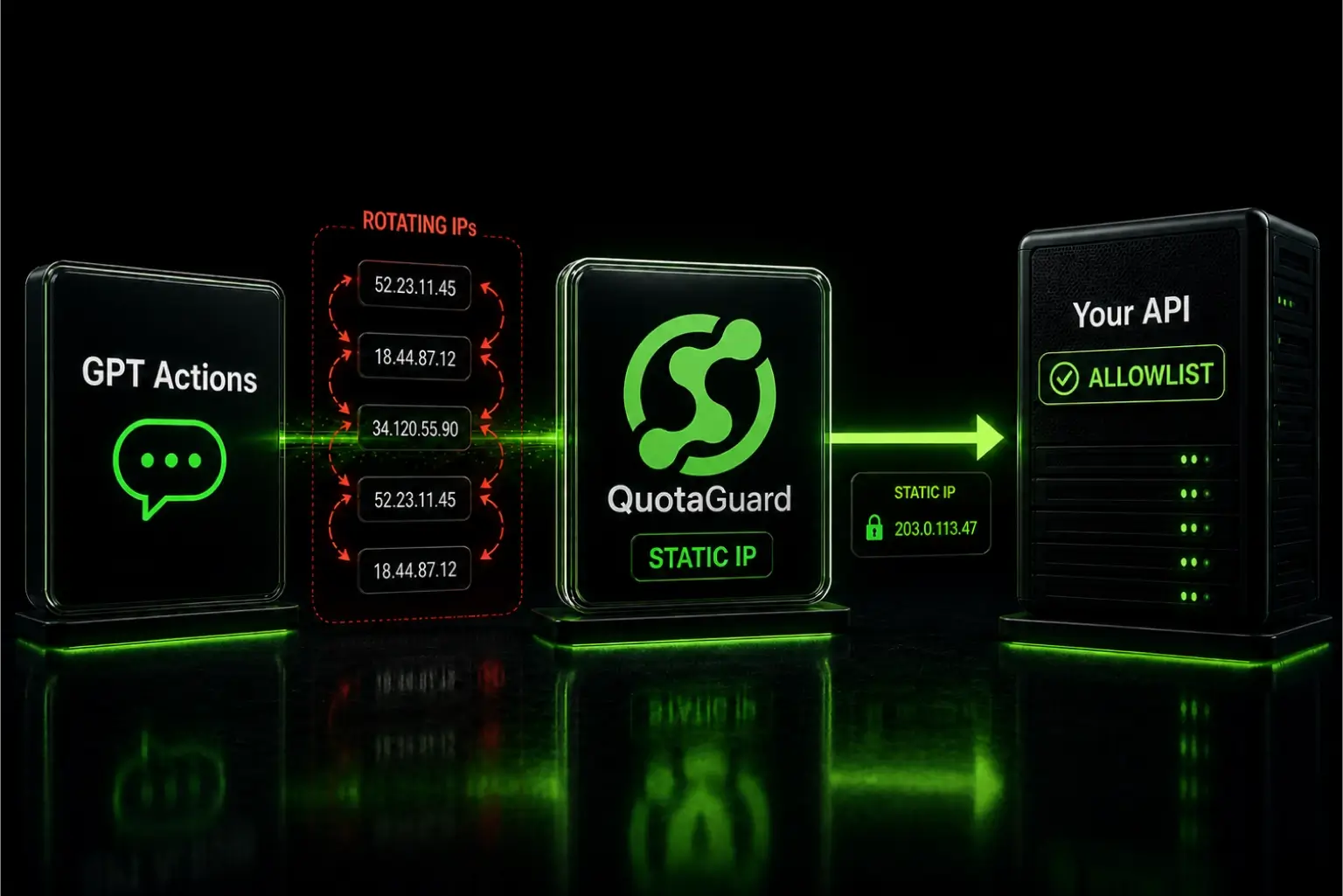
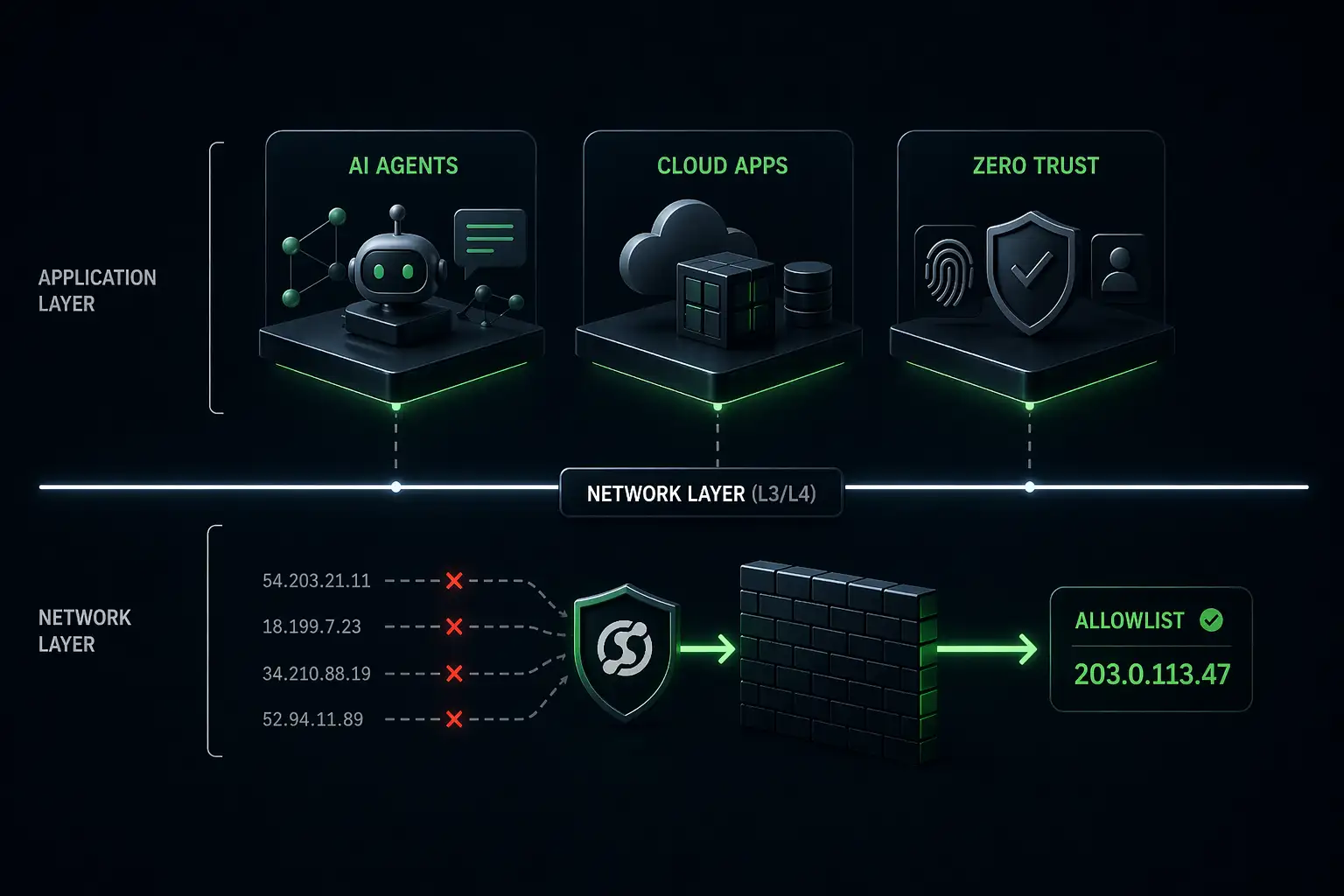
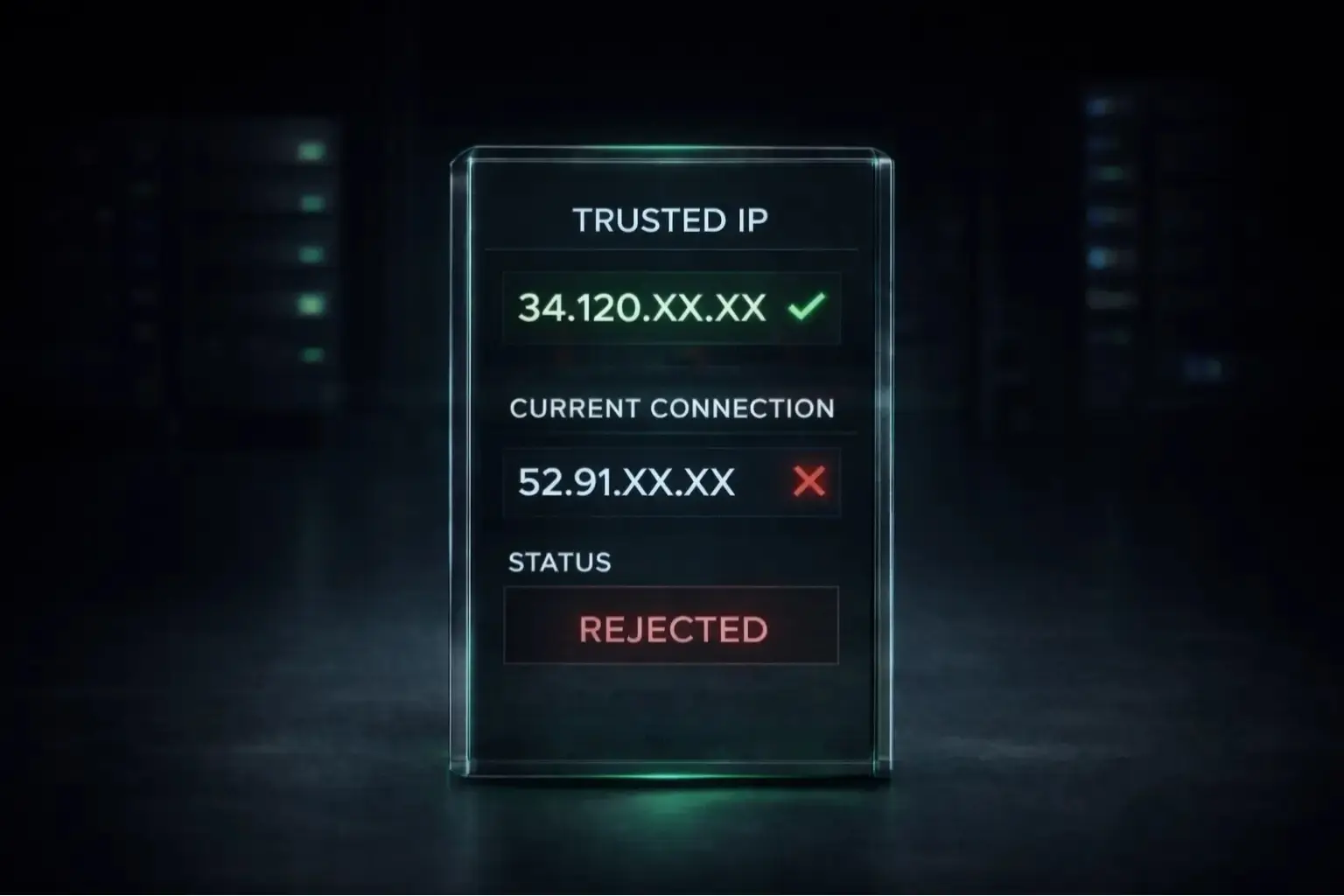
When you deploy an MCP server on Lambda, Cloud Run, Render, or any container platform, the outbound IP rotates. It changes on redeploys. It changes on scaling events. Sometimes it changes between requests. Enterprise systems that enforce IP allowlists evaluate the source IP on every call. A rotating IP fails that check regardless of how valid your credentials are.

Atlassian documented this precisely when the Rovo MCP Server went GA. Even if a user connects from an allowed network like a corporate VPN, tool calls can still be blocked if the MCP server's egress IPs aren't in the allowlist. The user's IP and the MCP server's IP are different things. Most engineers don't realize this until they're staring at the 403 in production.

Jira, GitHub Enterprise, Salesforce, and Internal APIs Are Where This Surfaces

Not every enterprise system uses IP allowlisting. But the ones that do tend to be exactly the systems engineers are building MCP integrations for right now.

Atlassian (Jira, Confluence, Compass): IP allowlisting is a standard enterprise security control on Atlassian Cloud. A bug filed against Atlassian's MCP server in March 2026 shows the exact failure mode:

You're unable to access content because your IP address is not listed in the IP allowlist. Contact your admin for help.

The only workaround listed in the ticket was removing the IP allowlist entirely. That's not viable for any organization with a security policy. Atlassian's own admin guidance for the GA release tells admins to confirm the egress IPs for their AI tools are in the allowlist before deploying, because MCP tool calls will be blocked otherwise.

GitHub Enterprise: Organizations can enable IP allowlists for their GitHub accounts. A developer using the remote GitHub MCP server hit this in July 2025:

Although you appear to have the correct authorization credentials, the organization has an IP allow list enabled, and your IP address is not permitted to access this resource.

Credentials valid. IP not allowlisted. Their question was direct: is there any way to whitelist the IP from this MCP server? A static egress IP is the answer.

Salesforce: Salesforce's Network Access controls let admins restrict API access by IP range. Any MCP server calling the Salesforce API from a cloud platform with rotating IPs will hit this the moment a security-conscious admin enforces those rules.

Internal corporate APIs and databases: Firewall rules at the network perimeter almost universally use IP allowlists. An MCP server connecting to an internal API needs a predictable source IP or the firewall drops the connection.

Set Two Environment Variables and Your MCP Server Has a Fixed IP

Copy the full HTTP/HTTPS proxy URL from your QuotaGuard dashboard (Setup > Outbound Proxy). It looks like this:

http://username:password@us-east-static-01.quotaguard.com:9293

Set it as both HTTP_PROXY and HTTPS_PROXY on your MCP server host. Python's requests library respects these variables automatically. Node.js HTTP libraries vary — if the proxy isn't being picked up, use global-agent or configure the proxy explicitly in your HTTP client.

Docker or any container deployment:

environment:
  - HTTP_PROXY=http://username:password@us-east-static-01.quotaguard.com:9293
  - HTTPS_PROXY=http://username:password@us-east-static-01.quotaguard.com:9293

If you're on Heroku, the QuotaGuard add-on sets QUOTAGUARDSTATIC_URL automatically:

environment:
  - HTTP_PROXY=${QUOTAGUARDSTATIC_URL}
  - HTTPS_PROXY=${QUOTAGUARDSTATIC_URL}

AWS Lambda (set in function configuration):

HTTP_PROXY=http://username:password@us-east-static-01.quotaguard.com:9293
HTTPS_PROXY=http://username:password@us-east-static-01.quotaguard.com:9293

Google Cloud Run:

gcloud run deploy my-mcp-server \
  --set-env-vars HTTP_PROXY=http://username:password@us-east-static-01.quotaguard.com:9293,HTTPS_PROXY=http://username:password@us-east-static-01.quotaguard.com:9293

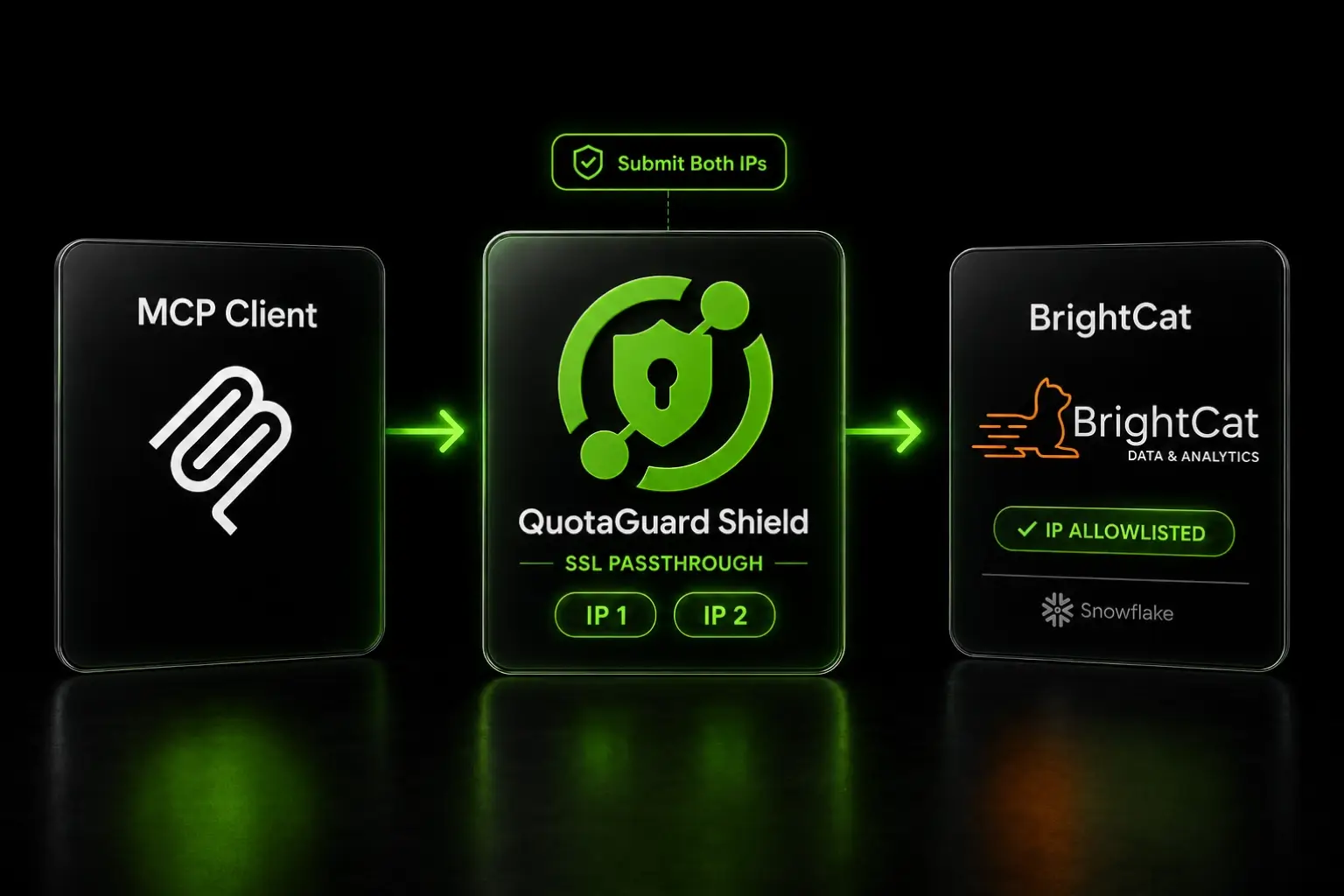
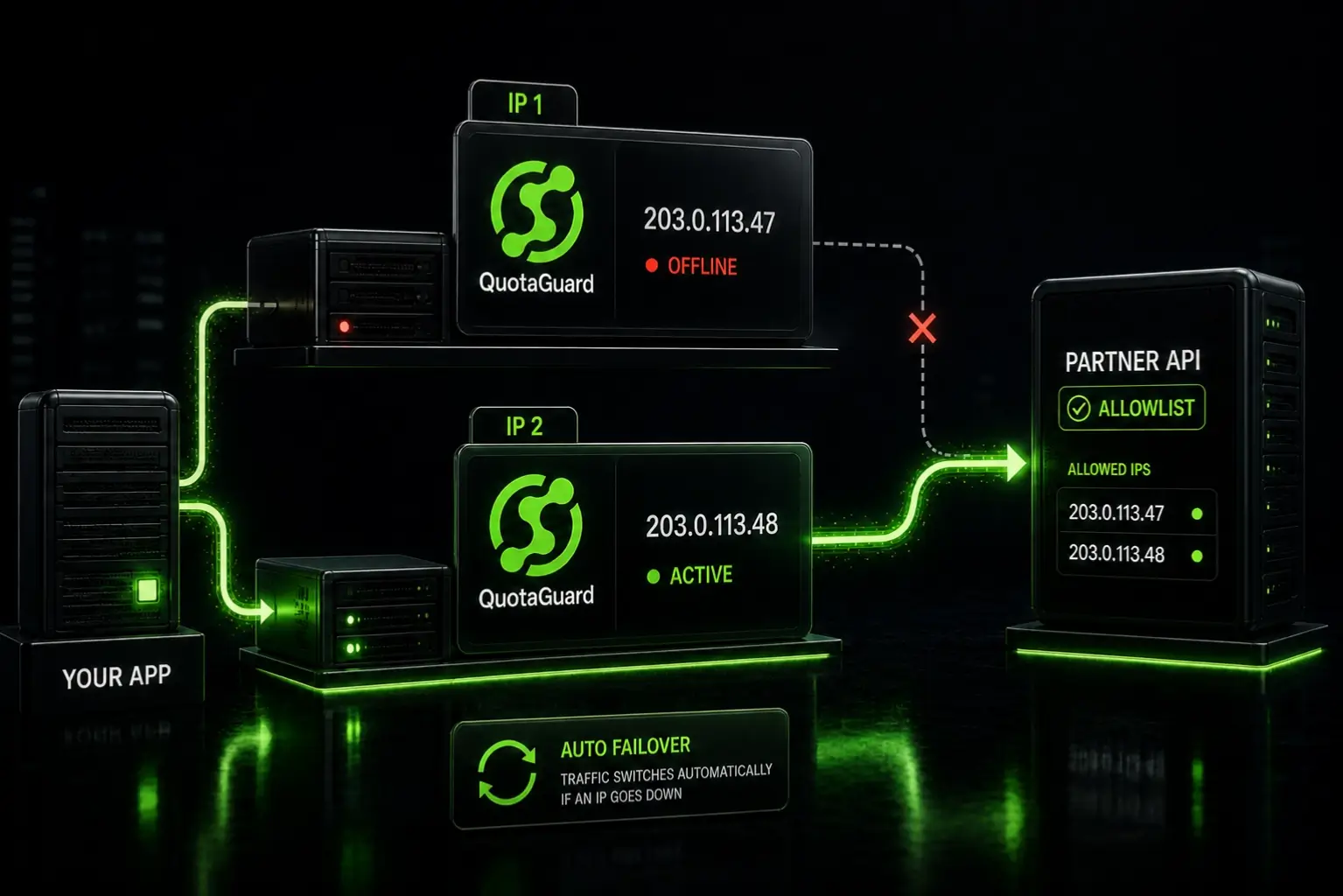
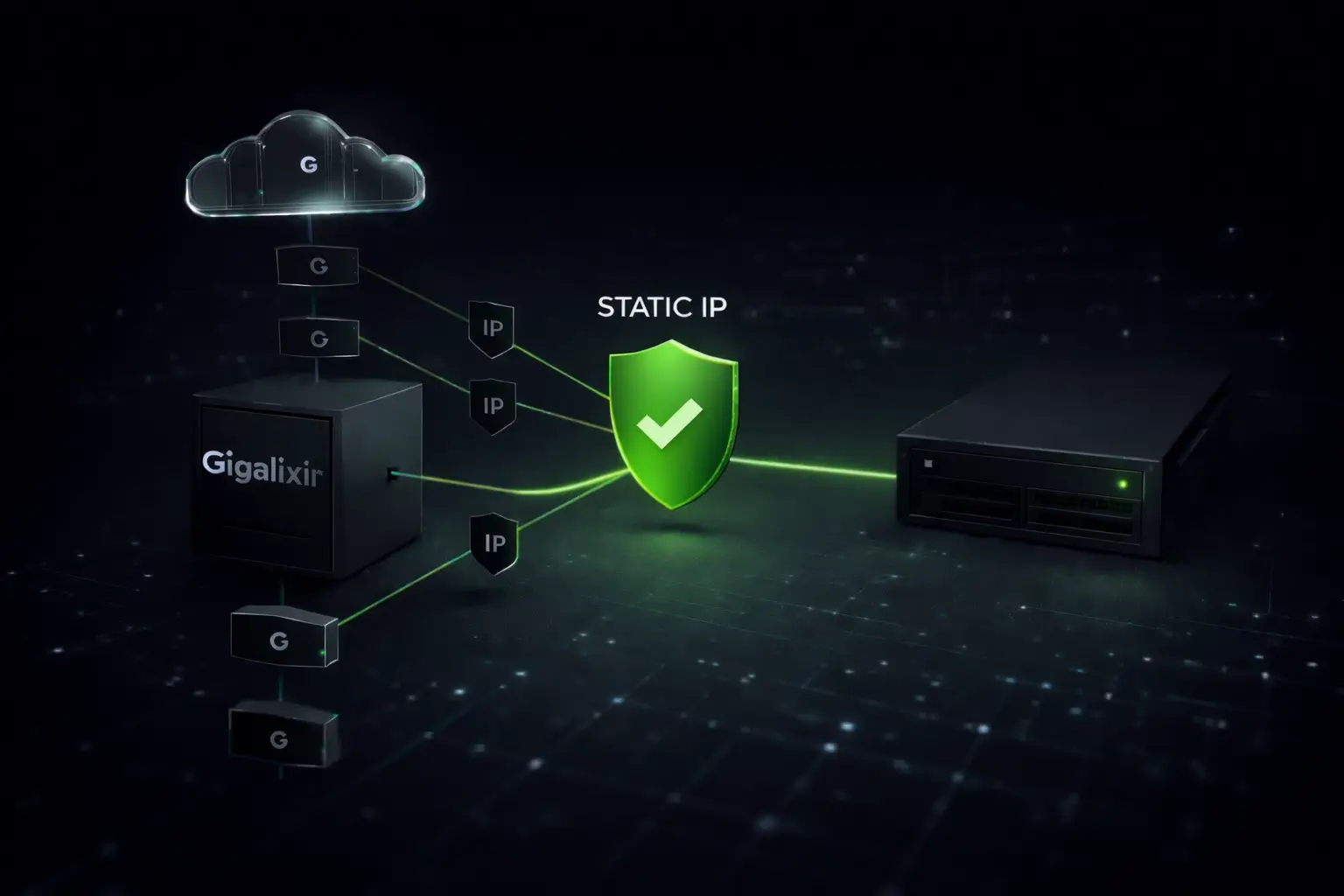
After setup, copy your two static IPs from the QuotaGuard dashboard and add them to the allowlist on the enterprise system. Both IPs are load-balanced and fault-tolerant — allowlist both, because traffic may route through either at any time.

For Jira and Confluence, that's Atlassian Administration under Security. For GitHub, it's the organization's IP allow list settings. For Salesforce, it's Network Access in Setup.

If your MCP server connects to non-HTTP targets — databases, raw TCP services, or anything that doesn't speak HTTP — QuotaGuard also provides a SOCKS5 URL (port 1080) for those connections. Same static IPs, different protocol. Configure it with:

ALL_PROXY=socks5://username:password@us-east-static-01.quotaguard.com:1080

Use Shield If Your MCP Traffic Touches PHI or Payment Data

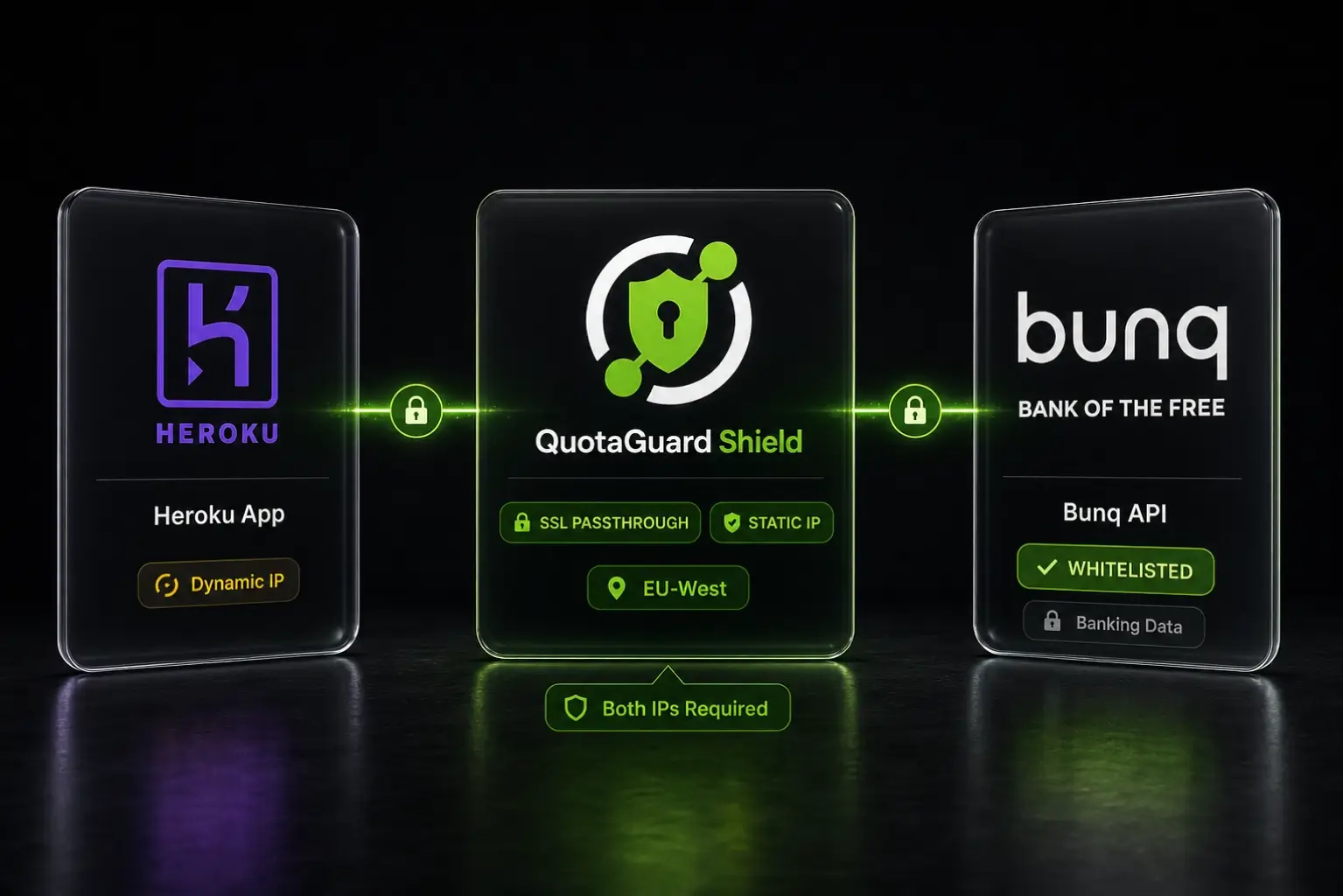
There's a detail about QuotaGuard Static worth understanding before you set it up for a healthcare or financial integration. Static uses SSL termination. That means traffic is decrypted at the proxy, routed to the destination, then re-encrypted. Your data is exposed in transit at that point — even briefly, even mechanically.

For most MCP use cases that's a non-issue. For regulated data it's not.

If your MCP server is pulling patient records from an EHR, processing claims data, or calling a banking API, that decryption event is exactly what HIPAA auditors ask about. Without a BAA covering QuotaGuard as a business associate, you have a gap. PCI-DSS assessors ask the same question about cardholder data. Neither is an automatic violation, but both put you in a conversation with your compliance team that's easier to avoid than to explain.

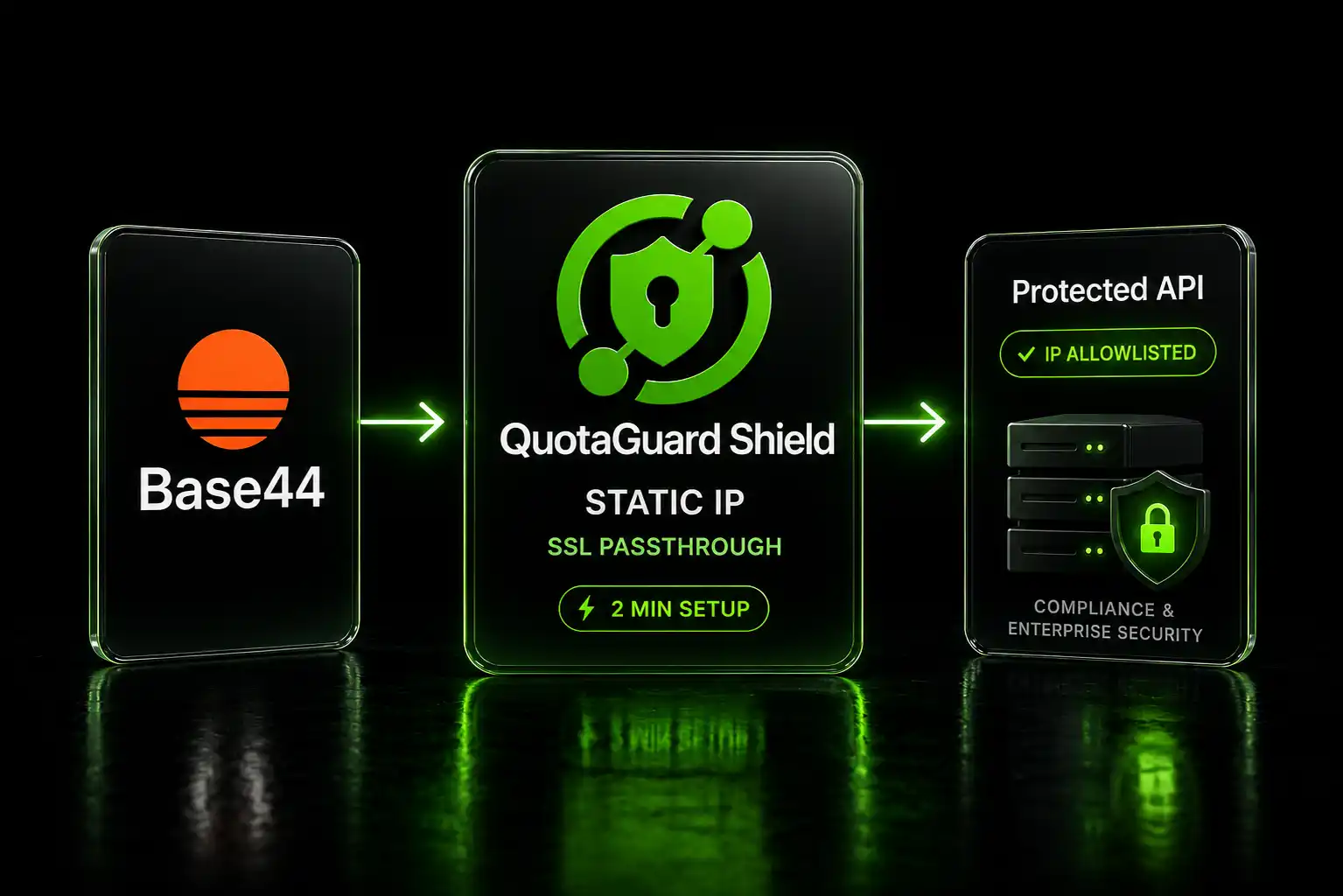
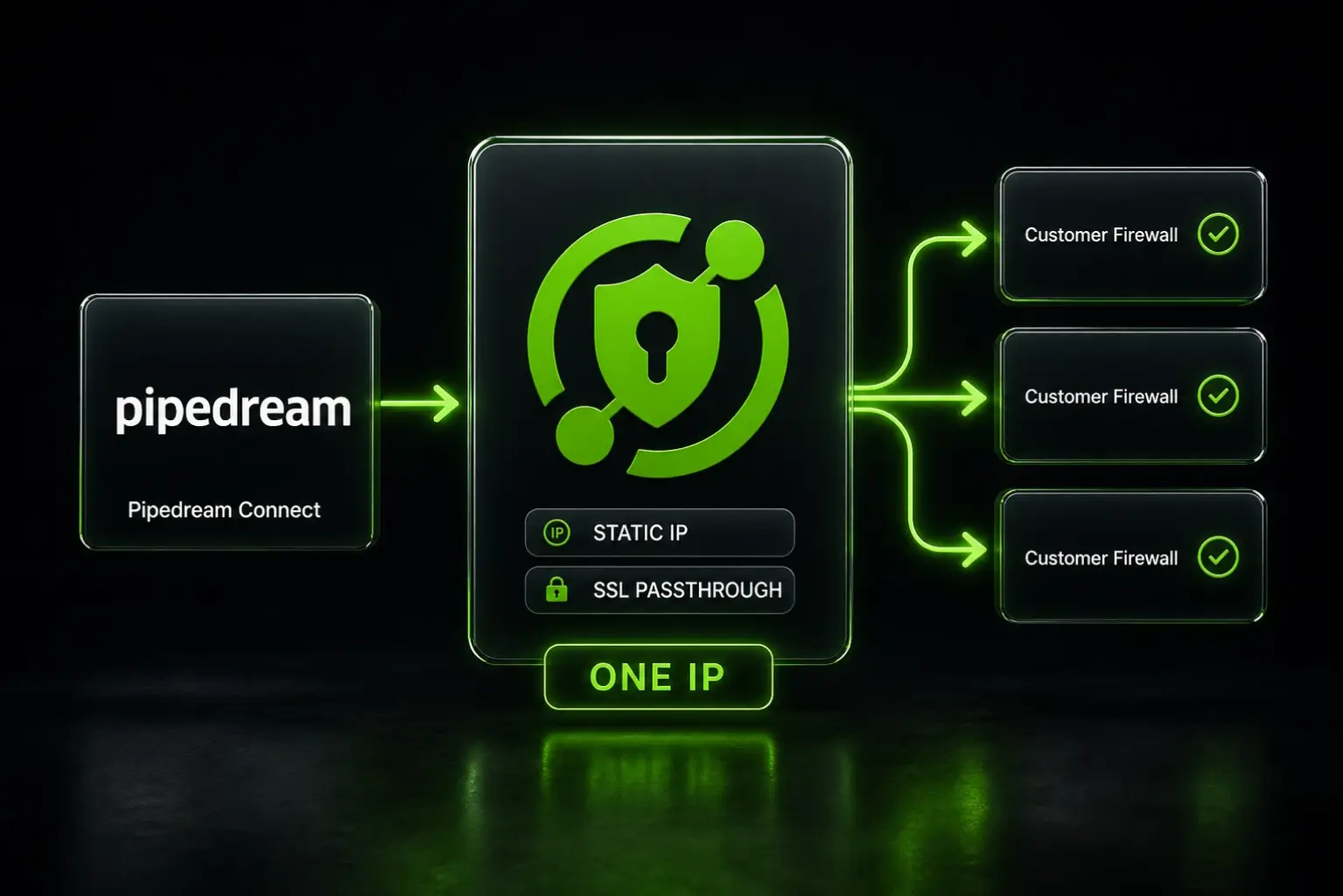
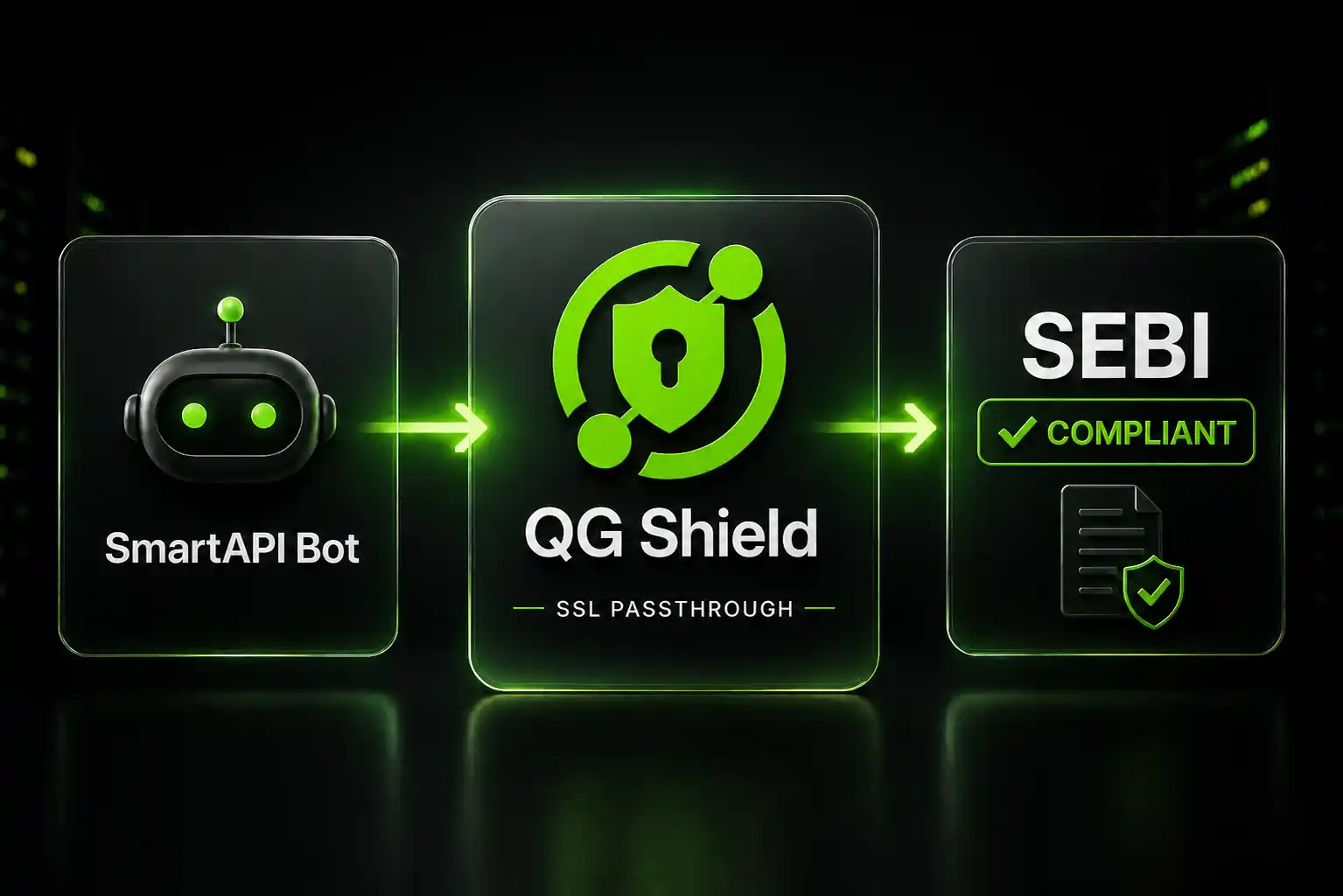
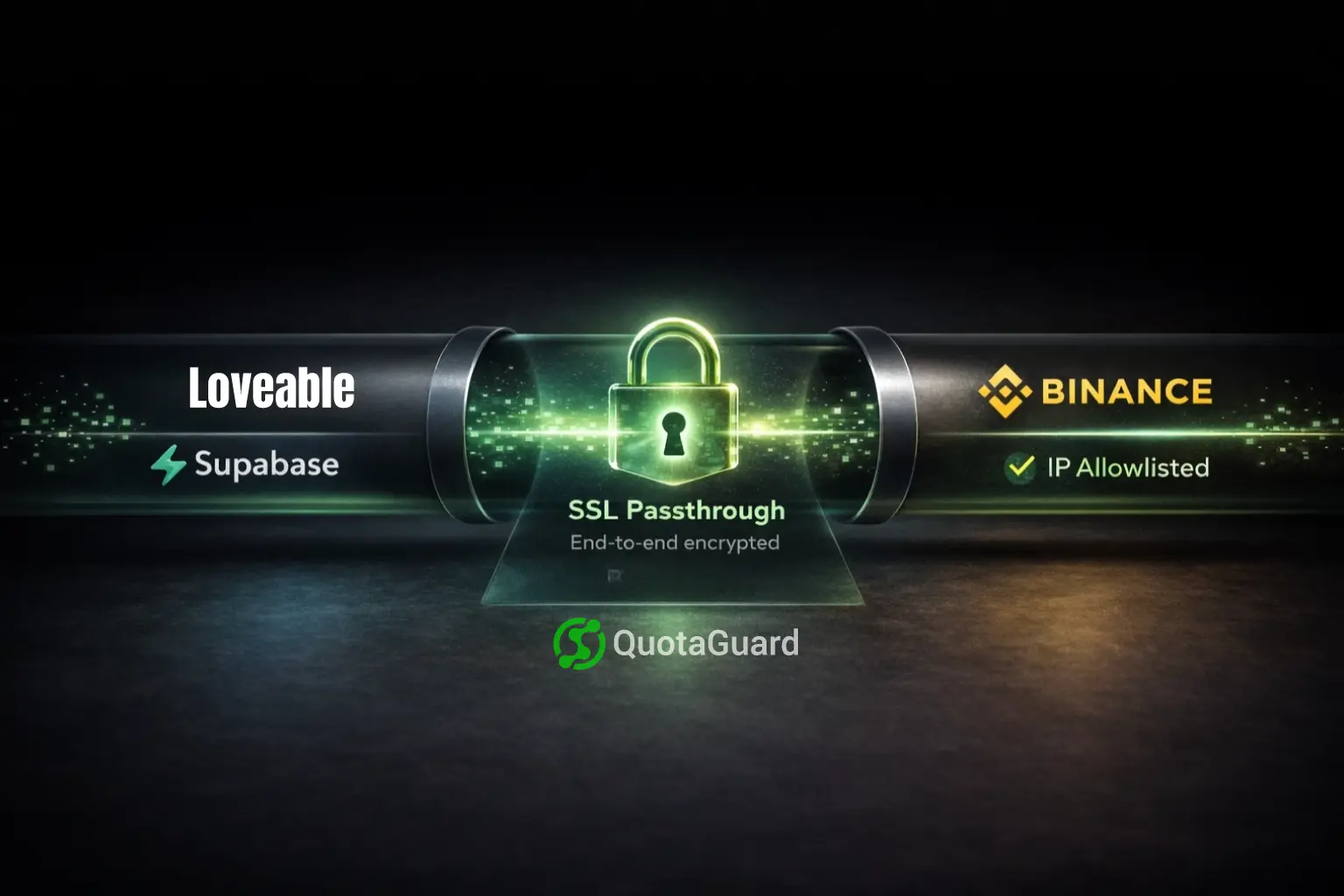
QuotaGuard Shield routes the same traffic through the same static IPs using the same one-environment-variable setup. The difference is underneath: Shield uses SSL passthrough. The traffic moves through as an encrypted blob. QuotaGuard never holds your keys. Nothing is decrypted in transit. Your MCP server and the destination system are the only two parties that ever see the payload.

Same fix. Different architecture. If the data is regulated, Shield is the right choice. Plans start at $29/month, with an Enterprise tier at $259/month for dedicated IPs. See plans at quotaguard.com/products/pricing.

QuotaGuard Static IP Blog

Practical notes on routing cloud and AI traffic through Static IPs.

Reliability Engineered for the Modern Cloud

For over a decade, QuotaGuard has provided reliable, high-performance static IP and proxy solutions for cloud environments like Heroku, Kubernetes, and AWS.

Get the fixed identity and security your application needs today.