n8n 403 Forbidden in HTTP Request Nodes: Is It Really an IP Problem?

QuotaGuard Engineering
April 12, 2026
5 min read
Pattern

Most 403s in n8n aren't IP problems. If the same request works locally but fails from n8n Cloud against a firewall-restricted API, here's the fix.

I see both types in support tickets. The IP allowlisting case is real and solvable in ten minutes. But sending someone down the static IP path when they actually have a misconfigured auth header wastes their time. This post helps you tell the difference first.

Diagnose Before You Fix: Is This an IP Problem?

Most 403 Forbidden errors in n8n have nothing to do with your IP address. Before assuming it's an IP issue, work through this list.

Check these first:

  • Wrong or expired credentials. The most common cause. Check that your API key, token, or OAuth credentials are valid and haven't expired.
  • Incorrect Authorization header format. Different APIs expect different formats. Bearer YOUR_TOKEN and Token YOUR_TOKEN are not the same thing. Check the API docs.
  • Insufficient permissions. Your credentials may be valid but scoped to the wrong resources. Check that the API key has access to the specific endpoint you're calling.
  • Wrong base URL or endpoint path. Some APIs return 403 instead of 404 for endpoints that don't exist or have moved.
  • Rate limiting. Some APIs return 403 when you've hit a rate limit rather than the more accurate 429.

If any of the above fixes your error, you're done. You didn't have an IP problem.

If none of that fixes it, ask this: Does the exact same request — same credentials, same headers, same body — work when you run it from your local machine or from Postman or cURL? If it fails everywhere, it's still not an IP problem.

If it works locally but fails specifically from n8n Cloud, and the target is a system that controls access by IP address — a corporate API gateway, an enterprise SaaS with network access controls, an internal system behind a firewall — then you have an IP problem. Keep reading.

Why n8n Cloud IPs Get Blocked by Enterprise Systems

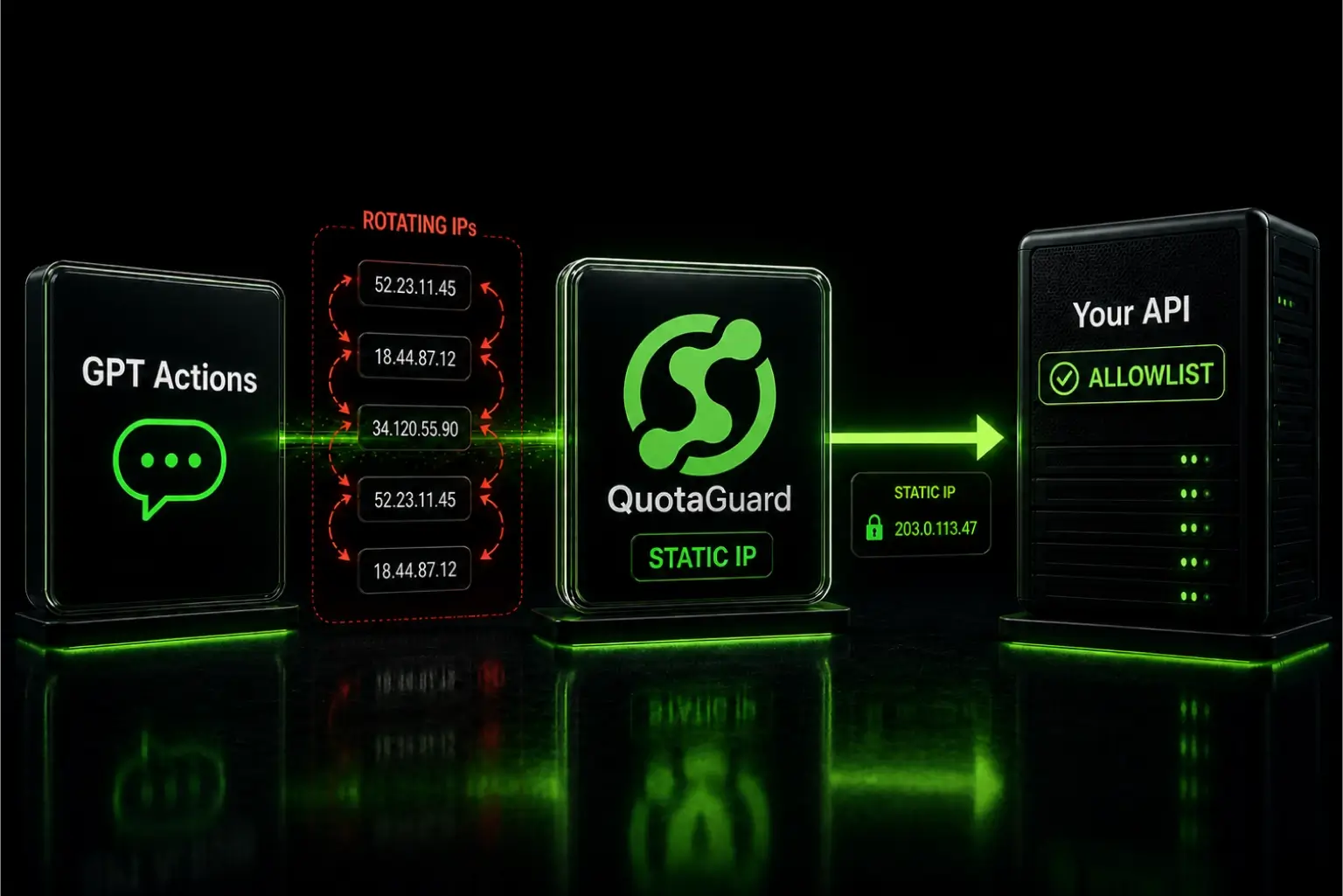
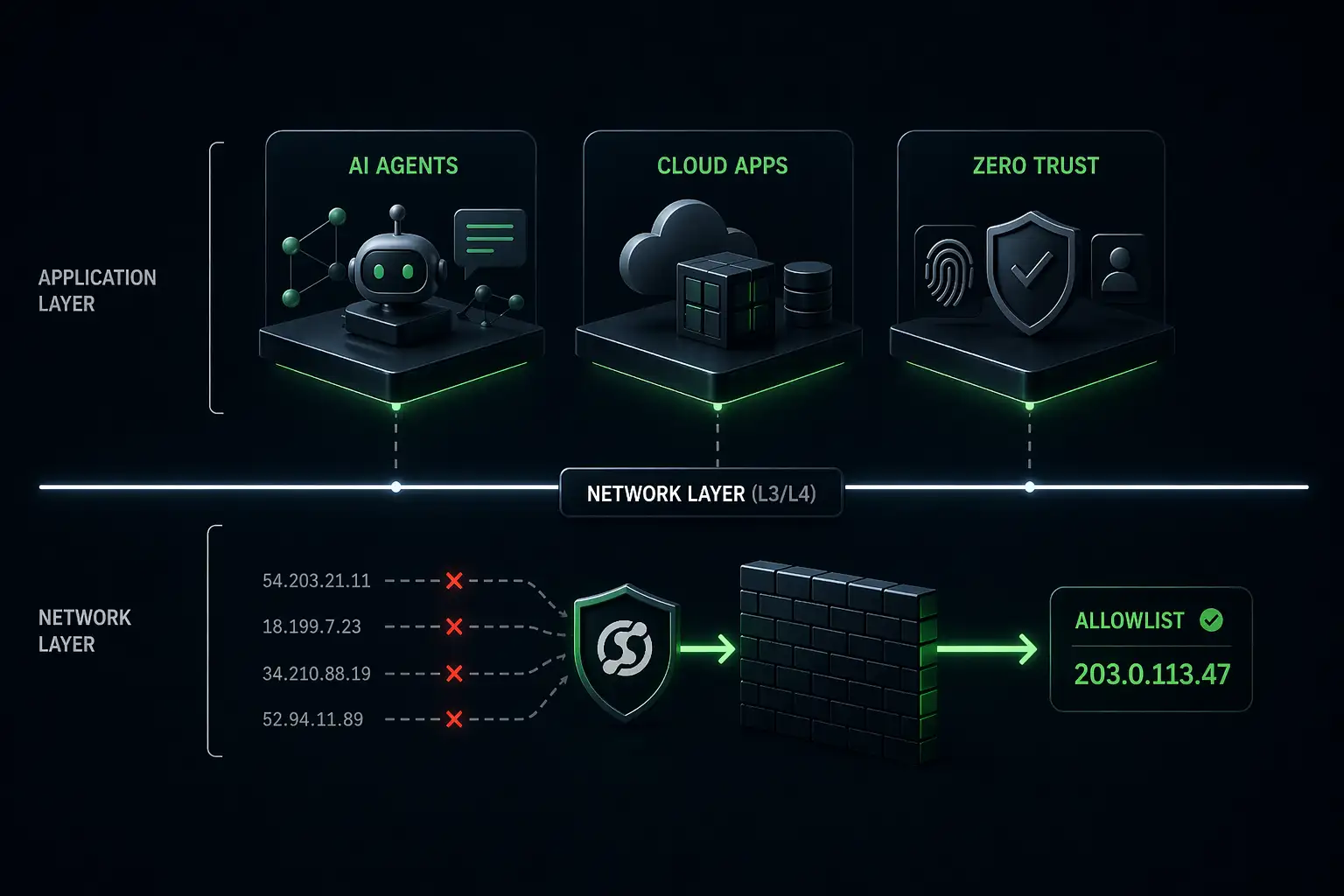
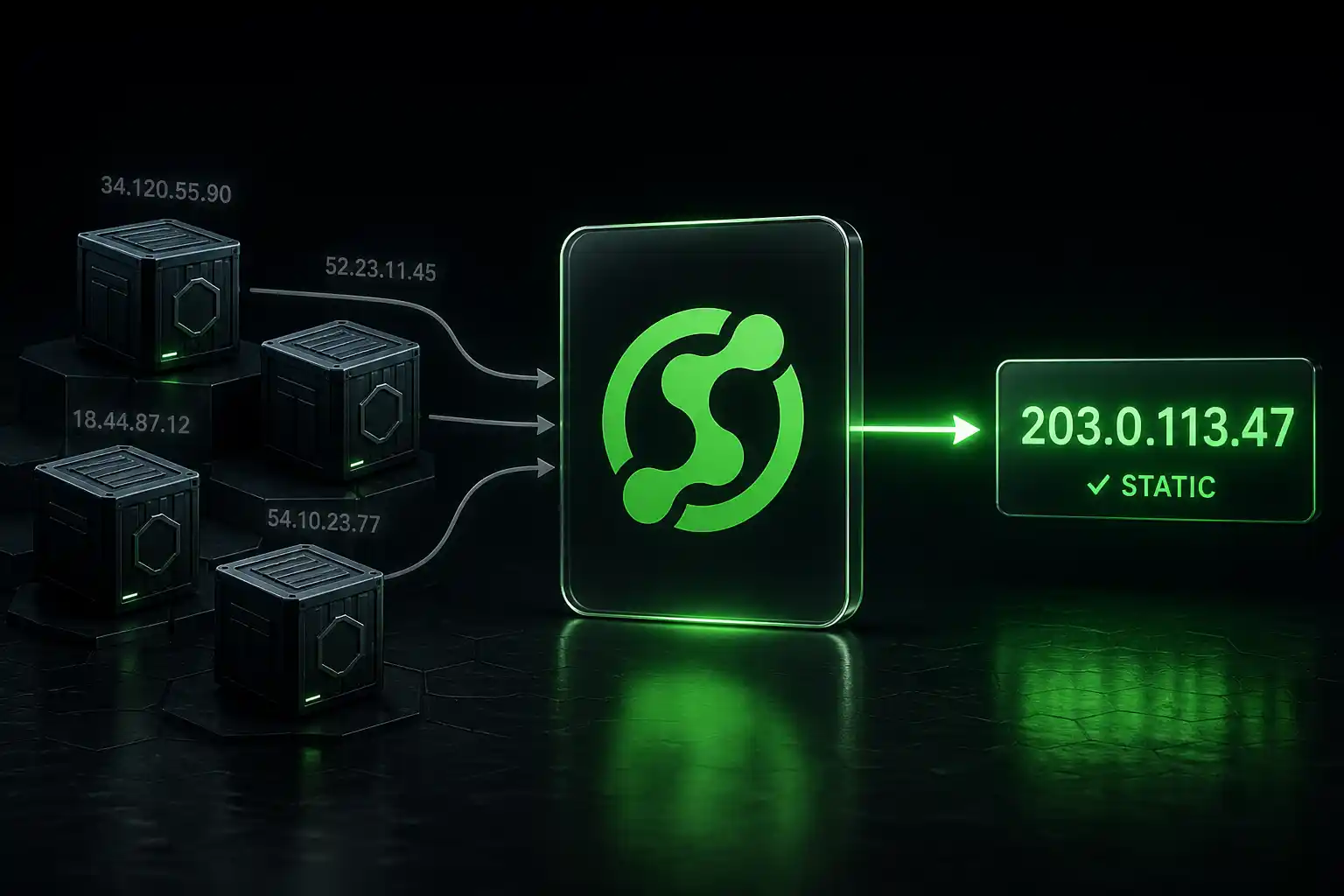
n8n Cloud runs on shared infrastructure. The outbound IP your workflow uses today isn't the same one it'll use tomorrow. There's no fixed address you can give to a security team to allowlist.

Enterprise systems that use IP allowlisting — corporate API gateways, Google Workspace with Context-Aware Access, internal SFTP servers, finance and healthcare APIs — don't accept dynamic cloud IP ranges. They require a specific IP address registered in advance. When your n8n workflow sends a request from an unrecognized address, they return a 403. It's not a bug. It's the firewall doing its job.

A developer in the n8n community documented this exactly: their company uses Google Workspace Context-Aware Access, which blocks n8n Cloud because the outbound IP isn't whitelisted. The credentials were valid. The IP wasn't on the list. 403.

The fix isn't to debug your request. The fix is to give the target system a stable IP it can recognize.

The Fix: Route Outbound Traffic Through a Static IP Proxy

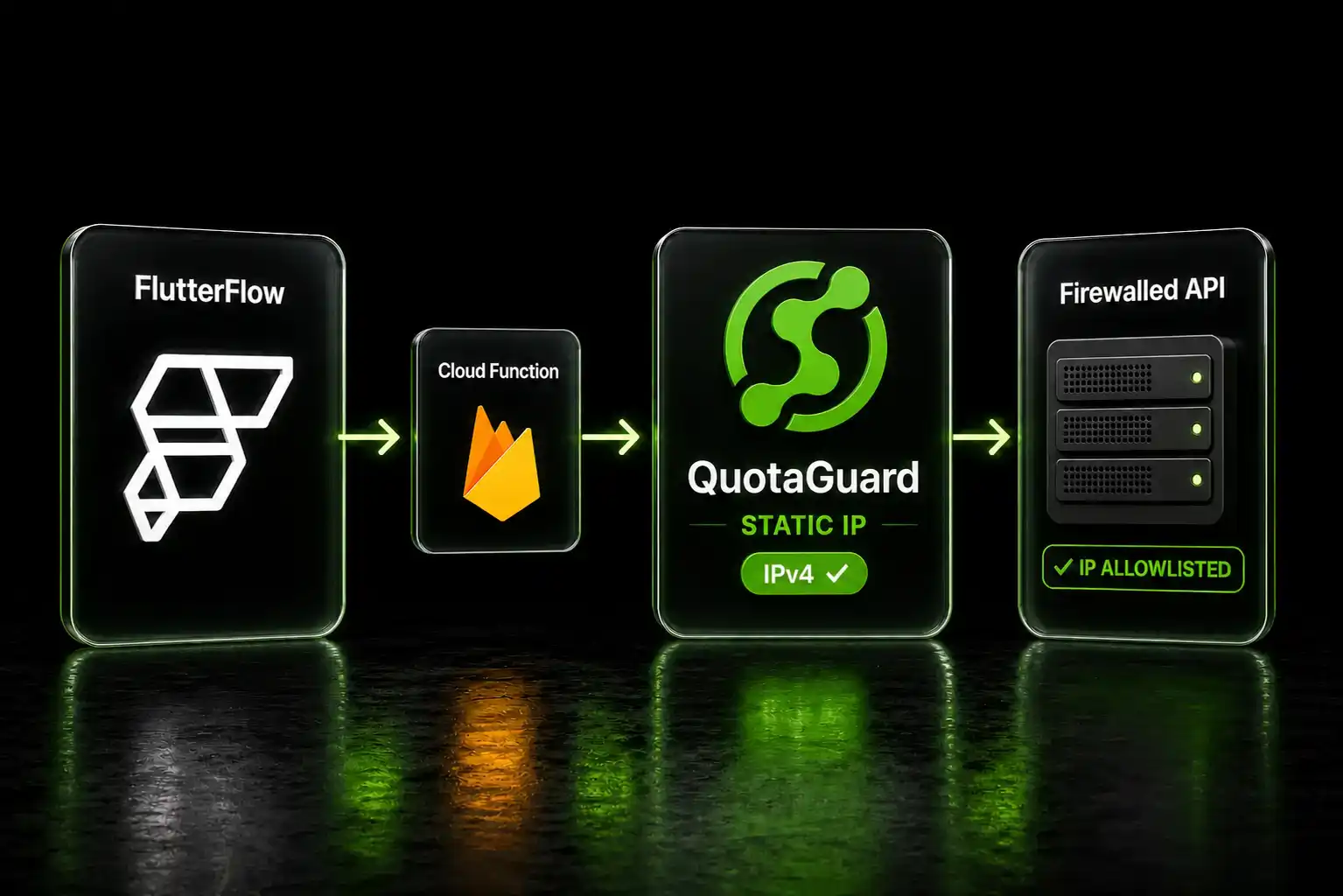
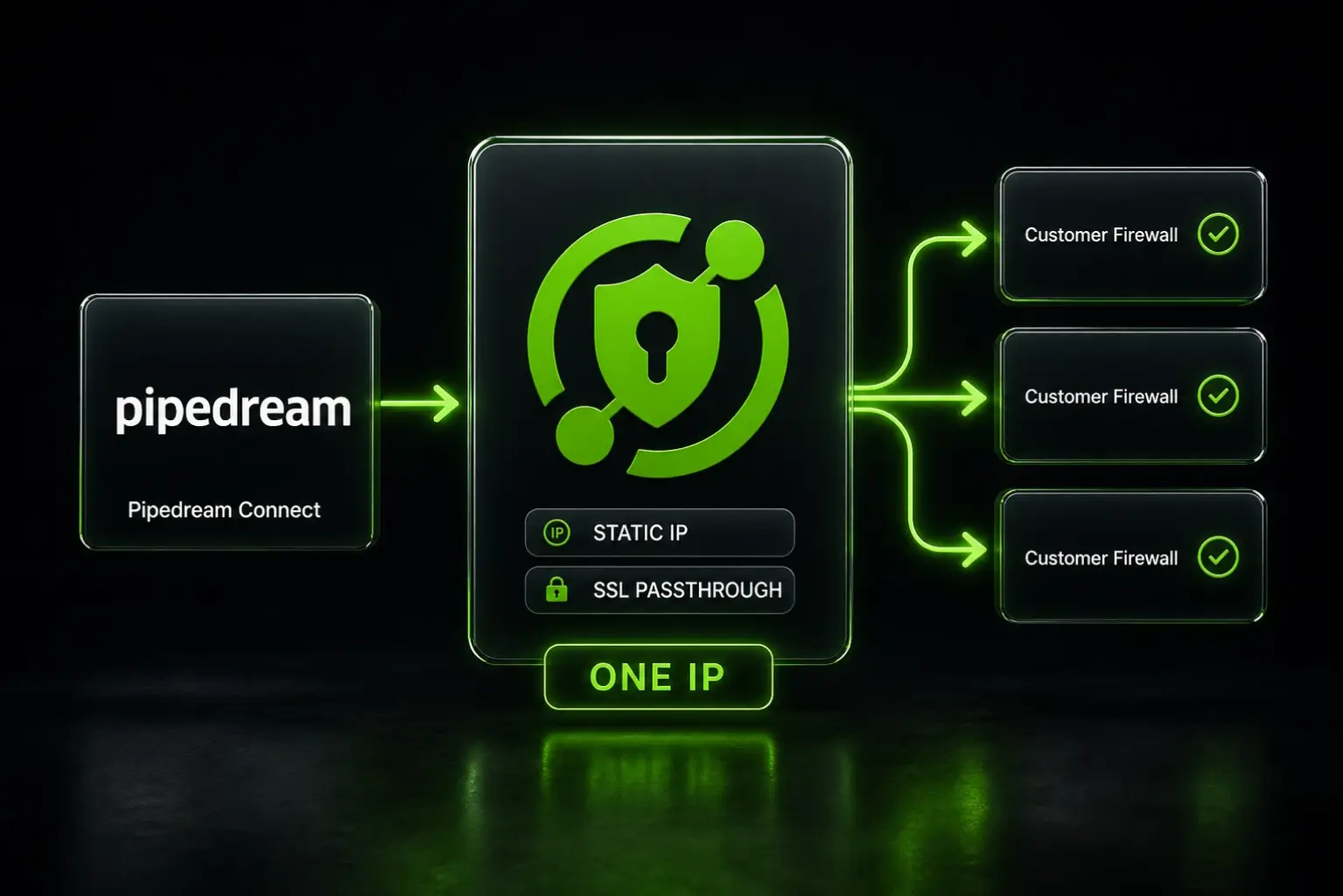
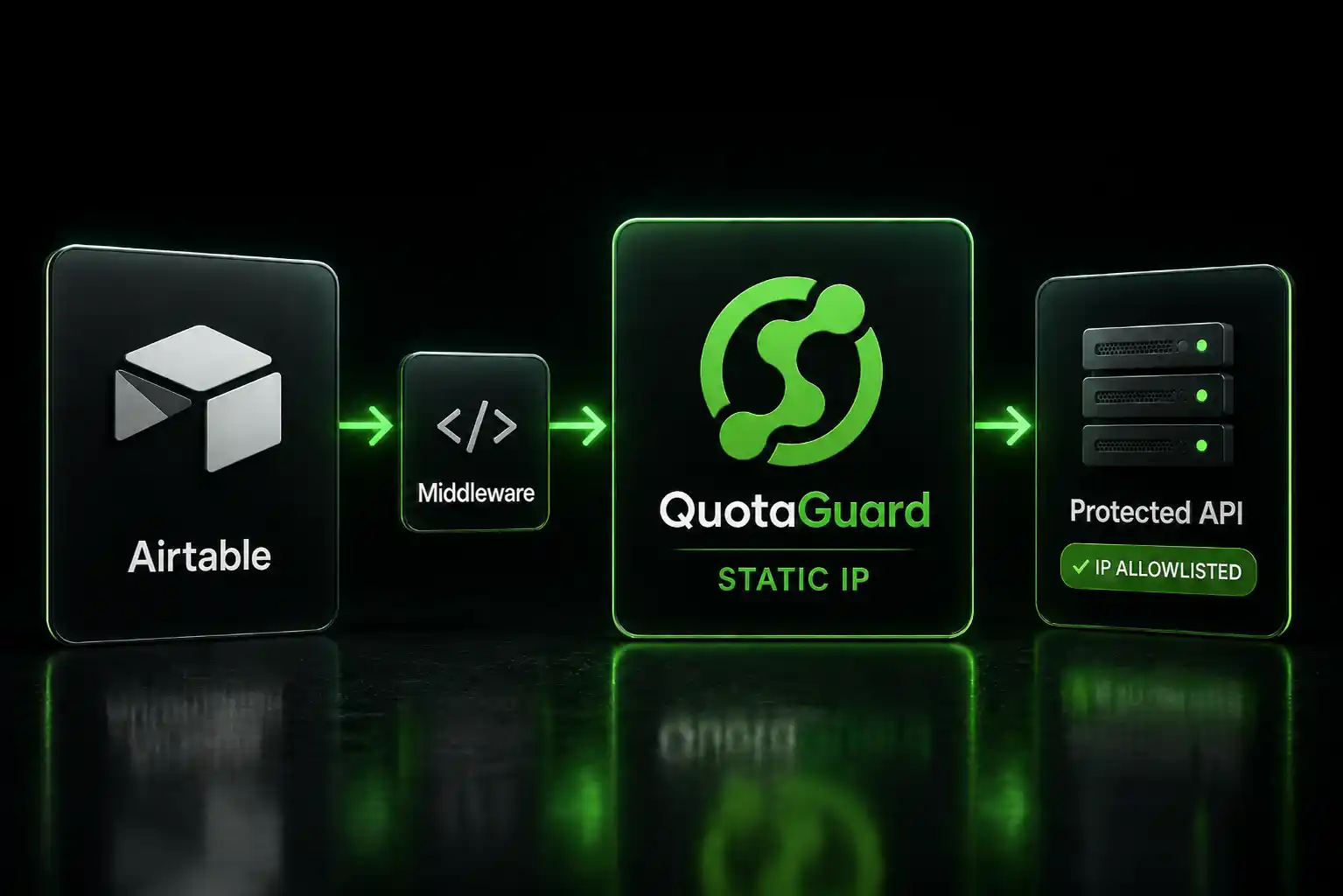
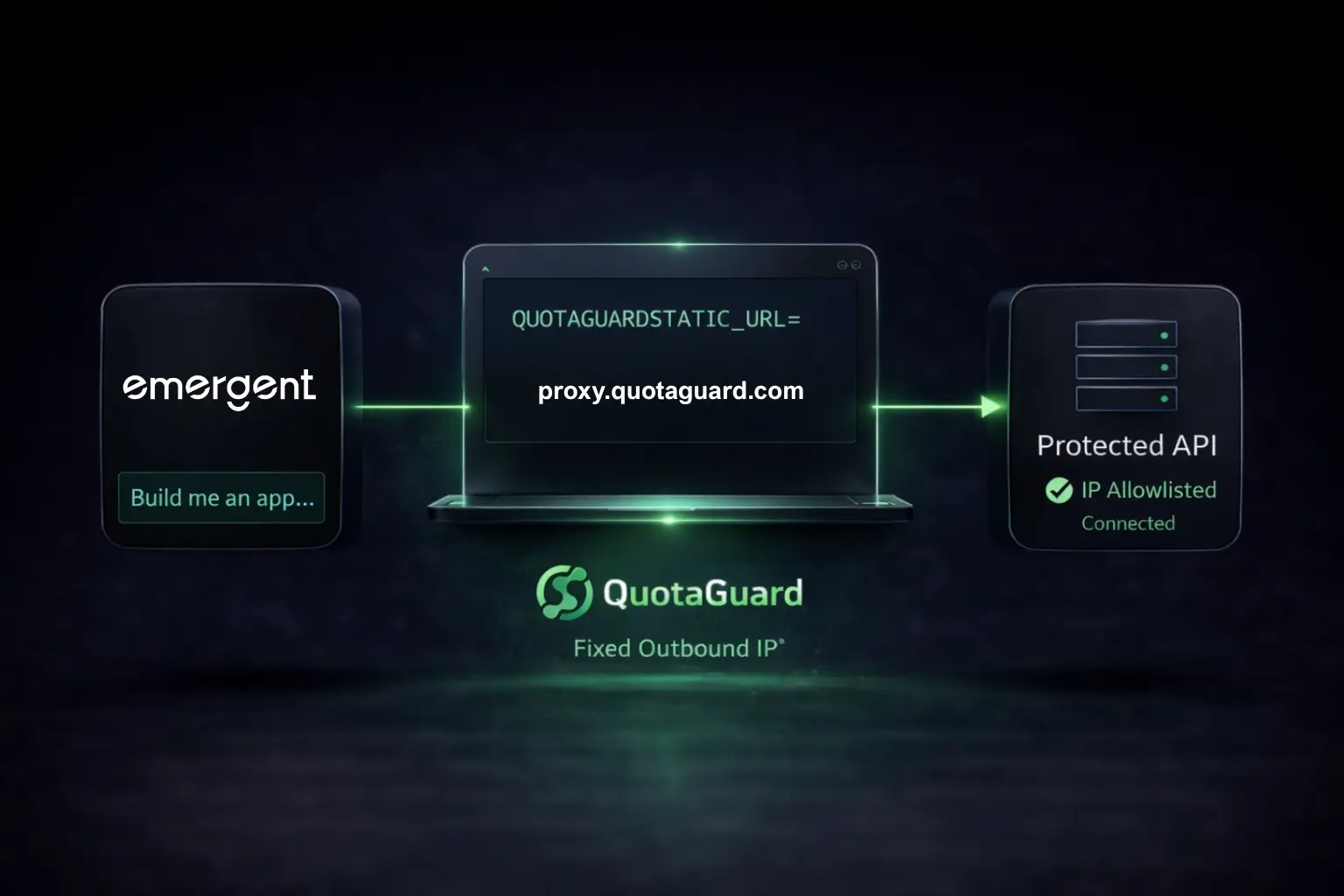
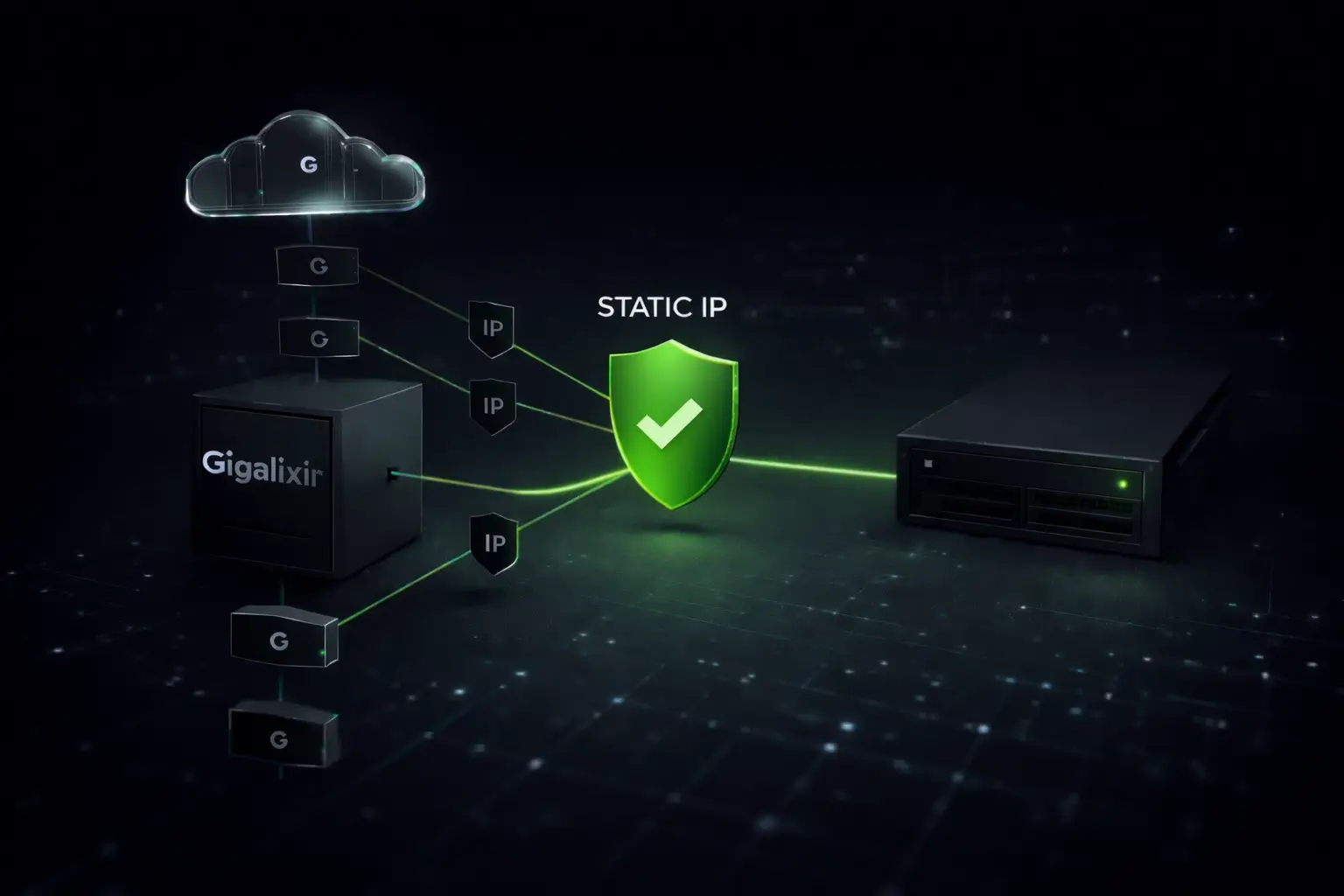
A static outbound proxy gives your n8n workflow a fixed exit point. Every request routes through it. The target system sees the same IP every time. You register that IP with the security team once, and it stays valid regardless of what n8n's underlying infrastructure does.

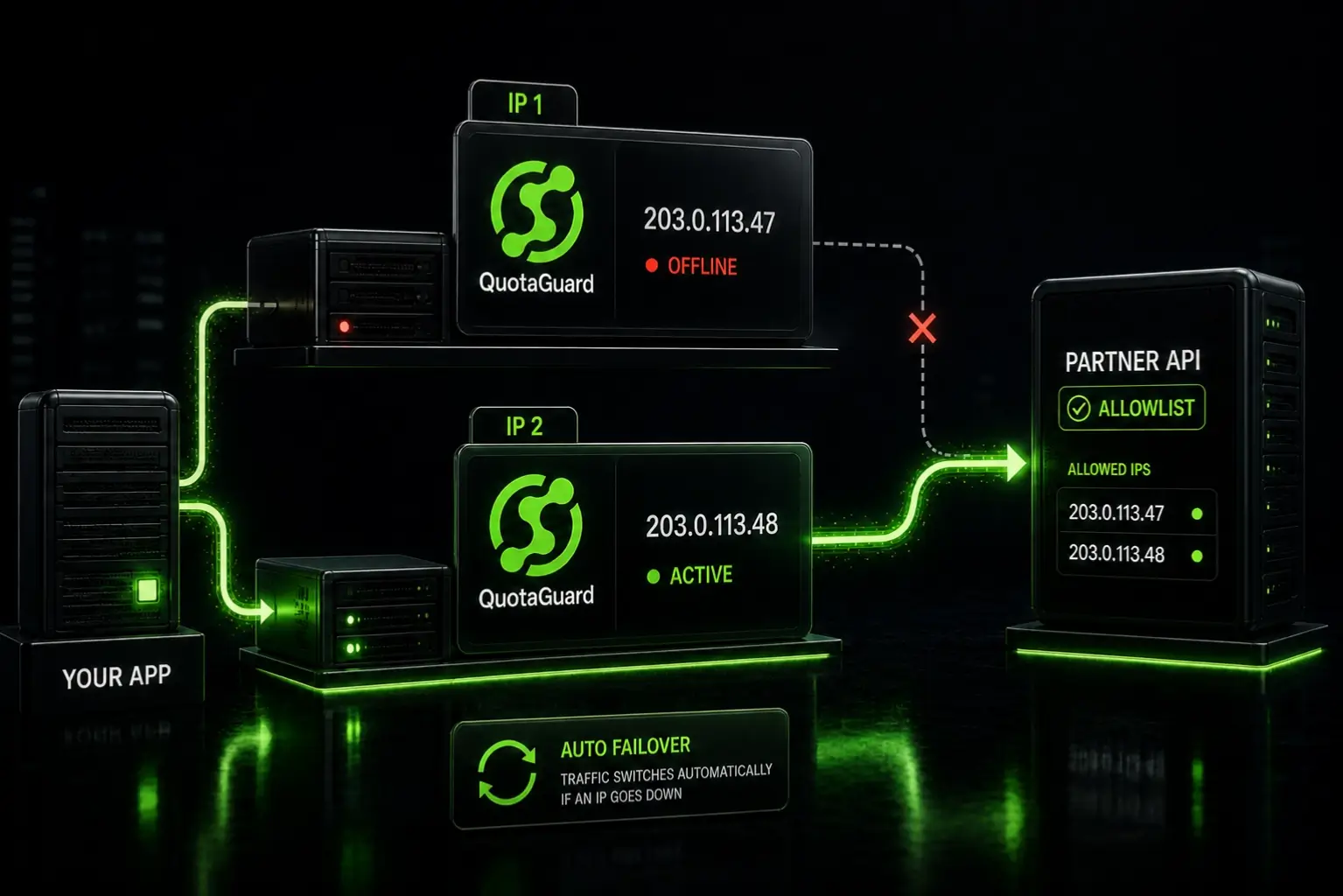
QuotaGuard provides exactly this. You get two load-balanced static IPs on AWS infrastructure. They don't change. You give both to whoever manages the target system's allowlist, and the connection works.

Setting It Up in n8n Cloud

n8n has native proxy support built into the HTTP Request node. No custom code required.

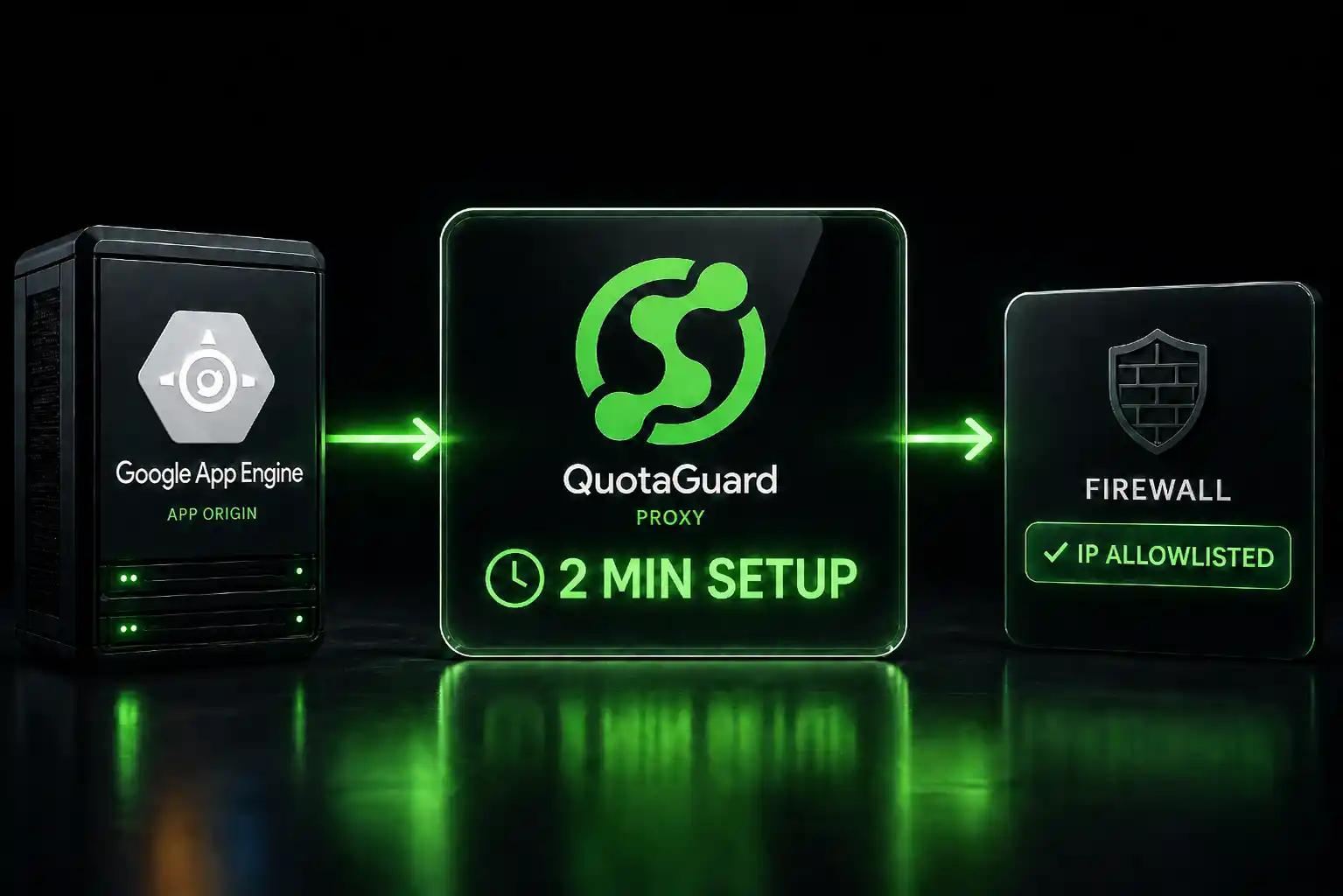
Sign up at quotaguard.com. After signup your dashboard shows your proxy URL and both static IPs.

In n8n Cloud, go to Credentials and create a new credential of type HTTP Proxy Auth:

  • Host: proxy.quotaguard.com
  • Port: 9293
  • Username: your QuotaGuard username
  • Password: your QuotaGuard password

Open the HTTP Request node that's returning the 403. Under Options, find the Proxy field and select the credential you just created. Run the workflow. Your request now exits from your QuotaGuard static IP.

Verify Before You Call IT

Before you contact anyone about updating a firewall rule, confirm the proxy is working. Temporarily point an HTTP Request node at:

GET https://api.ipify.org?format=json

With the proxy credential attached, the response should return your QuotaGuard static IP, not an n8n Cloud address. Once it does, send both static IPs from your dashboard to whoever manages the allowlist on the other end.

QuotaGuard tip: send both IPs, not just one. Your account gets two load-balanced addresses and traffic may route through either. Allowlisting only one causes intermittent failures that are hard to trace.

When a Static IP Won't Fix Your 403

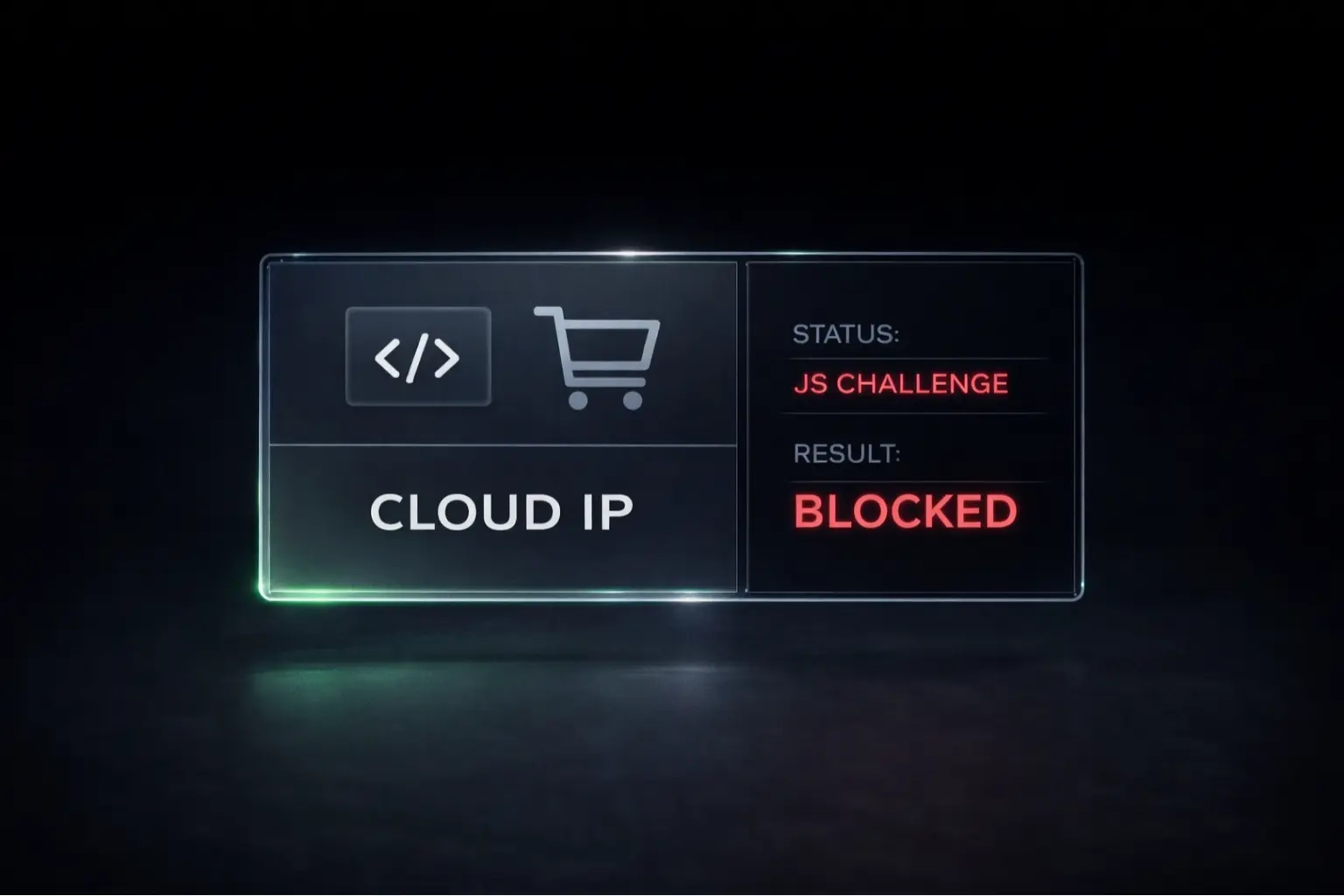
A static proxy solves IP allowlisting. It doesn't solve bot detection.

If the target site uses a WAF or anti-bot service like Cloudflare, Akamai, or Imperva, your 403 is coming from behavioral fingerprinting — request patterns, TLS characteristics, browser signatures — not from an IP blocklist. Routing through a static IP doesn't change any of that.

The distinction is straightforward. Allowlisting is explicit: someone registered specific IPs and yours isn't on the list. Bot detection is behavioral: the WAF is making a judgment about your request pattern. If the target is an enterprise API or a corporate system where "contact your admin to get your IP allowlisted" is the documented process, a static IP fixes it. If the target is a consumer site with anti-bot protection, it won't.

Get the Full n8n Setup Guide

If you've confirmed this is an IP allowlisting problem, QuotaGuard's Starter plan is $19/month. It covers outbound static IP for HTTP Request nodes, SOCKS5 for database connections, EU data residency, and inbound Shield for two-way integrations.

The full n8n integration guide is at quotaguard.com/integrations/n8n-static-ip.

QuotaGuard Static IP Blog

Practical notes on routing cloud and AI traffic through Static IPs.

Reliability Engineered for the Modern Cloud

For over a decade, QuotaGuard has provided reliable, high-performance static IP and proxy solutions for cloud environments like Heroku, Kubernetes, and AWS.

Get the fixed identity and security your application needs today.