Fix Upstox "Static IP Restriction" Block on Your Cloud Bot

QuotaGuard Engineering
April 12, 2026
5 min read
Pattern

Important Update: Other QG Customers w/ Shared IPs Could Reject Yours (April 3, 2026)

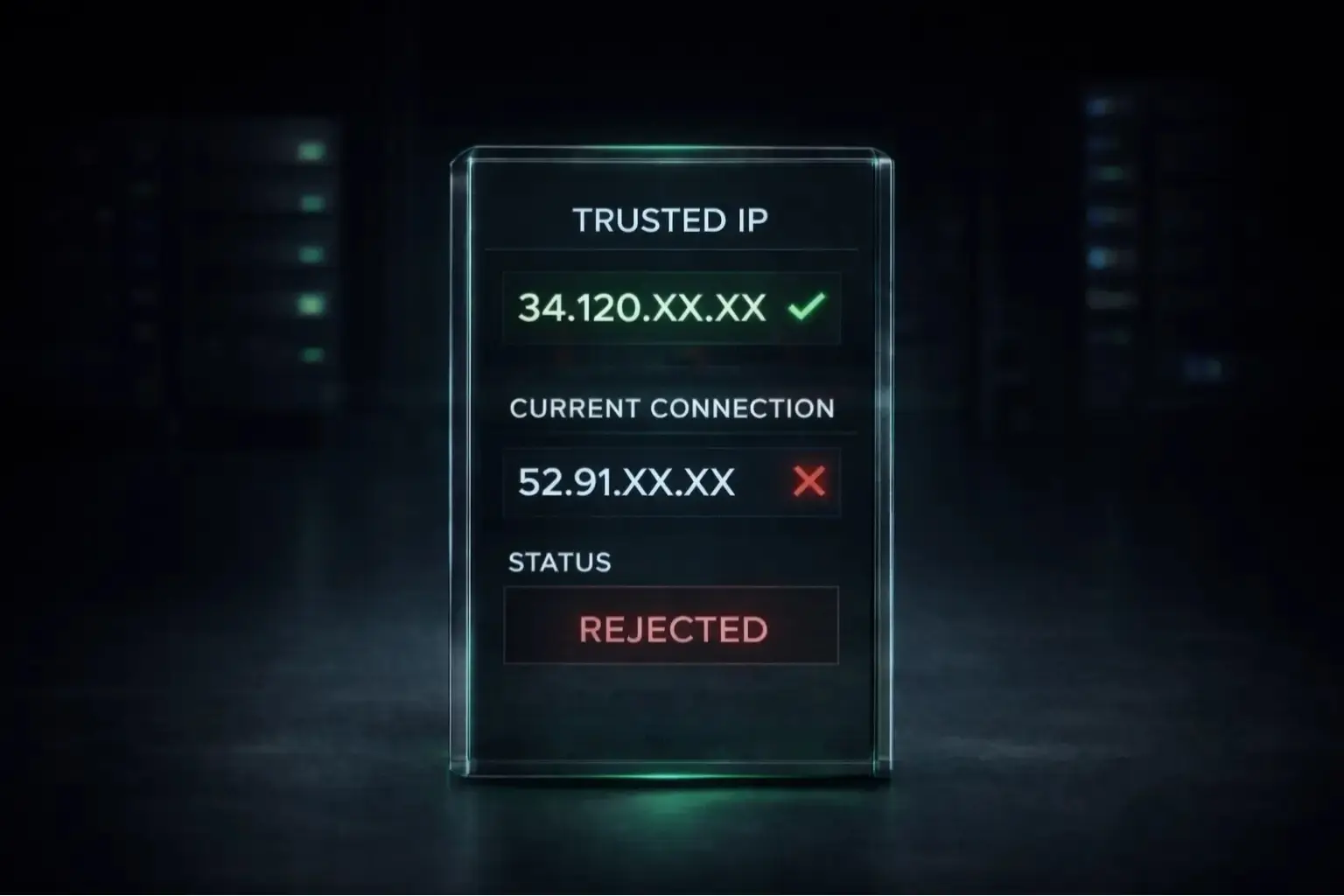
Since the SEBI deadline hit on April 1, we've seen a surge of Indian algo traders signing up for QuotaGuard. That's great, but it's created an unexpected side effect. Because brokers require each IP to be uniquely tied to one trader, a shared static IP can be rejected if another QuotaGuard customer has already registered it with the same broker. The more customers we onboard, the more likely this becomes.

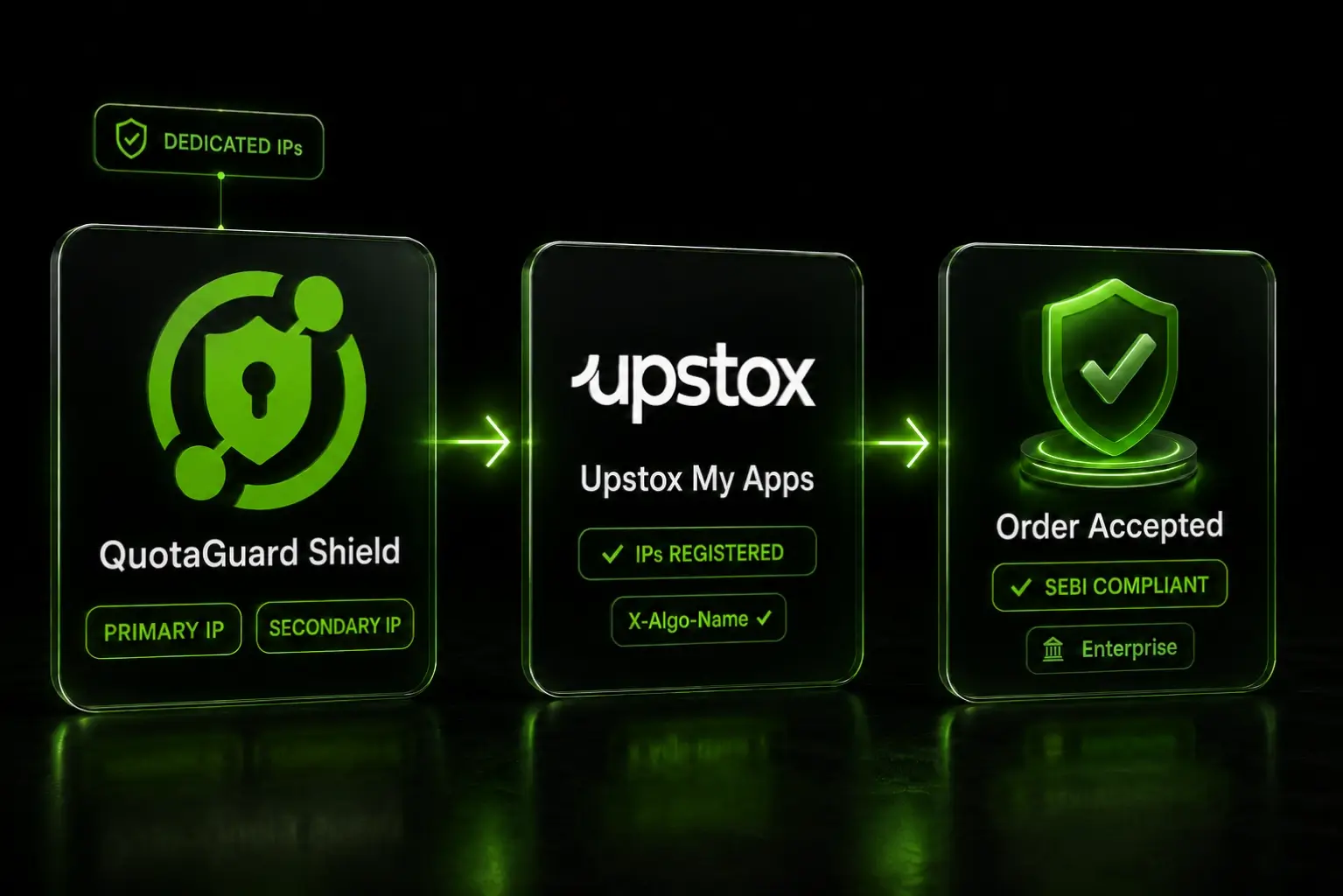
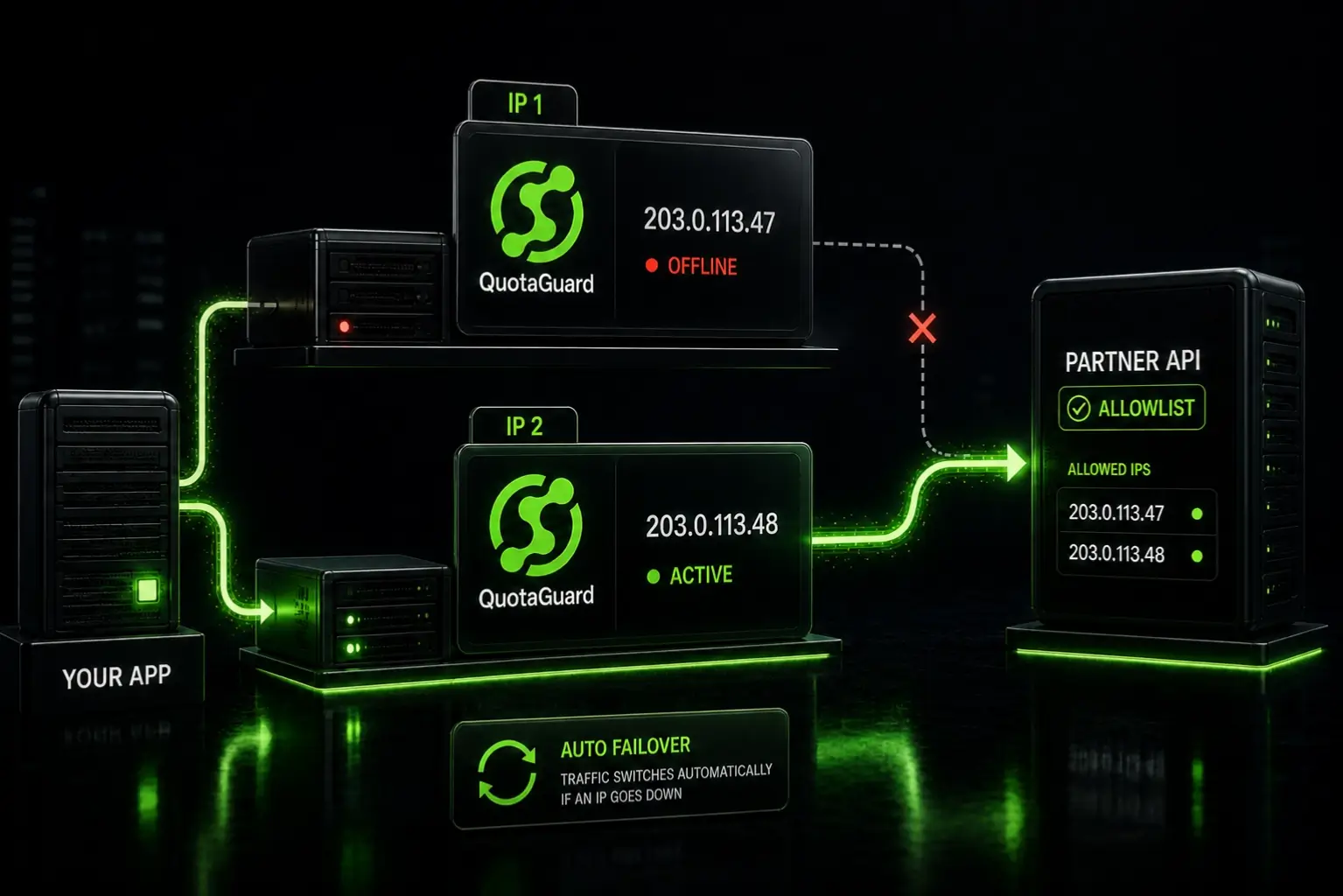
Our recommendation: For the most reliable setup, use our Shield Enterprise plan, which gives you a dedicated proxy with IPs that are exclusively yours. Lower-tier plans (Starter, Production, Business) can still work, and many customers are connecting successfully, but if your assigned IP has already been claimed by another QuotaGuard customer at your broker, you'll need a fresh one.

How the Enterprise setup works:

  1. Sign up for the Shield Enterprise plan.
  2. Reach out to our team.
  3. We'll build your dedicated proxy infrastructure.
  4. We'll work with you to rotate through IPs until we find ones that haven't been previously registered with your broker. QuotaGuard has been operating for 13 years with over 100,000 customers, so some IPs in our pool may have been registered by past users. We keep rotating until we find clean ones.
  5. Once we find two working IPs, they're yours exclusively. No one else will ever be assigned them.

Have questions or want help choosing the right plan? Contact us and we'll get you sorted.


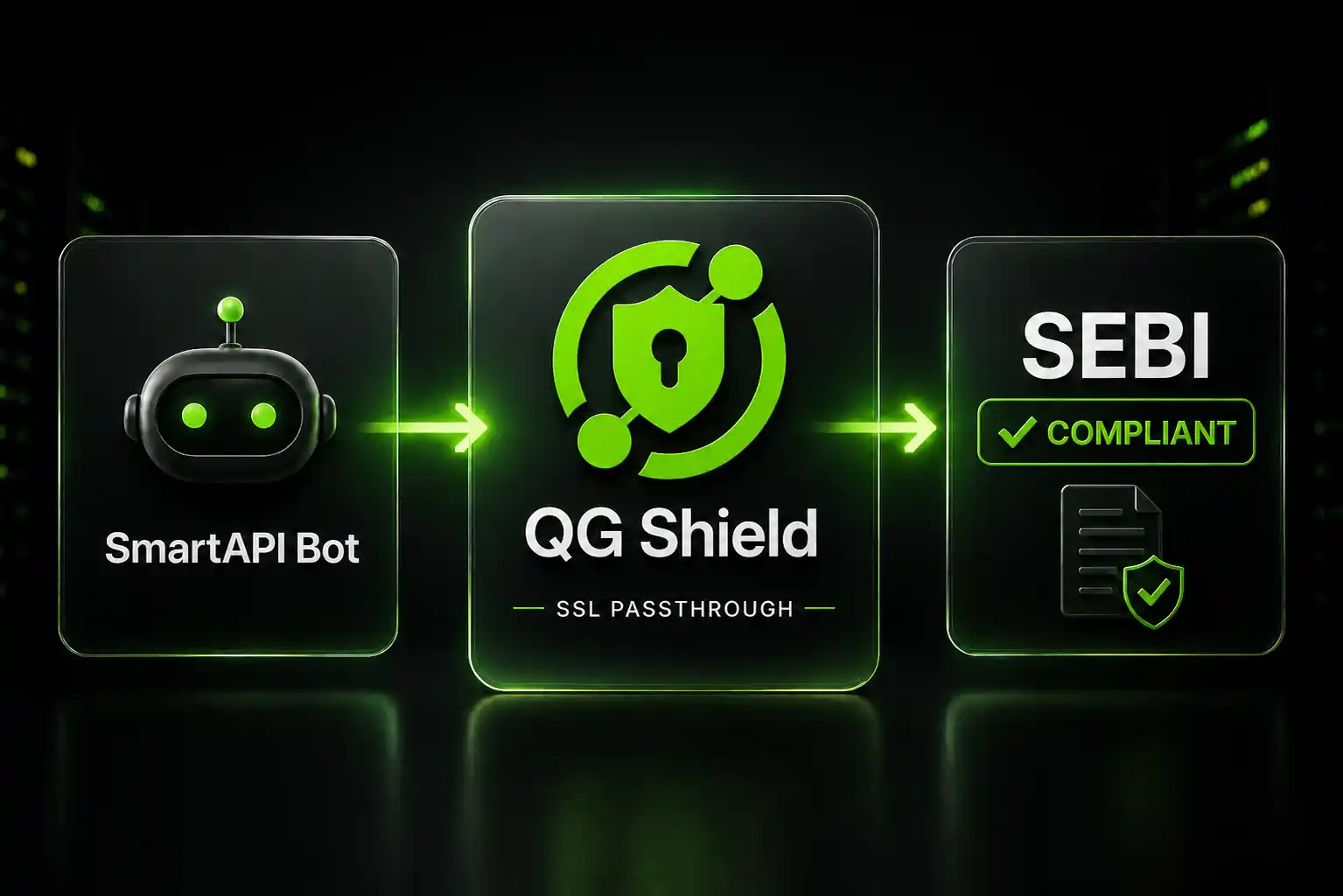
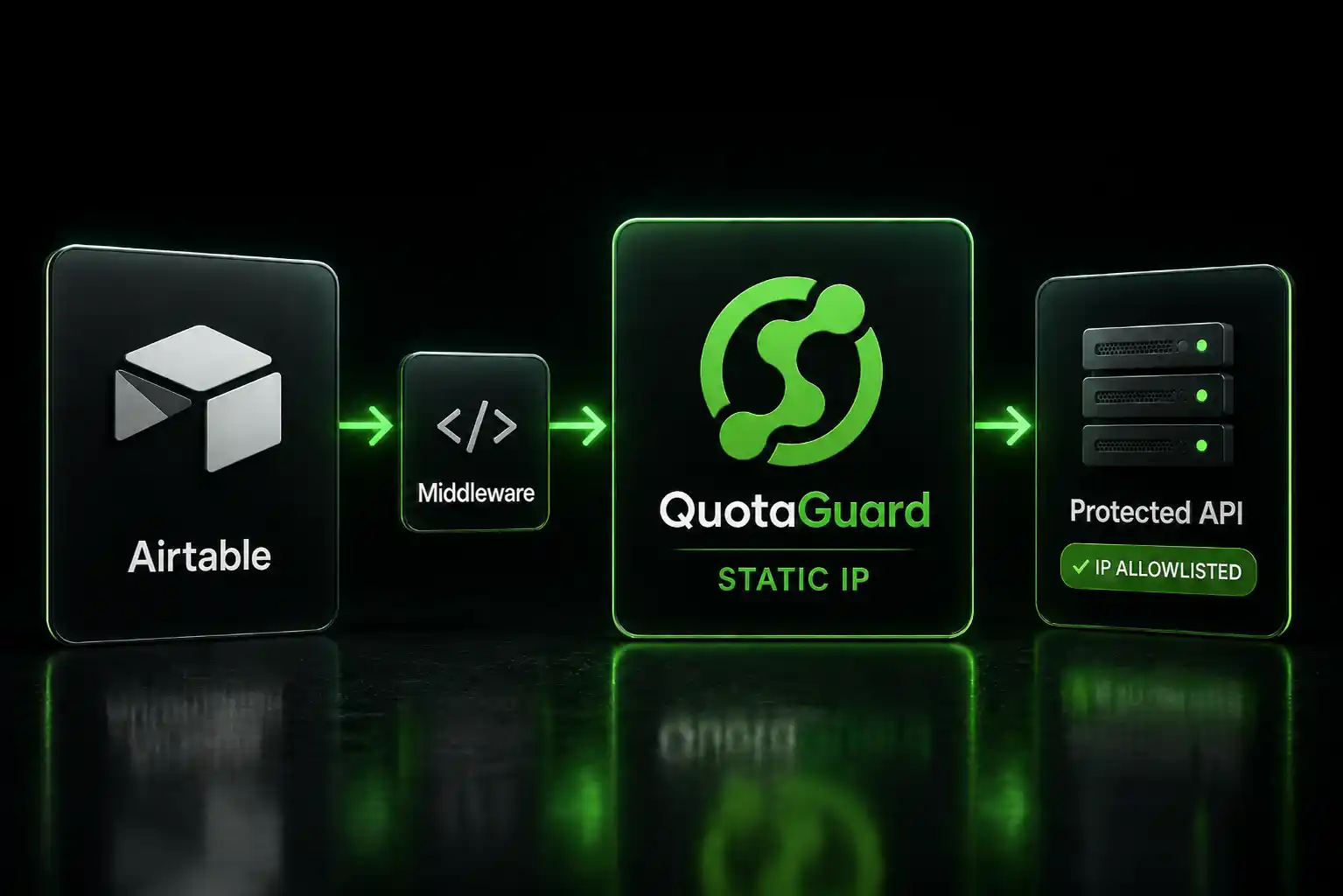
Route Upstox API calls through QuotaGuard Shield's static IP, register that IP with your broker, and your cloud-deployed bot stays SEBI compliant. SSL passthrough keeps your credentials encrypted end-to-end.

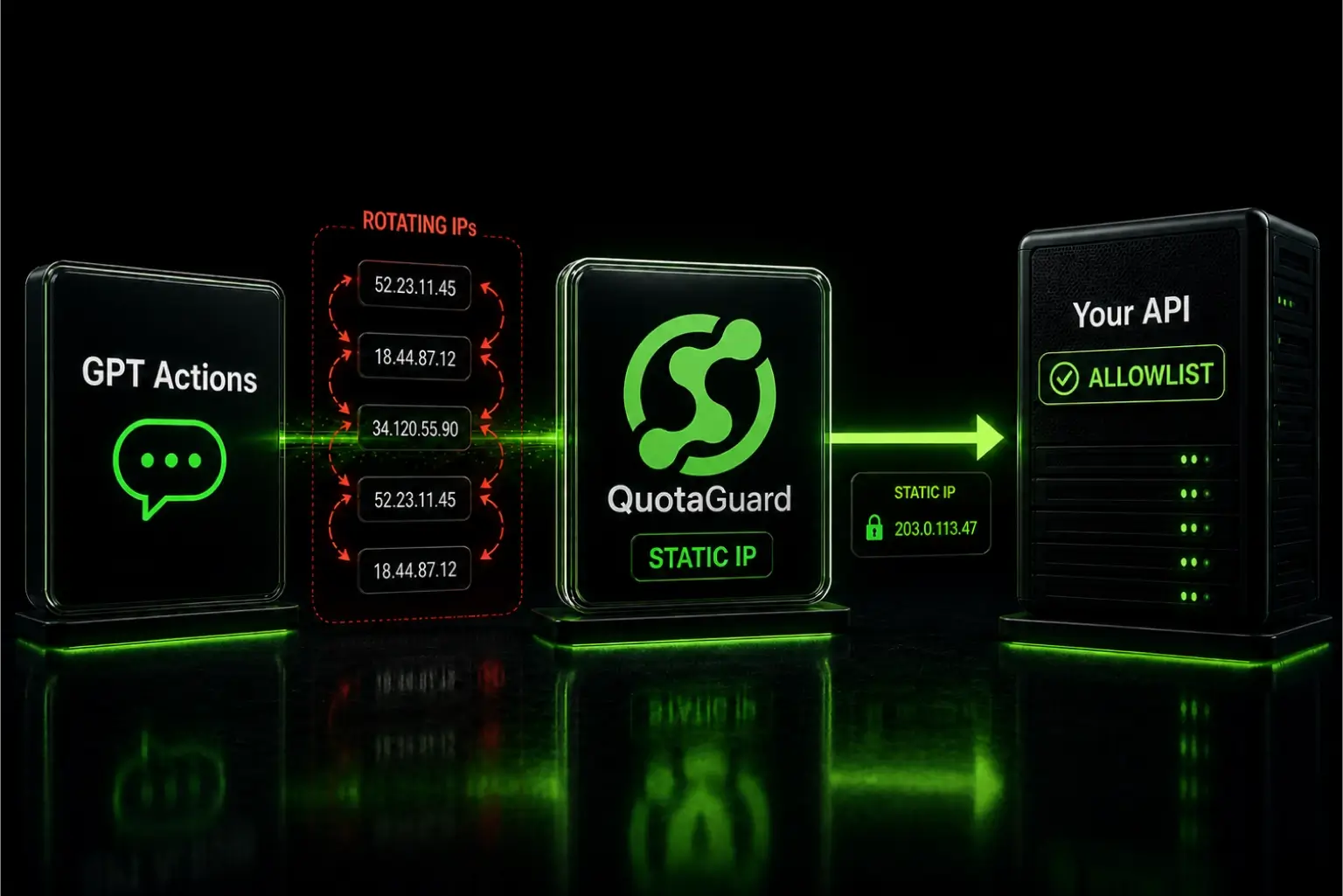
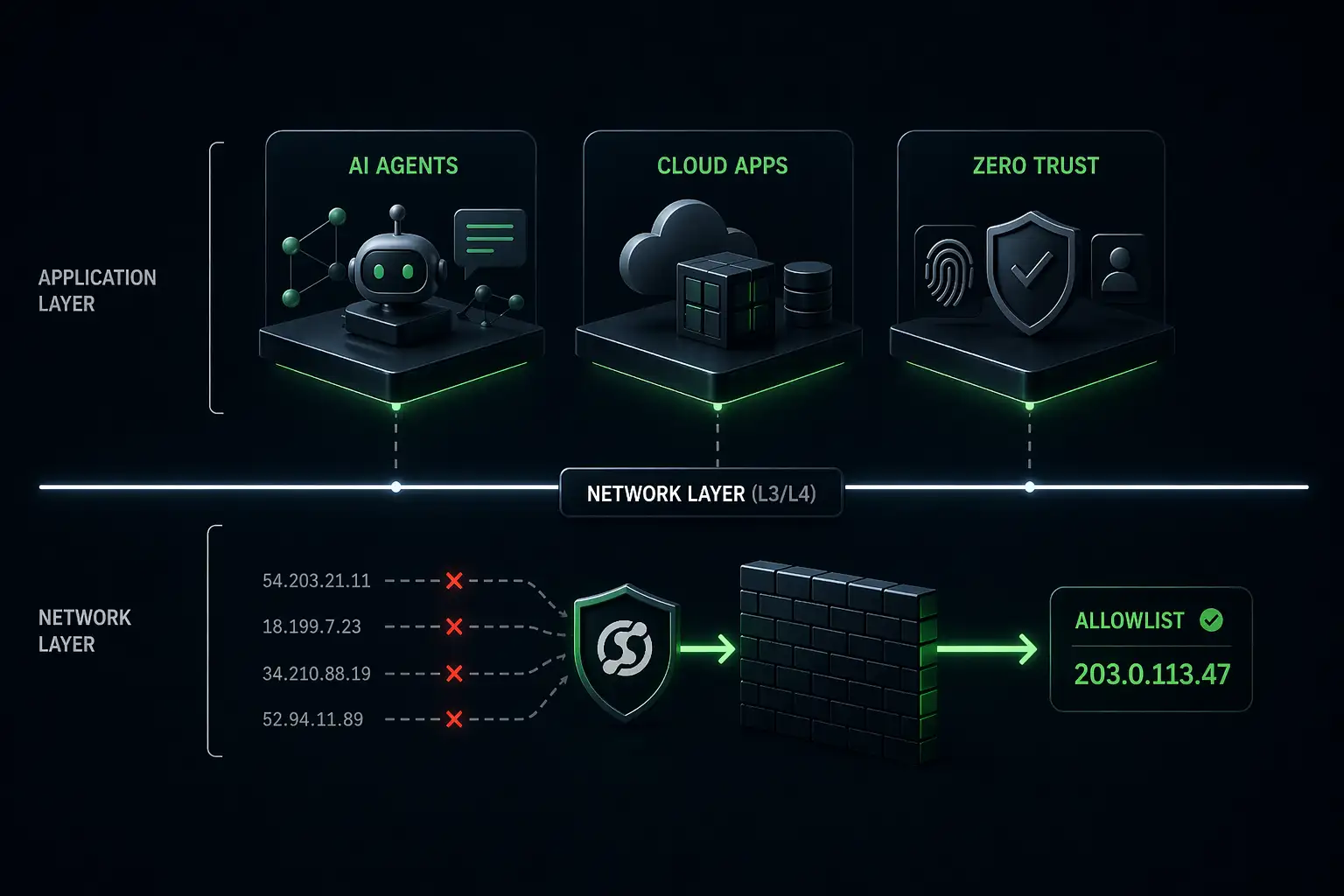
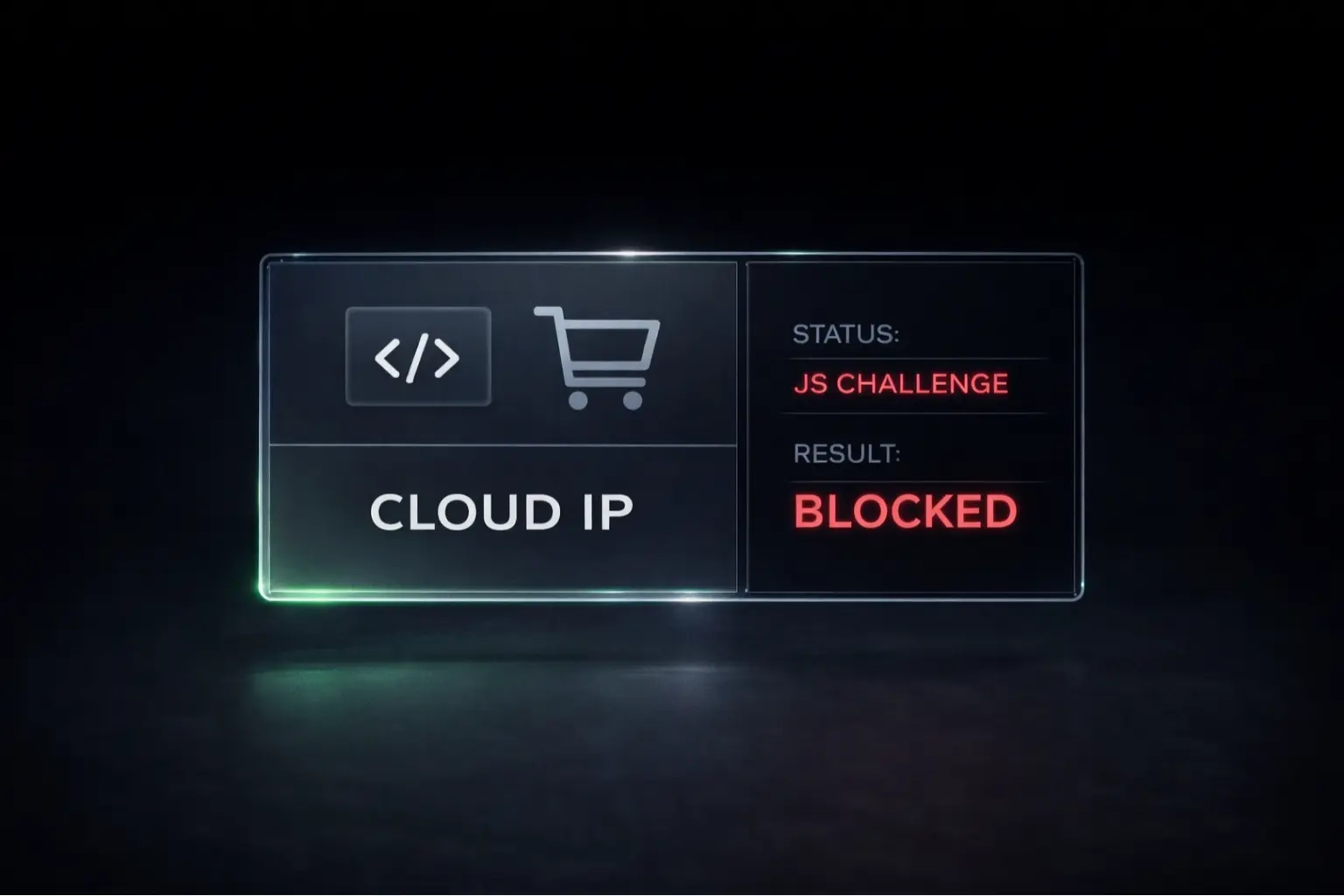
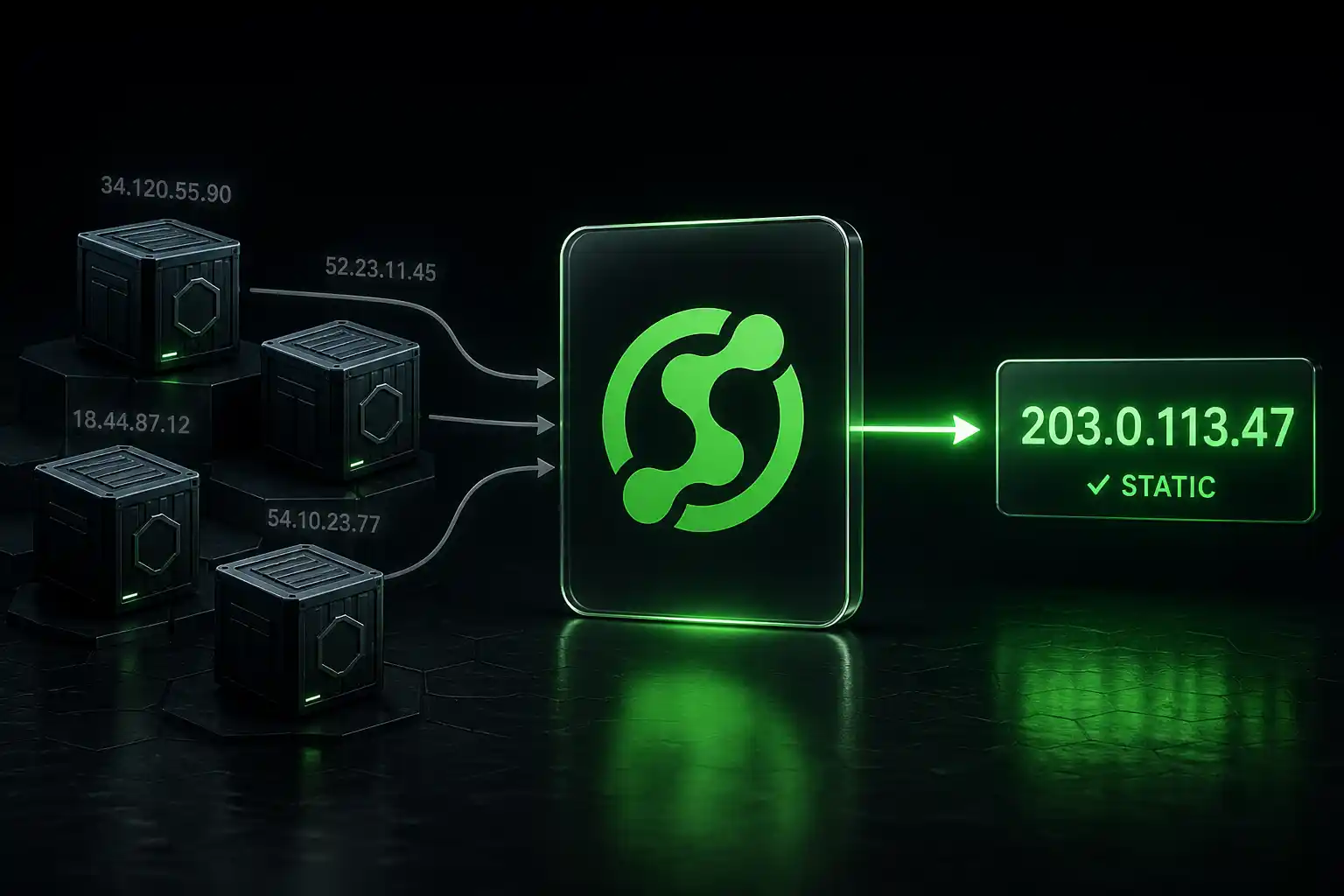
If you're seeing "Access to this API is blocked due to static IP restrictions" starting April 1, 2026, your credentials are fine. Your outbound IP is the problem. Cloud platforms like Heroku, Railway, and Render assign dynamic IPs. Upstox now rejects connections from unregistered IPs. You need a static IP proxy between your app and the Upstox API.

Confirmed: QuotaGuard Shield's AWS IPs Reach the Upstox API

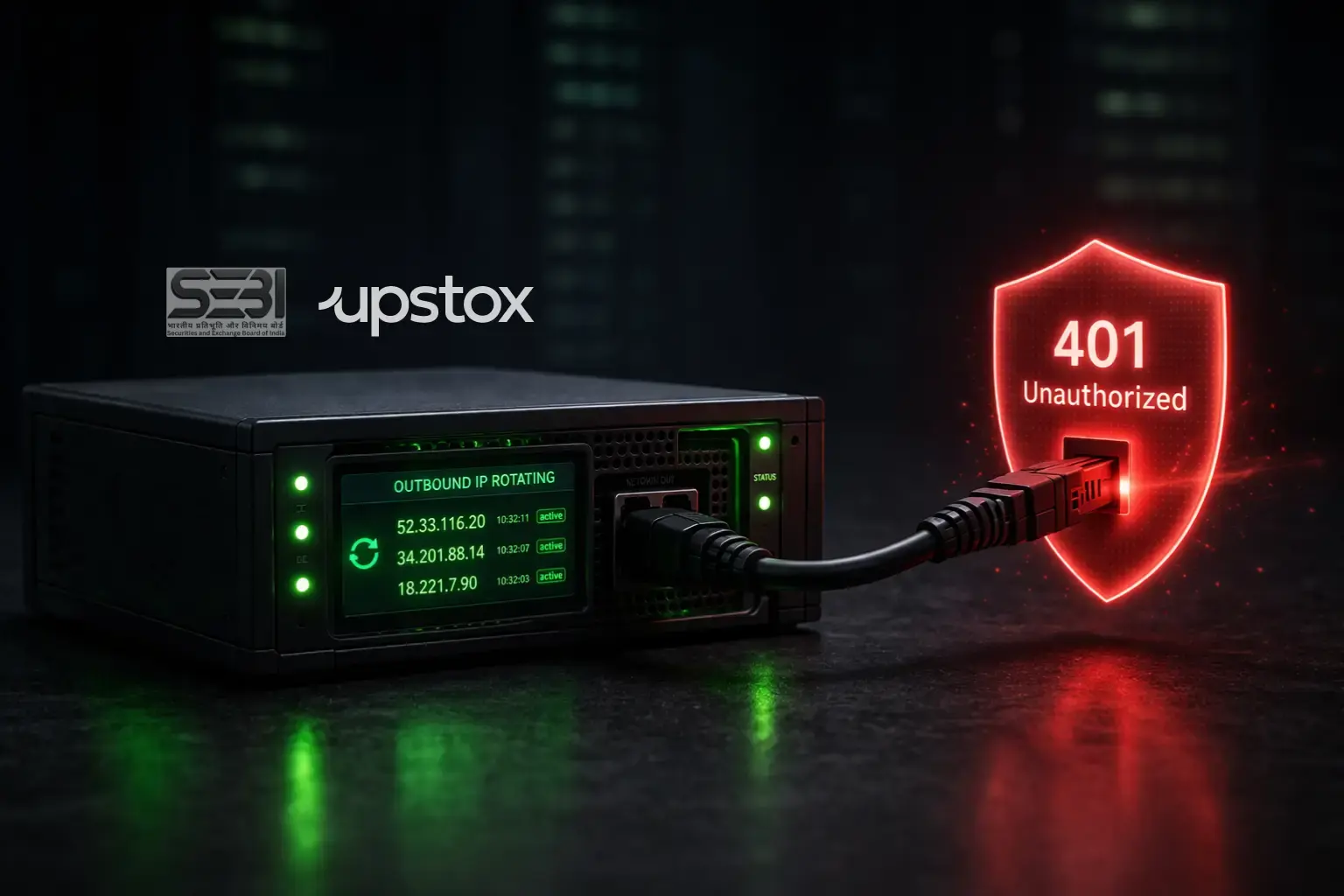
On April 2, 2026, we tested QuotaGuard Shield's AWS IP (52.33.116.20, us-west-2) against api.upstox.com through the proxy. The result was 401 Unauthorized. That's the correct response. It means the connection reached Upstox's servers. No network-layer block. Cloudflare sat in the path and didn't stop the request.

QuotaGuard tip: A 401 means "you reached us, but you're not authenticated." That's exactly what you want to see before registering your IP. It proves the proxy connection works. Once you register the IP with Upstox and send a valid token, you'll get 200.

Upstox's own mandate announcement lists AWS EC2 with Elastic IP as an acceptable IP source. QuotaGuard runs on AWS infrastructure (AS16509). You're on the same network they endorse.

Why Upstox Started Blocking Your API Calls

SEBI issued circular SEBI/HO/MIRSD/MIRSD-PoD/P/CIR/2025/0000013 in February 2025. The mandate is explicit:

"not permit open APIs and allow access only through a unique vendor client specific API key and static IP whitelisted by the broker to ensure identification and traceability of the algo provider and the end user"

SEBI Circular SEBI/HO/MIRSD/MIRSD-PoD/P/CIR/2025/0000013, February 4, 2025

SEBI extended the deadline to April 1, 2026 via SEBI/HO/MIRSD/MIRSD-PoD/P/CIR/2025/132. NSE operationalized it in NSE/INVG/67858. That deadline passed. Enforcement is live.

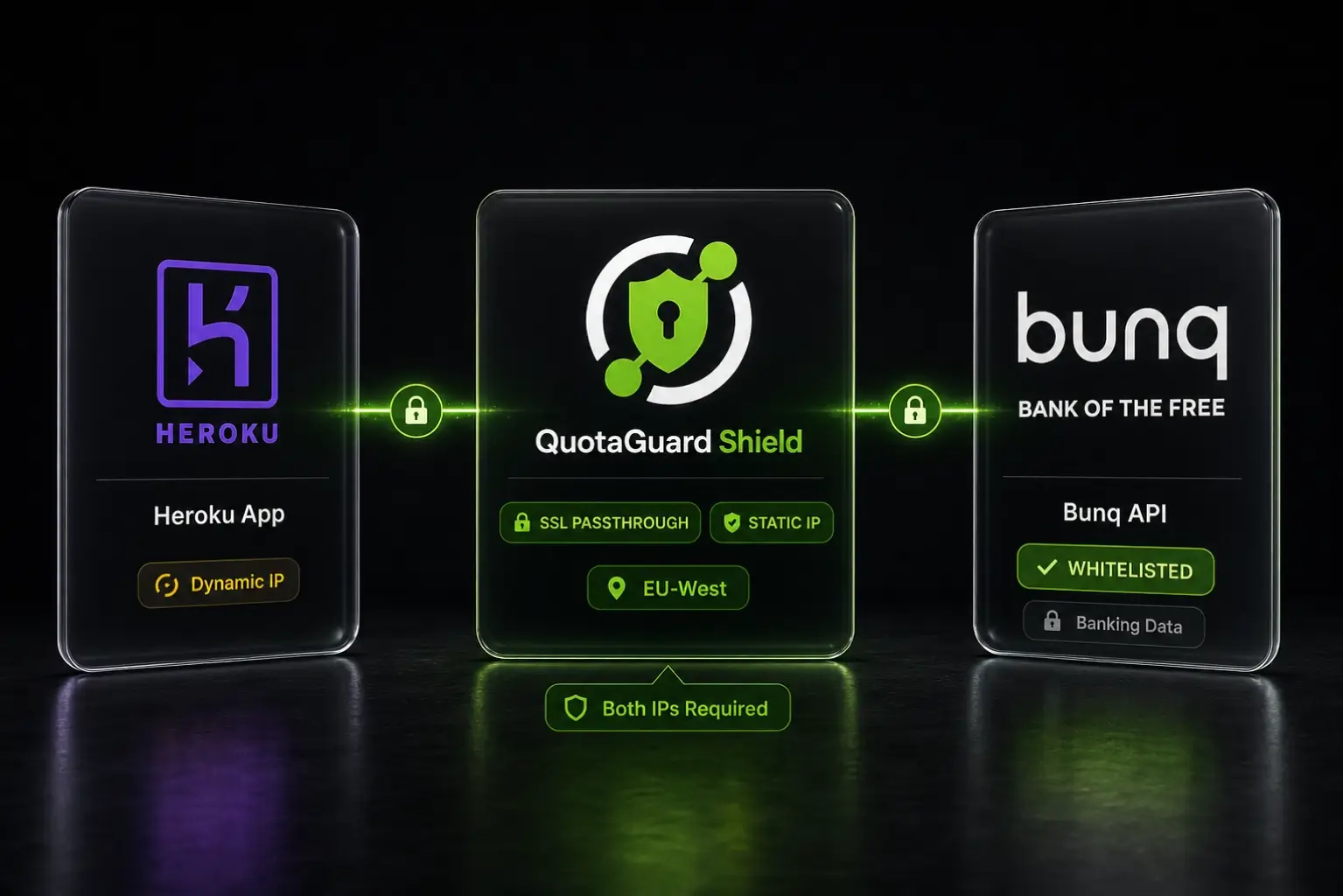
Heroku, Railway, and Render assign dynamic IPs from shared pools. Every deploy, every restart, every scaling event gives your app a different outbound IP. There's no platform setting to fix this. You need an external static IP for your API traffic.

Get a Static IP With QuotaGuard Shield (Step by Step)

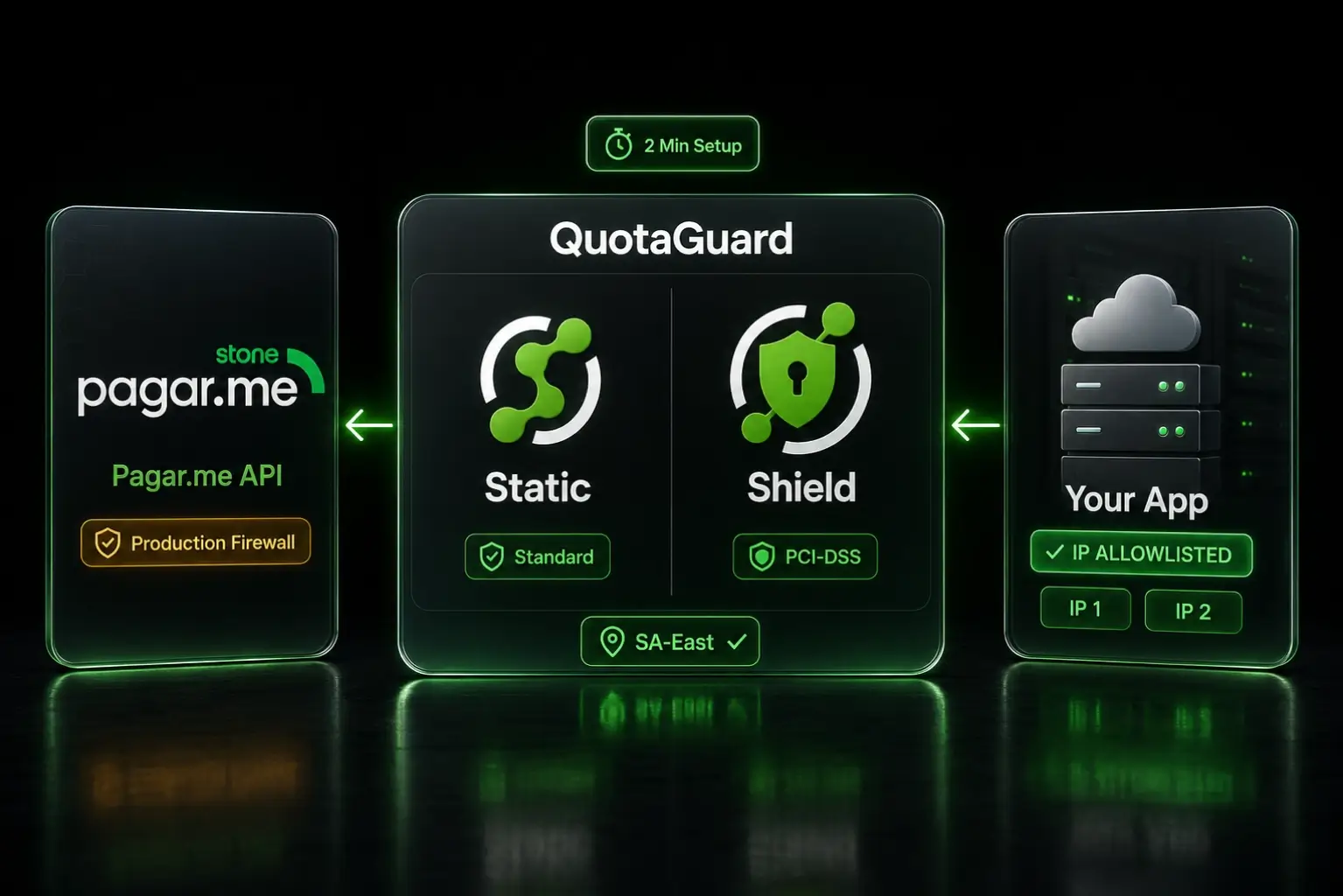
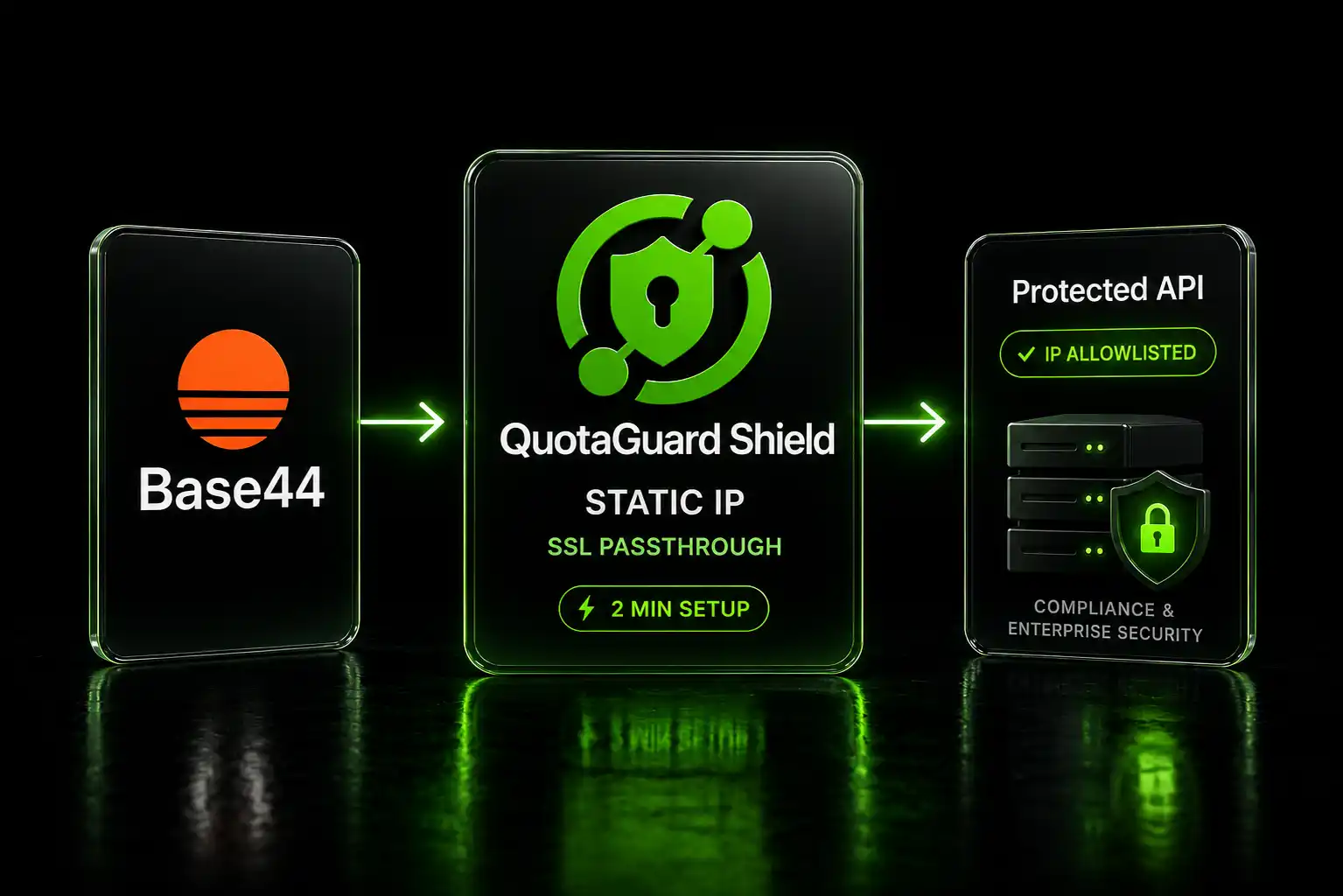
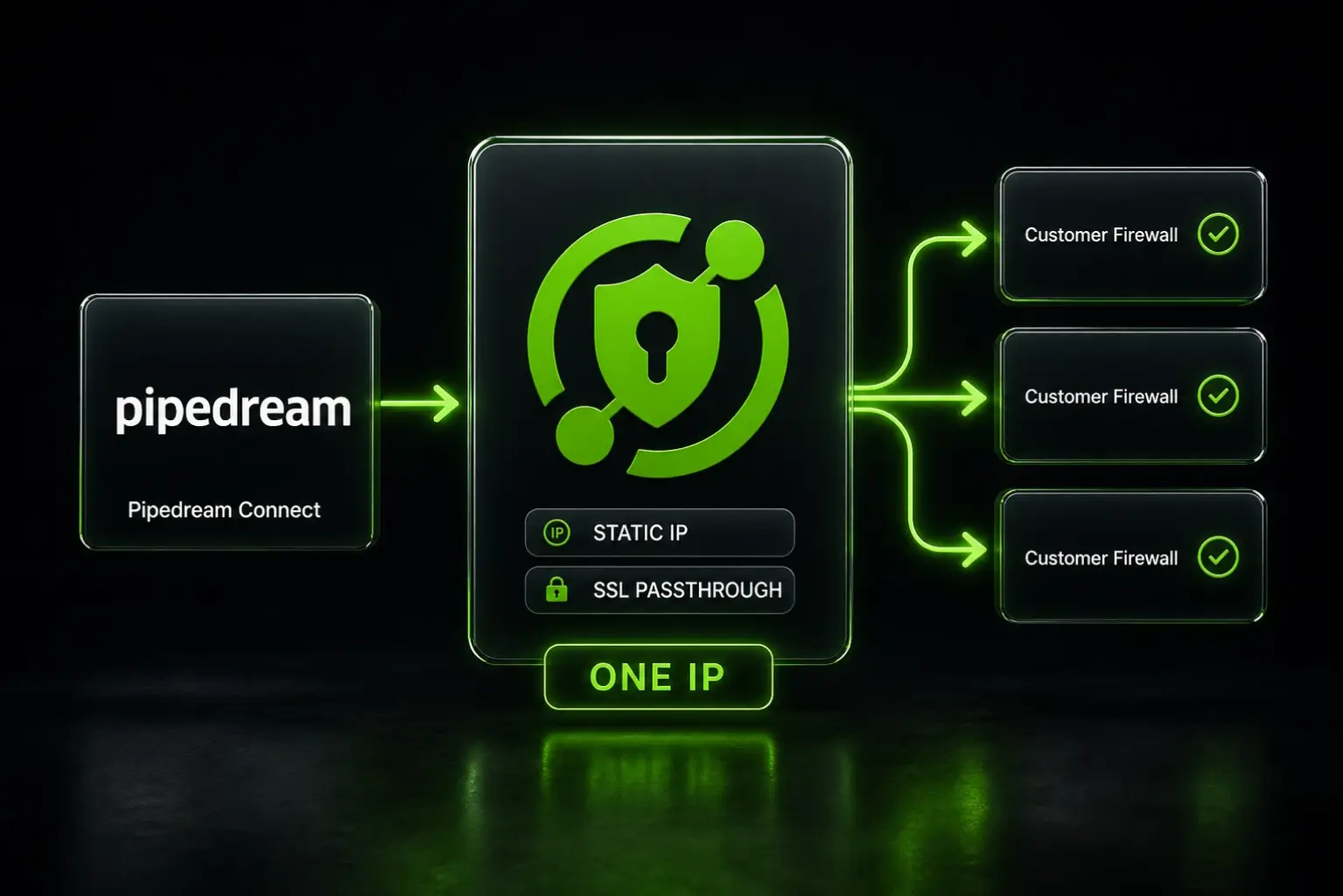
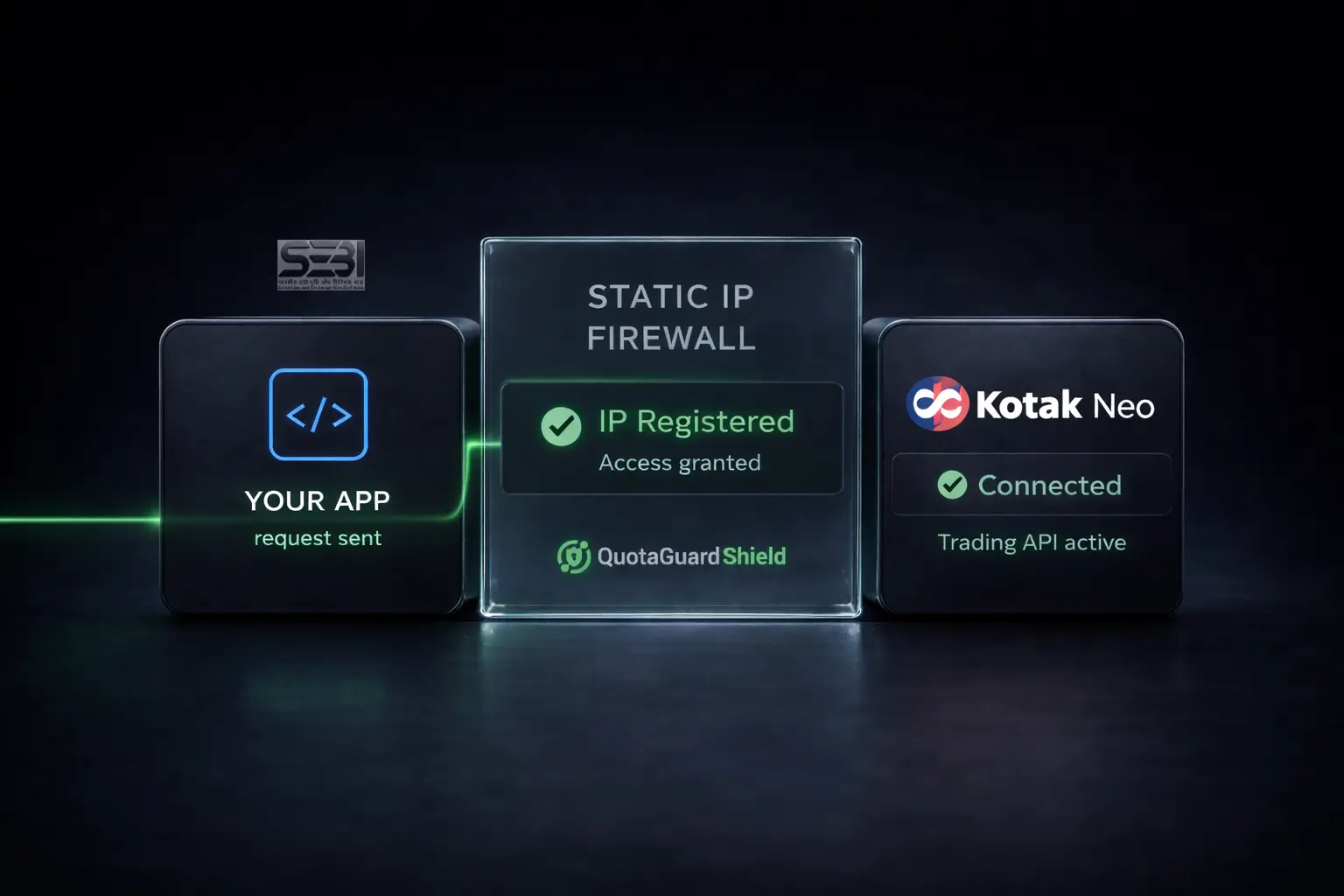
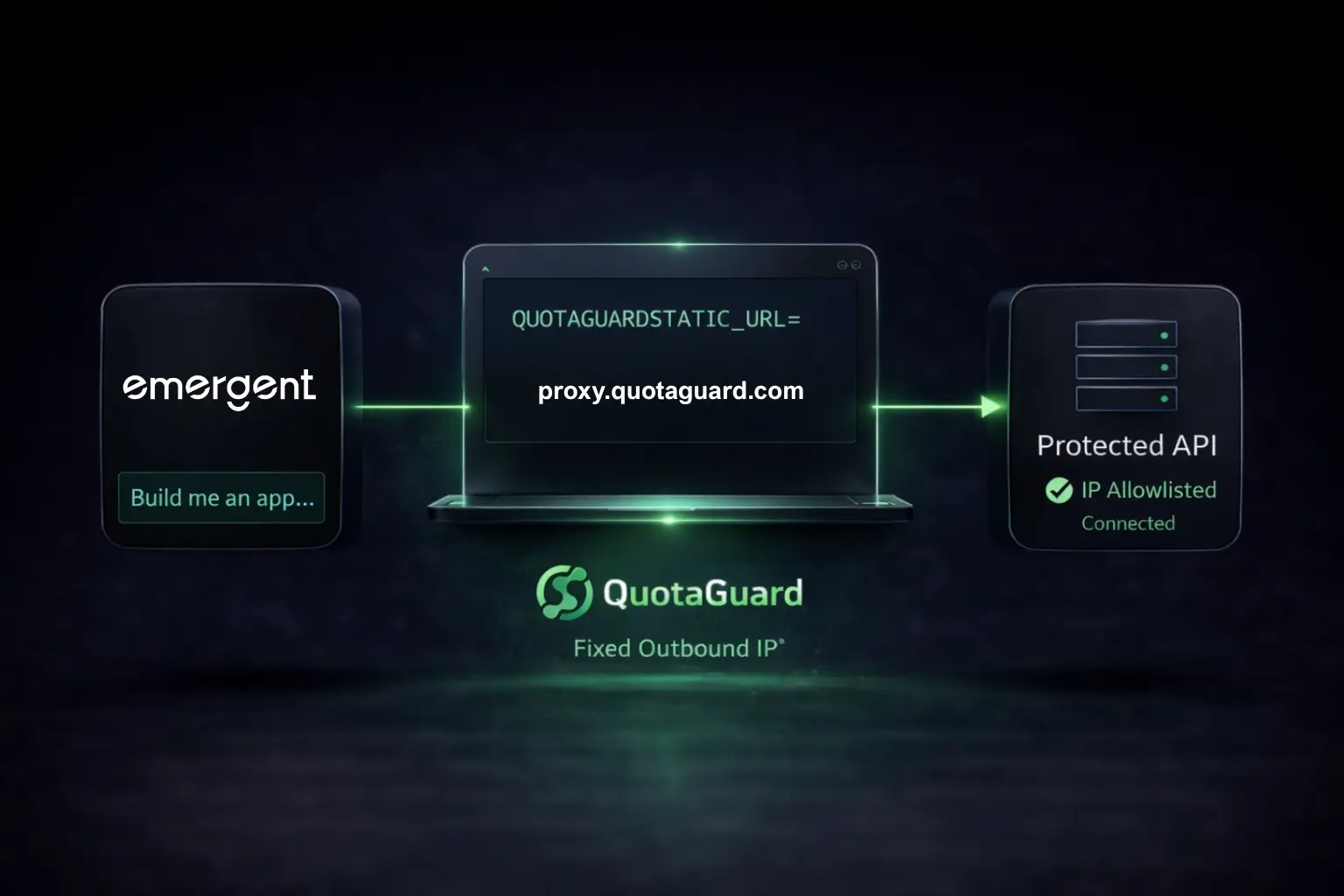
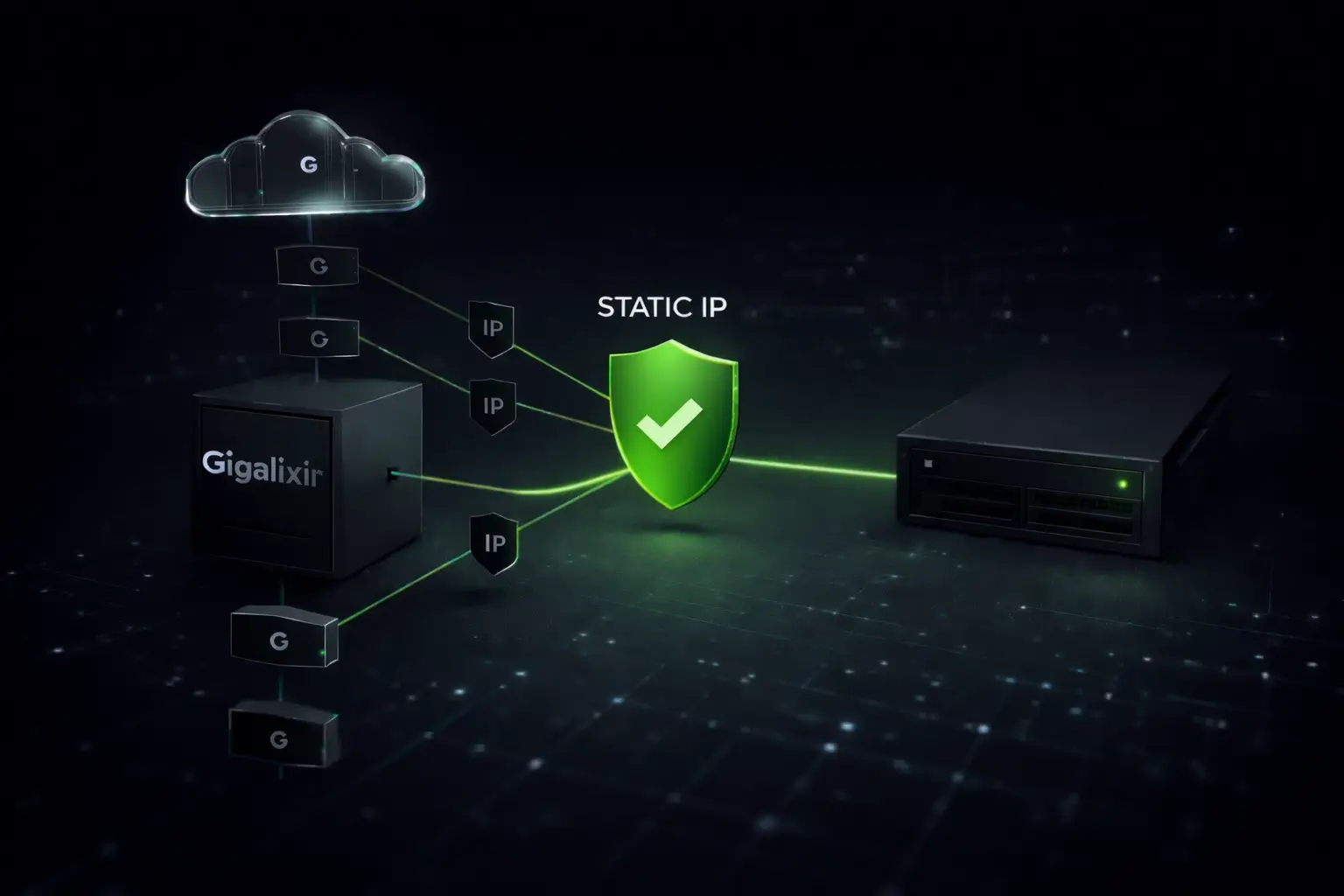
QuotaGuard Shield is a static IP proxy that runs on AWS. Your app stays on whatever platform you're using. Your Upstox API calls route through QuotaGuard's dedicated egress IP. Upstox sees that IP. You register it once. It never changes.

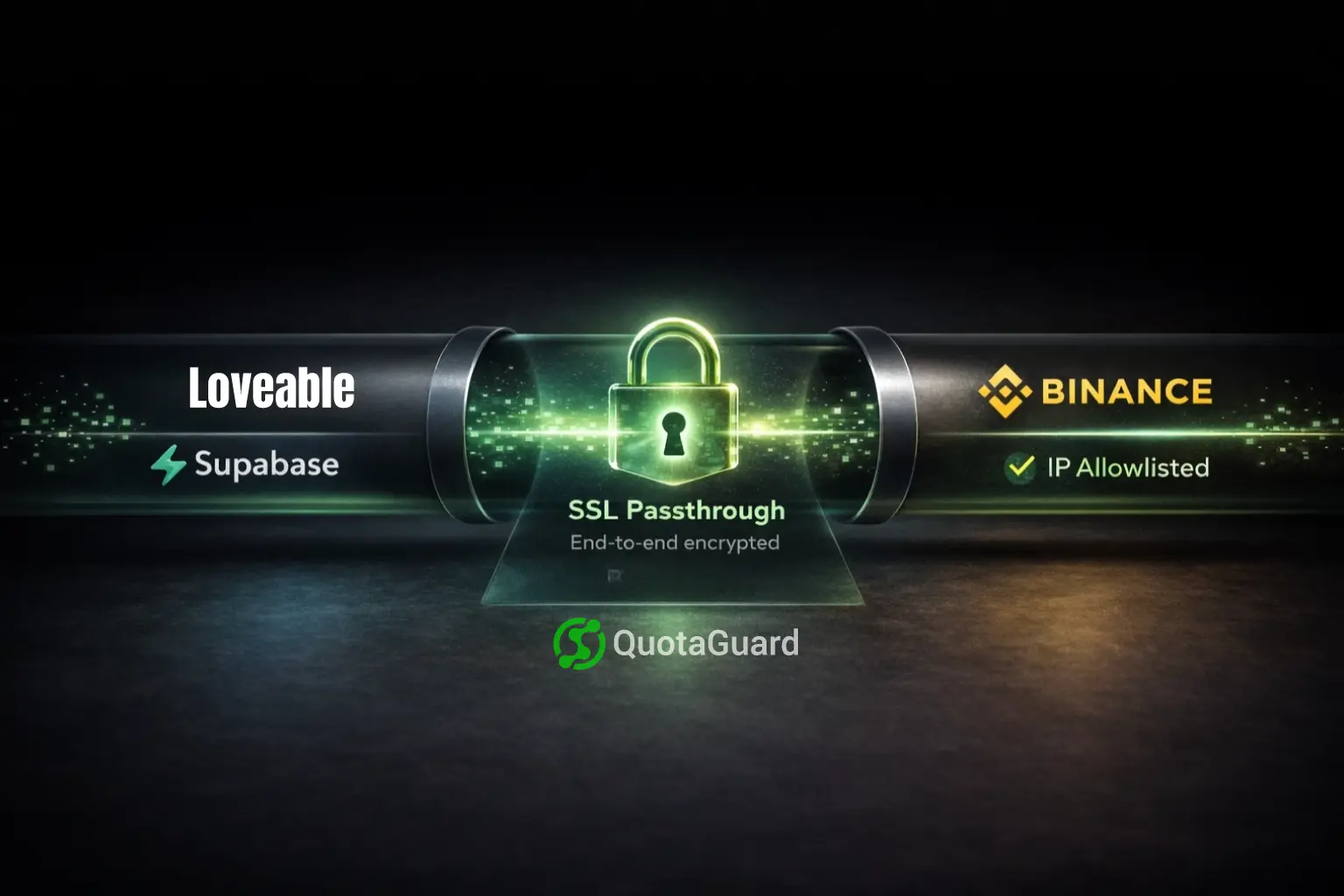
QuotaGuard Shield uses SSL passthrough. It routes your encrypted traffic without decrypting it. Your Upstox credentials and order data are never exposed to the proxy.

On the Enterprise plan, each account gets a dedicated IP that is exclusively yours. SEBI's requirement is traceability: the IP must map to you specifically. Lower-tier plans assign static IPs, but those IPs may be shared across customers. As we've discovered, Indian brokers are rejecting IPs that were previously registered by another user. See the important update at the top of this post.

Our test confirmed it: QuotaGuard Shield's AWS IPs (AS16509) reach api.upstox.com with no network-layer block. Upstox's own documentation endorses AWS IPs as compliant. You're on the same network.

On Any Platform (Direct Signup)

Sign up at quotaguard.com/products/pricing. Get your proxy URL and static IP from the dashboard. Then set the environment variable in your platform's settings:

QUOTAGUARDSHIELD_URL=http://username:password@proxy.quotaguard.com:9293

On Heroku

Install the add-on:

heroku addons:create quotaguardshield:starter --app your-app-name

This sets QUOTAGUARDSHIELD_URL automatically. Log into the QuotaGuard dashboard to find your static IP. That's the IP you'll register with Upstox.

Python Code: requests Library

import os
import requests

# On Heroku: set automatically by the QuotaGuard Shield add-on.
# On other platforms: set QUOTAGUARDSHIELD_URL in your environment variables.
proxy_url = os.environ['QUOTAGUARDSHIELD_URL']

proxies = {
    'http': proxy_url,
    'https': proxy_url,
}

# All Upstox API calls now go out through your dedicated static IP.
response = requests.get(
    'https://api.upstox.com/v2/user/profile',
    headers={'Authorization': f'Bearer {access_token}'},
    proxies=proxies,
)
print(response.status_code)  # 200 once your IP is registered

Python Code: upstox-python-sdk

The official Upstox SDK uses urllib3 under the hood. Set the proxy environment variables before the SDK imports and it picks them up automatically:

import os

# Set these before importing the SDK.
proxy_url = os.environ['QUOTAGUARDSHIELD_URL']
os.environ['HTTPS_PROXY'] = proxy_url
os.environ['HTTP_PROXY'] = proxy_url

# Now import and use the SDK as normal.
import upstox_client

configuration = upstox_client.Configuration()
configuration.access_token = access_token

api_instance = upstox_client.UserApi(upstox_client.ApiClient(configuration))
profile = api_instance.get_profile('2.0')

Register the IP With Upstox

Find your static IP in the QuotaGuard dashboard. Then follow Upstox's own static IP setup guide on their developer community forum. Registration is done through the Upstox API portal in your account settings.

Run a single test request before going back to production. Confirm the response is 200, not a block. Then deploy.

The VPS Alternative Costs More Time Than Money

The Upstox developer forums recommend spinning up an AWS EC2 instance with an Elastic IP or a DigitalOcean Droplet with a reserved IP. Upstox explicitly endorses both.

Are you a trader or are you trying to run 24-/7 devops as your primary goal with a little trading on the side. That's the question...

The numbers: a DigitalOcean Droplet runs about $6/month. A reserved IP adds roughly $4/month. Call it $10/month total.

The real cost is time and maintenance. You own the server. You handle OS updates, security patches, SSH key rotation, and uptime monitoring. You need a deployment workflow to push code changes to it. If you're already on a cloud platform, you're giving up the deployment tooling you've built.

If you want to minimize monthly spend and you're comfortable with DevOps, the VPS route works. If you want to be back online today without learning server administration, the proxy route is faster. QuotaGuard Shield's Production plan is $49/month. That's the math.

Latency Won't Affect Your Strategy

QuotaGuard Shield adds roughly 10 to 50ms per request for the proxy hop. That matters for HFT. It doesn't matter for you.

The SEBI static IP mandate is an authentication requirement. It's not about execution speed. The broker checks your IP when it verifies your session. That's a one-time check at connection time. It's not a per-order overhead applied to every trade.

The developers hitting this block are running intraday systematic strategies, options bots, or daily momentum systems on cloud platforms. They're not co-located HFT firms. For strategies that live on cloud PaaS platforms, 20 to 50ms of additional latency on authentication calls doesn't affect P&L.

If your architecture needs to authenticate through the proxy but execute direct, that's a valid setup. For most bots, routing all API traffic through QuotaGuard Shield is simpler and fully adequate.

Get Your Upstox Bot Back Online

Sign up at quotaguard.com/products/pricing. Set QUOTAGUARDSHIELD_URL in your environment. Update your code to route through it. Register the IP with Upstox.

The same static IP works across all brokers. If you're also running strategies through Zerodha, Kotak Neo, or Dhan, one QuotaGuard Shield subscription covers all of them.

QuotaGuard Static IP Blog

Practical notes on routing cloud and AI traffic through Static IPs.

Reliability Engineered for the Modern Cloud

For over a decade, QuotaGuard has provided reliable, high-performance static IP and proxy solutions for cloud environments like Heroku, Kubernetes, and AWS.

Get the fixed identity and security your application needs today.